Perfect For Content Creators
Elevate Your Content With Streaming Audio Visuals
Musicians and creators need reliable tools. An Itunes Music Visualizer provides precise control over dynamic video elements to match your exact aesthetic requirements.

Independent Artists
Stop struggling with complex video editing software that drains your time. Generate professional personal MVs quickly using our intuitive platform. You gain complete creative control over the final output without needing technical expertise.

Social Media Influencers
Keep your audience engaged longer with eye-catching content. Produce captivating streaming music visuals that make your audio content stand out on every feed. Maximize your reach with high-retention video formats.

Podcast Producers
Turn standard audio episodes into highly shareable video clips for promotional use. The system ensures stable rendering for long format content, allowing you to highlight key moments with dynamic visual accompaniment effortlessly.
Simple Three Step Process
Master The Music Visualizer For Apple Music
Transform audio files into engaging videos effortlessly. Our platform ensures you can process tracks directly and maintain complete control over the final output.
Upload Your Audio Track
Import your chosen song directly into the secure system interface. The advanced engine analyzes beats, rhythms, and frequencies instantly to ensure accurate synchronization for your upcoming video project.
Customize Visual Elements
Select specific wave colors, dynamic effects, and typography styles. You maintain complete control over how the streaming visualizers react to your audio, ensuring the result aligns perfectly with your brand identity.
Export The Final Video
Process your customized project with a single click of a button. The cloud infrastructure handles the heavy lifting, delivering high-resolution files ready for immediate publishing across all your social channels.
Advanced Visual Control
Unlock Professional Features In Apple Music Visualizer
Experience unmatched stability and rendering speed. This Apple Music Visualizer guarantees precise synchronization between your audio beats and dynamic visual elements every time.
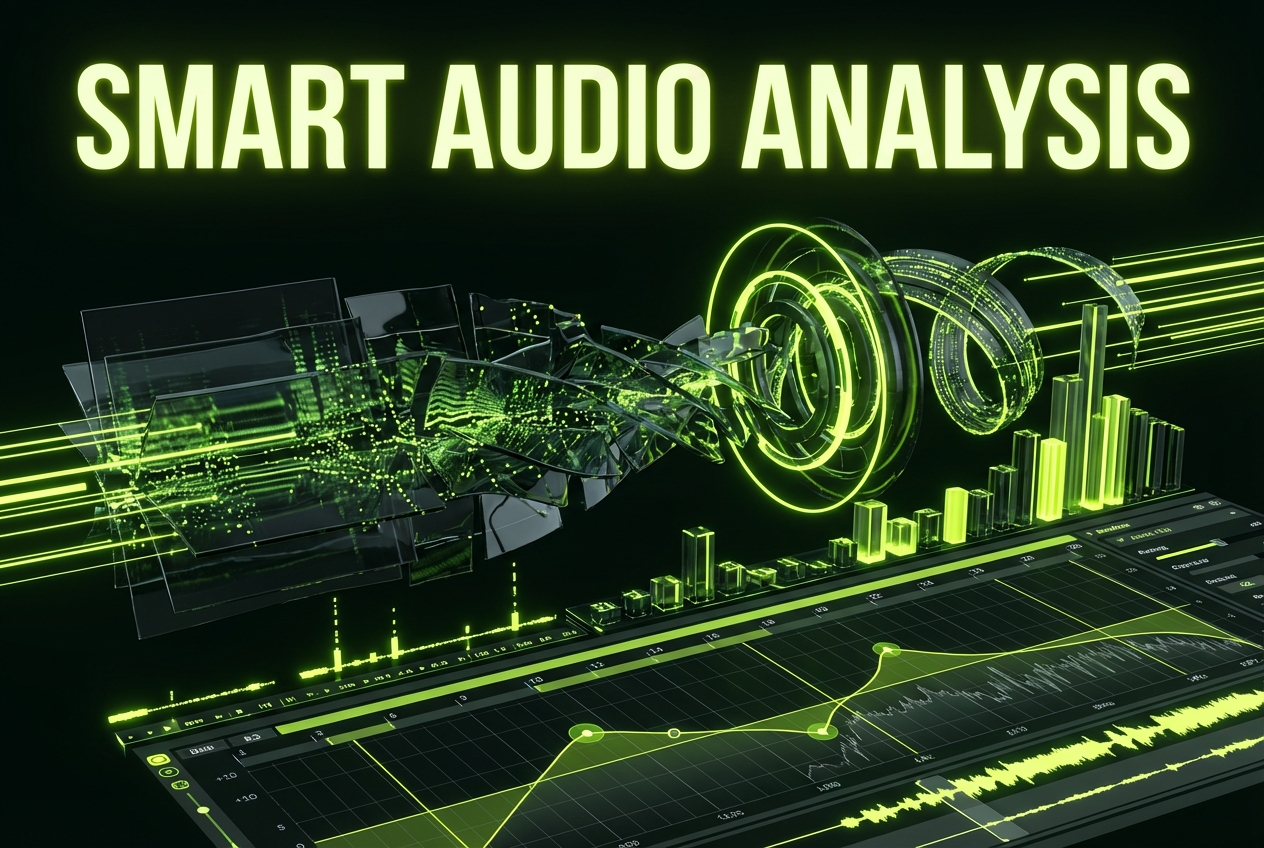
Smart Audio Analysis
Achieve perfect beat matching without the hassle of manual keyframing. The system processes complex audio frequencies to generate highly accurate streaming visualizers automatically, saving you hours of tedious editing work.
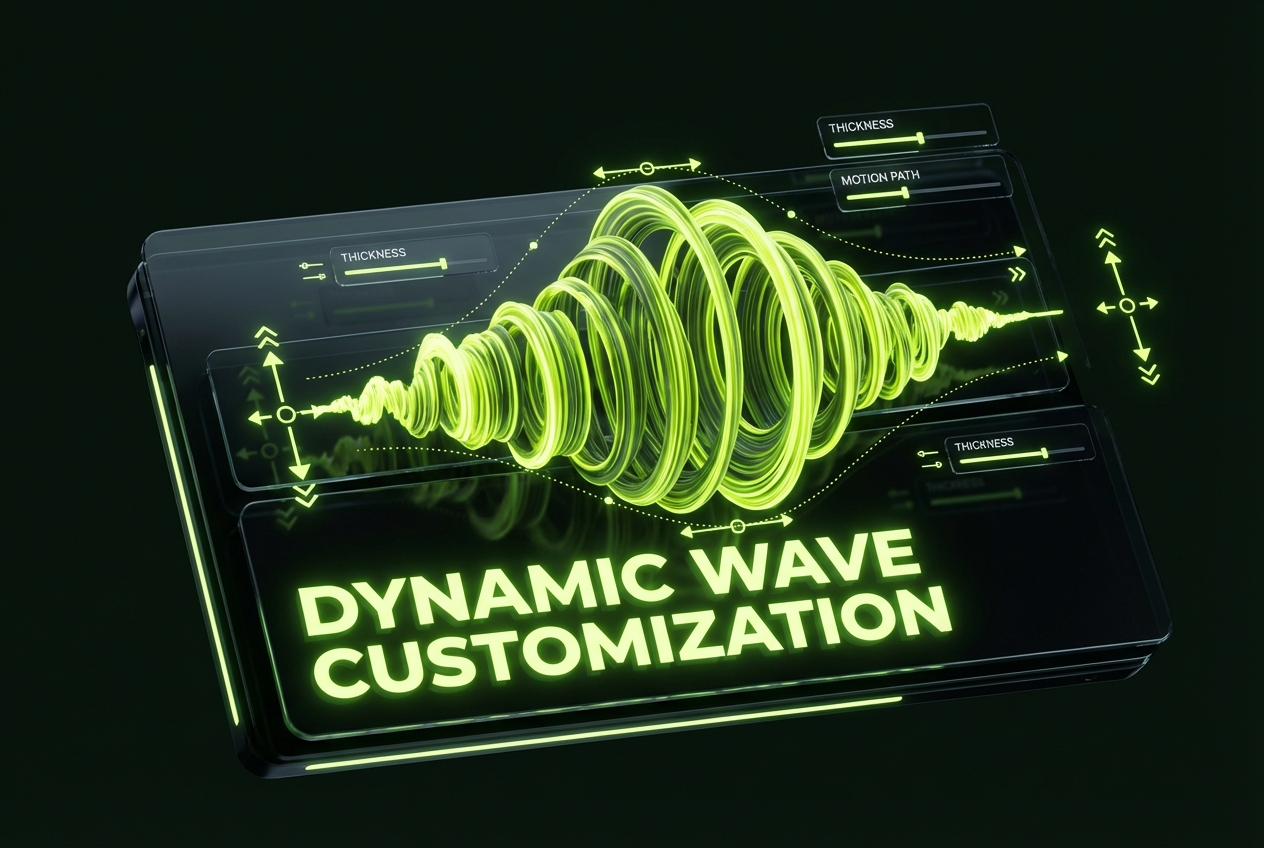
Dynamic Wave Customization
Match your unique brand identity exactly through precise visual controls. Adjust wave colors, thickness, and motion styles within the Itunes Music Visualizer to ensure a consistent and professional visual output every single time.
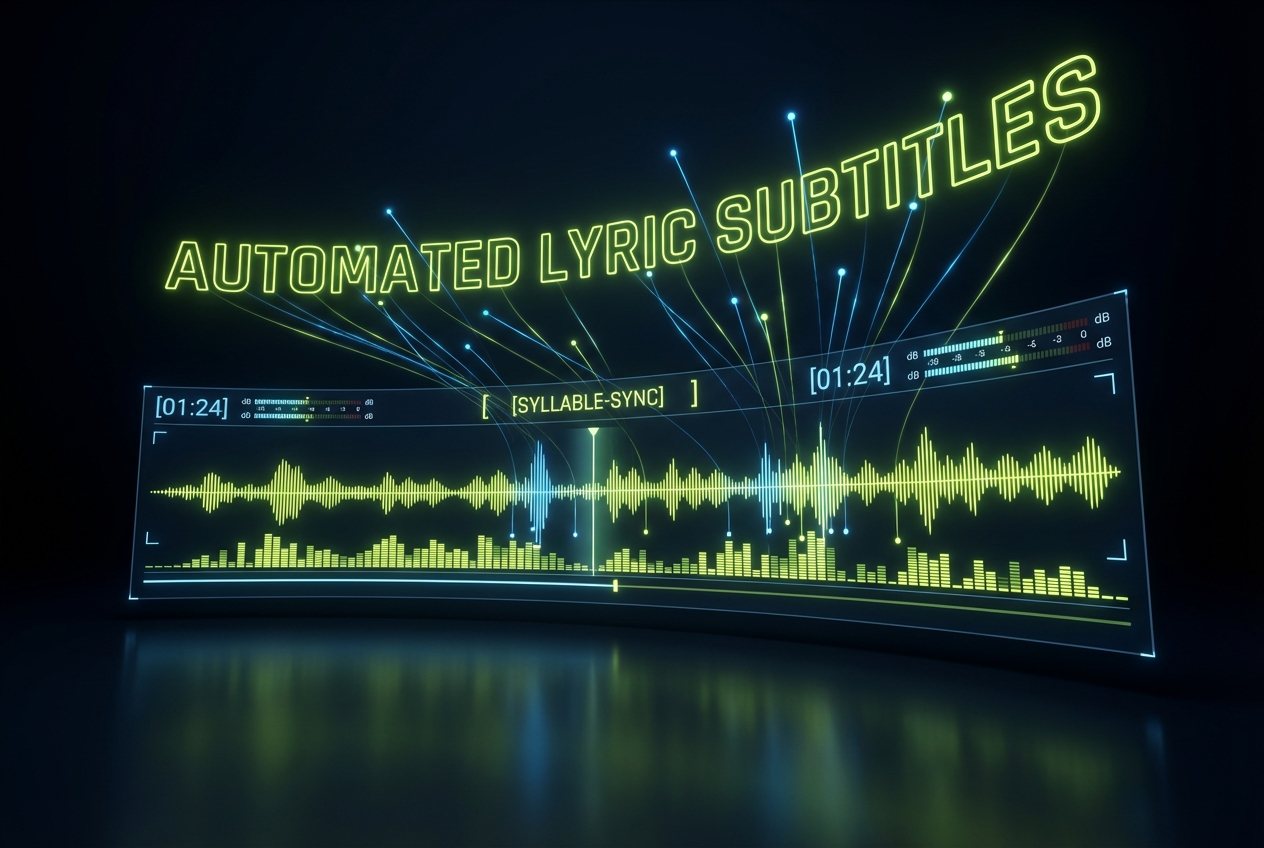
Automated Lyric Subtitles
Increase viewer retention and accessibility with perfectly timed readable text. The engine extracts and animates lyrics using multiple premium font styles, creating clear and engaging streaming music visuals for your audience.
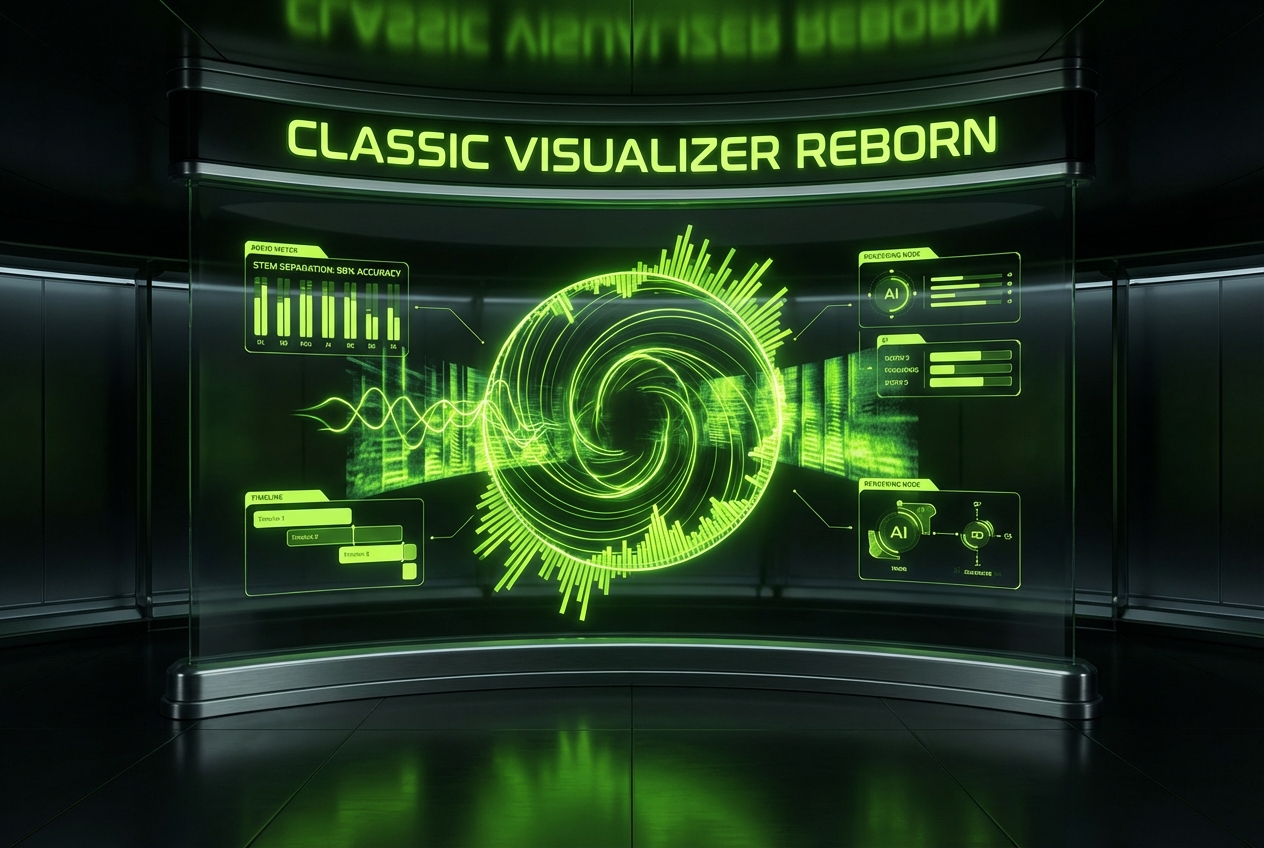
Nostalgic Style Options
Recreate classic aesthetics instantly for specific thematic projects. Access curated templates inspired by the Old Apple Music Visualizer while maintaining modern high-definition rendering quality and smooth frame rates throughout the video.
Frequently Asked Questions
How do I execute an Apple Music Visualizer Download for my completed video projects?
Once your video finishes rendering, a direct link appears on your secure dashboard. Click the designated button to execute the Apple Music Visualizer Download and save the high-resolution MP4 file directly to your local storage.
Does the Apple Music Visualizer Pc version offer better rendering speeds than mobile browsers?
Both platforms utilize our robust cloud-based processing engine to ensure consistent performance. You will experience the exact same fast rendering times and high-quality output whether you use the Apple Music Visualizer Pc version or a mobile browser.
Can I use the Apple Music Visualizer Iphone interface to edit my visual settings?
Yes, the mobile interface provides comprehensive access to all customization tools. You can adjust wave colors, fonts, and dynamic effects directly from your smartphone screen using the Apple Music Visualizer Iphone layout.
What types of audio files work best with these online streaming audio visuals?
The system supports standard formats like MP3 and WAV for optimal beat detection. High-quality audio inputs naturally produce more precise and responsive visual animations for your online video projects.
Are the templates similar to the Old Apple Music Visualizer from previous software versions?
We offer specific retro templates that emulate those classic visual styles perfectly. However, they are built entirely on modern rendering technology to ensure crisp, high-definition output unlike the original Old Apple Music Visualizer.

Start Creating With The Best Apple Music Visualizer
Generate professional streaming visualizers instantly and elevate your audio content to the next level today.