Why Choose Musicai AI
Build Your Story Music Video With Precise Control
Transform your tracks into a compelling story music video. Our AI story music video generator ensures stable visuals and exact beat synchronization.
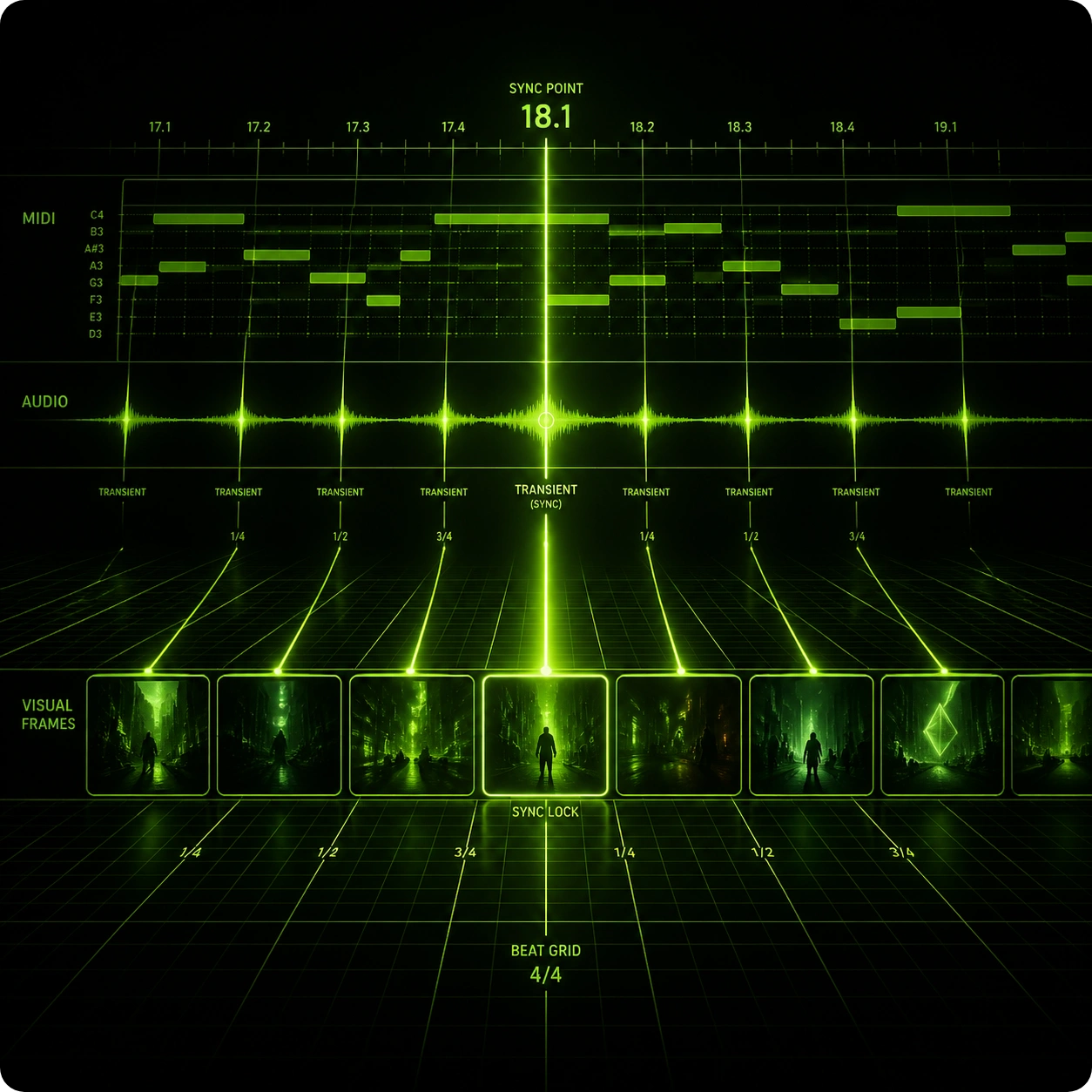
Exact Beat Matching
Achieve perfect synchronization between your audio tracks and visual transitions. The system analyzes rhythms and tempos to generate video with AI that aligns flawlessly with every beat, ensuring your final output looks highly professional and polished.
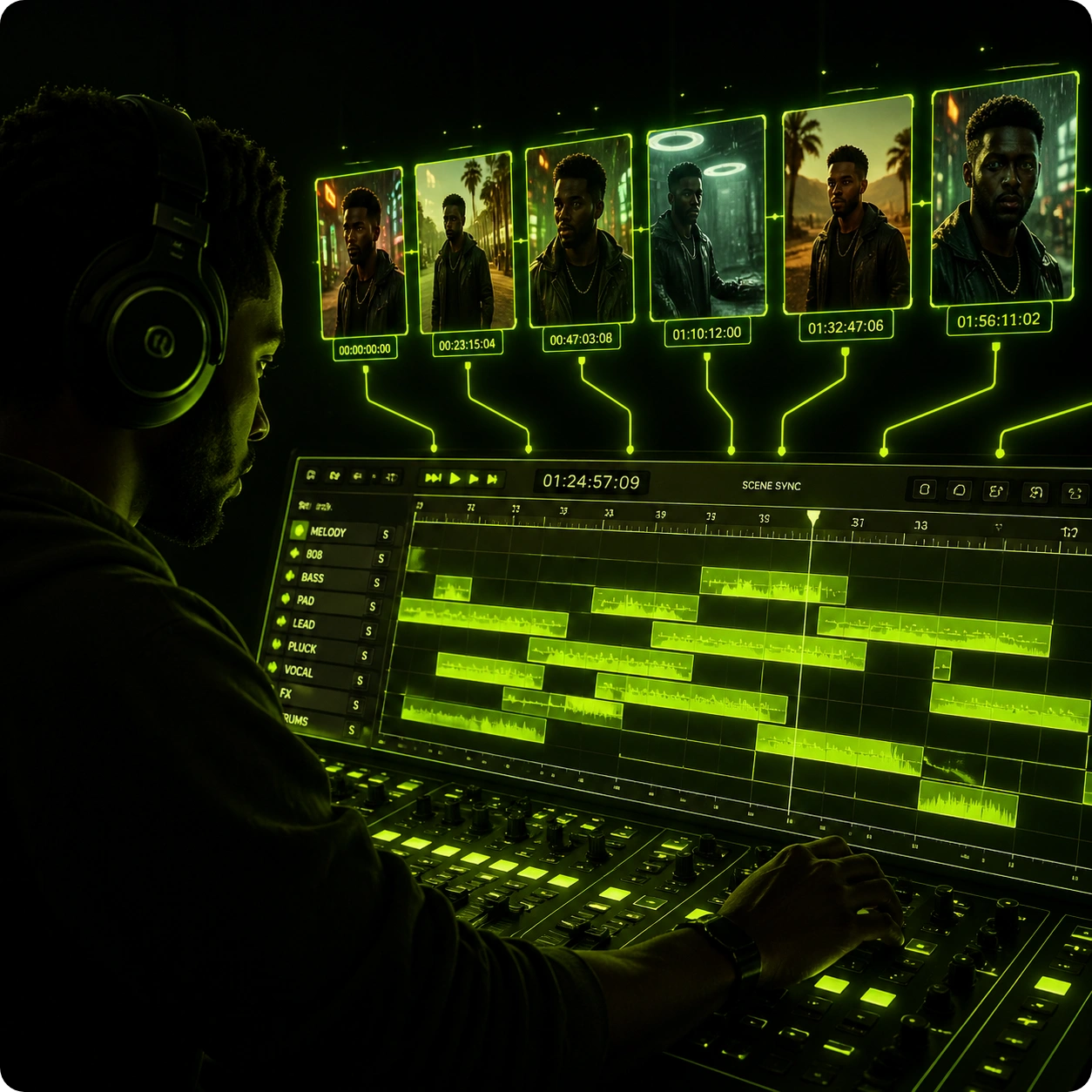
Consistent Character Control
Maintain strict visual stability across all your scenes. Select specific actors and art styles to ensure your narrative video remains cohesive from the first frame to the last, giving you complete authority over the visual identity.
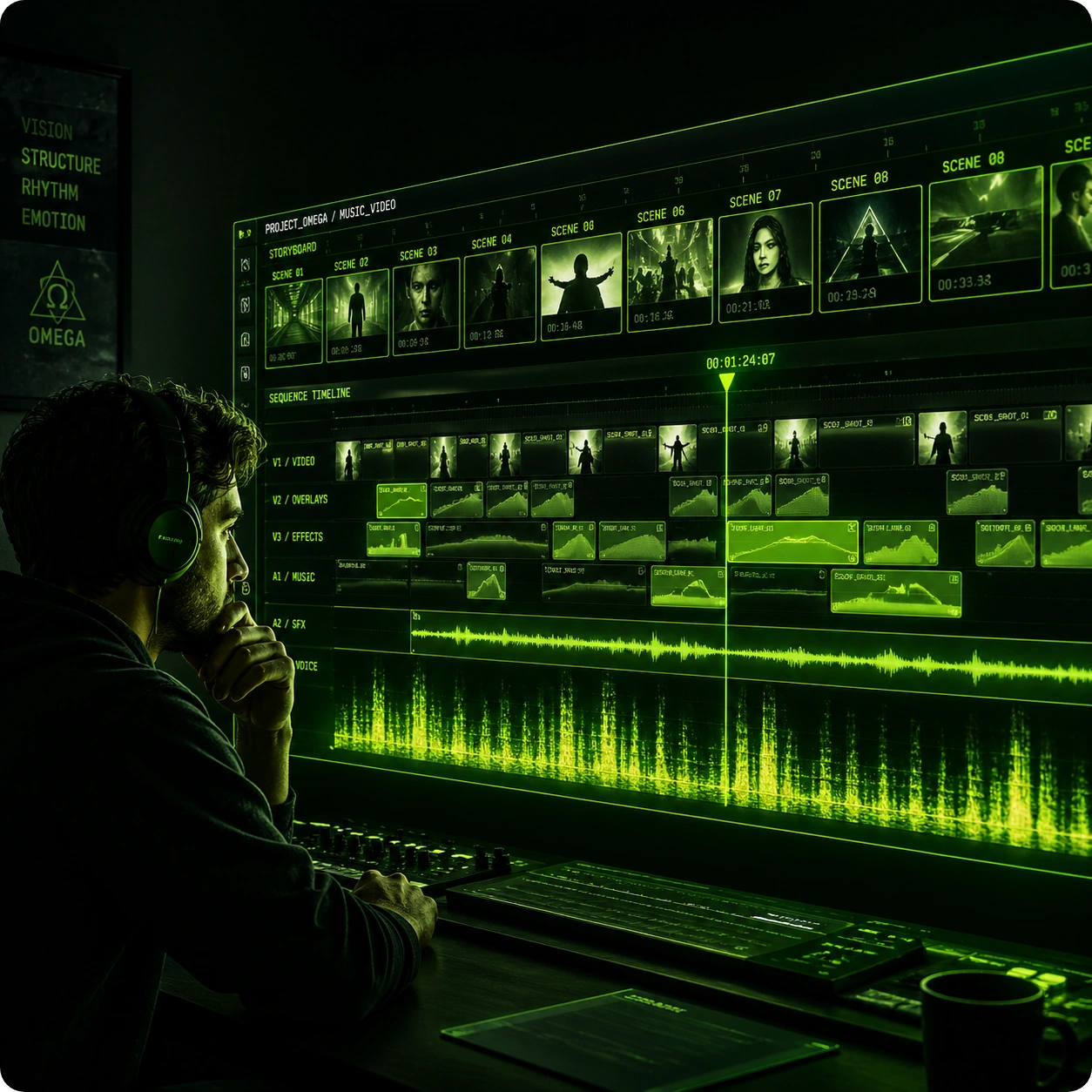
Advanced Storyboard Preview
Review and adjust scene sequences meticulously before final rendering. This story to video AI workflow provides a comprehensive storyboard preview, allowing you to modify specific shots and guarantee the visual output matches your exact expectations.
Master The Creation Process
Produce Visuals From Audio Tracks Efficiently
Upload your track and let the advanced engine handle the complex rendering. You maintain full control over visual styles and specific character details.
Upload Audio Or Link
Import your music file directly or paste a valid link into the platform. The audio to video engine immediately processes the tempo, structural elements, and mood to prepare a solid foundation for your upcoming visual project.
Define Visual Elements
Choose your preferred aspect ratios, actor profiles, and specific art styles. You can input your detailed plot requirements manually or allow the AI story video creator to draft a cohesive and engaging storyline automatically.
Render And Download
Preview the generated storyboard to verify scene accuracy and flow. Once you approve the sequence, finalize the rendering process and download your high quality visual content instantly, ready for distribution across any major platform.
Explore Core Capabilities
Advanced Features For Your Story Music Video
Execute complex visual projects efficiently. Every tool inside this platform is designed to deliver high quality predictable results for your creative workflow.
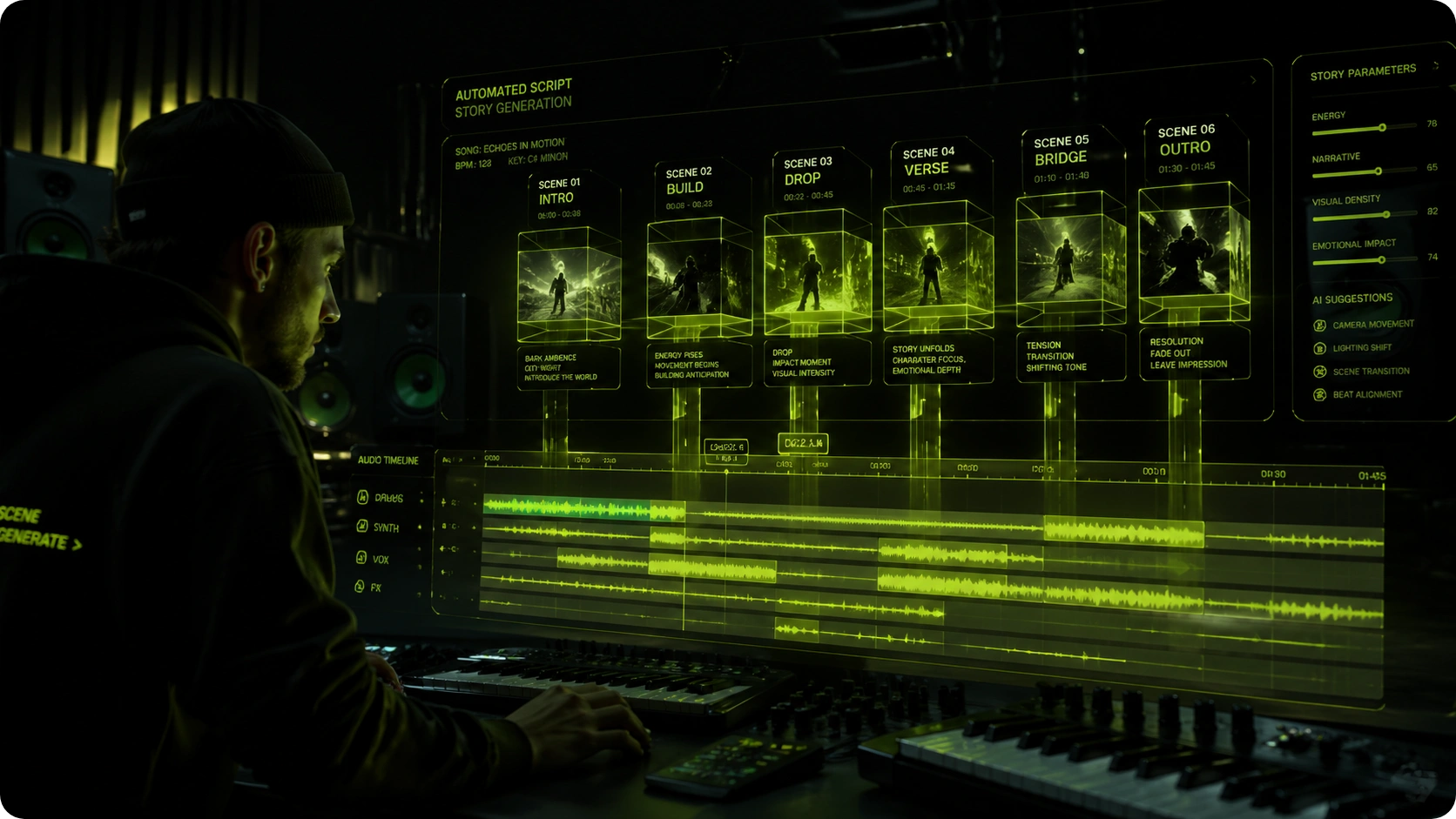
Automated Plot Generation
Skip the intimidating blank page phase entirely. The system analyzes your audio mood and tempo to draft a structured narrative video script that fits your exact duration, saving you hours of manual planning and conceptualization.
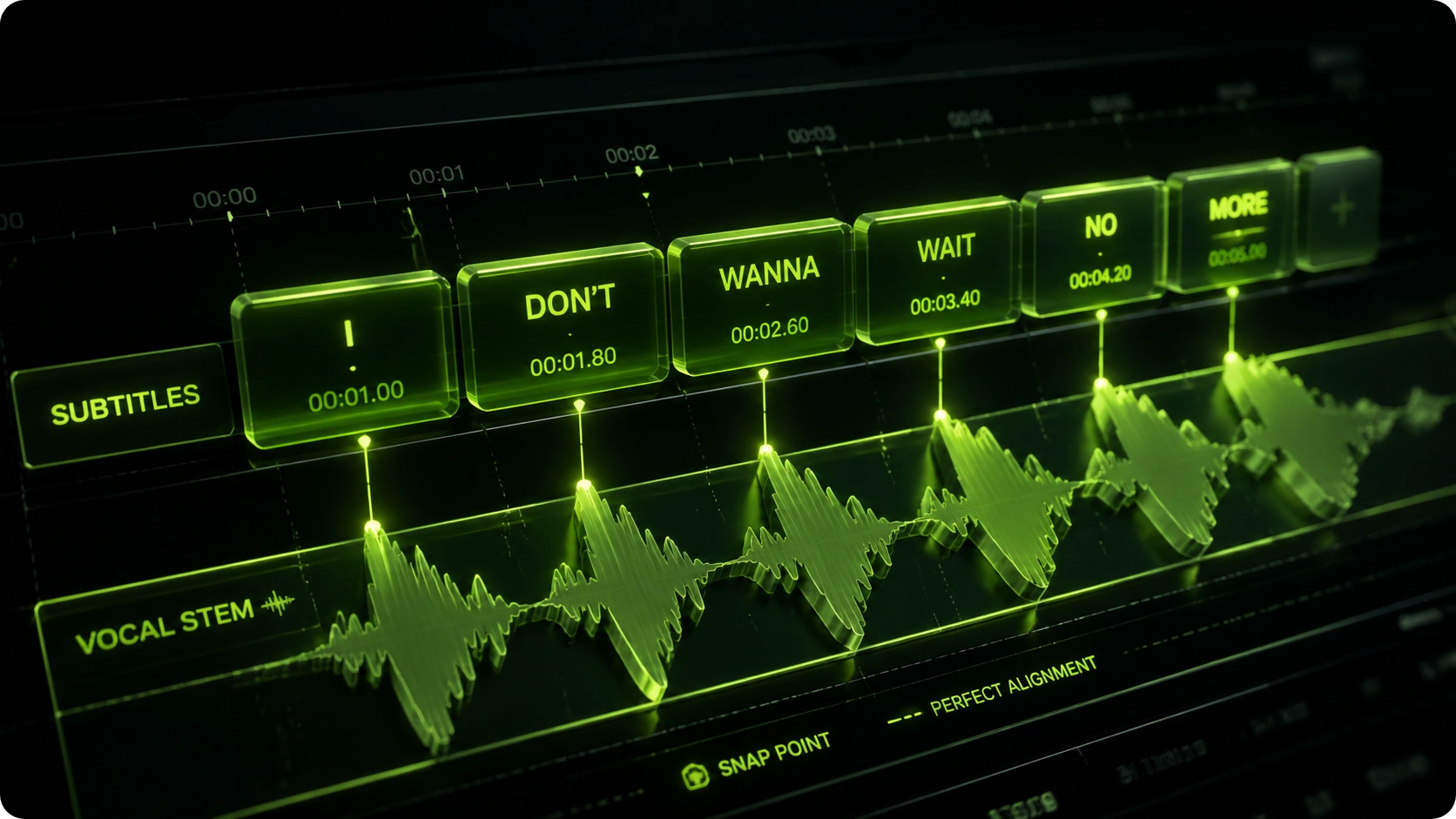
Dynamic Subtitle Integration
Display lyrics or dialogue automatically without manual timing adjustments. The AI story music video generator syncs text perfectly with vocal cues, enhancing viewer retention and ensuring your audience stays fully engaged throughout the entire playback.
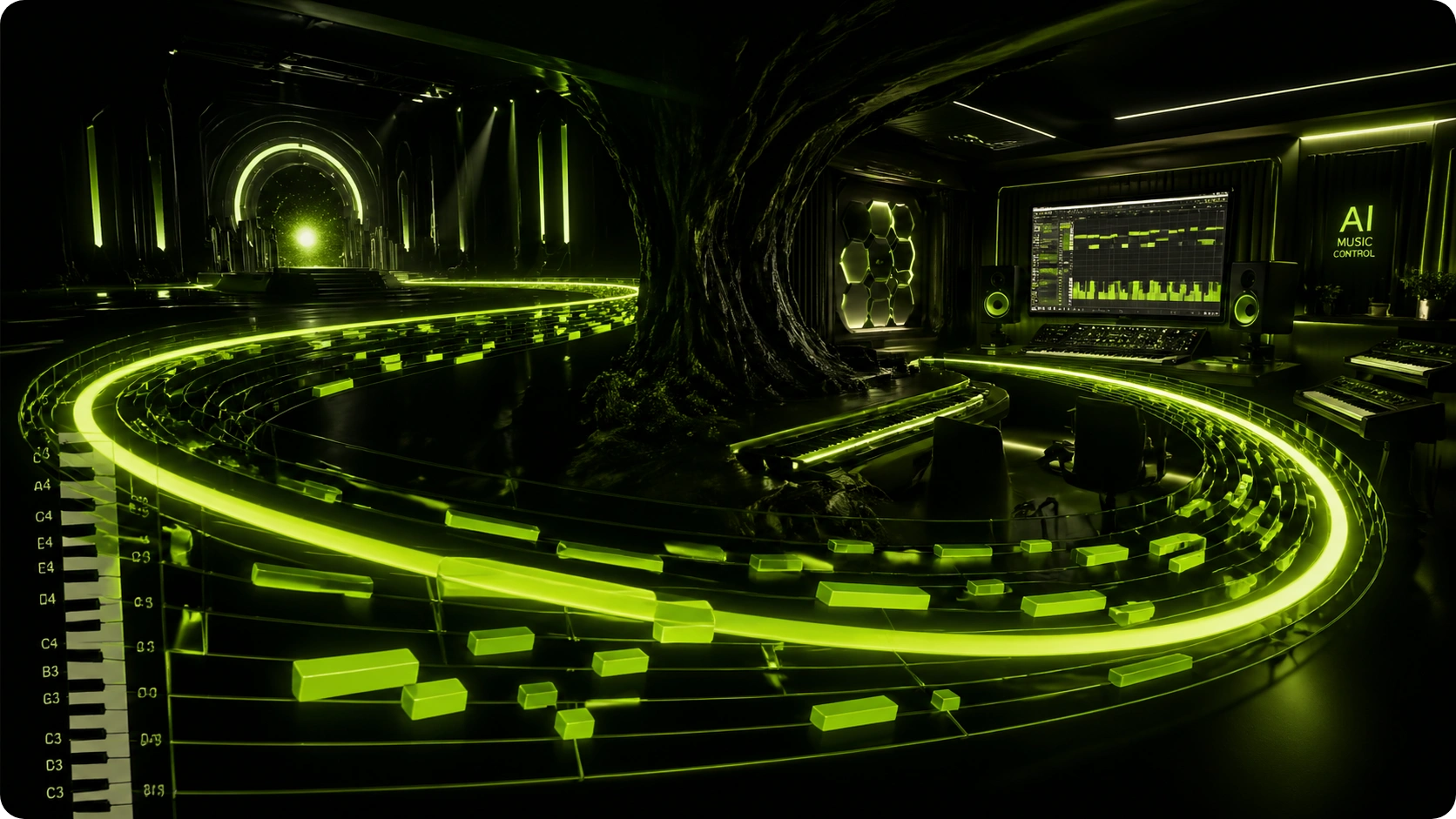
Continuous Shot Effects
Create smooth and logical transitions between distinct scenes. Generate video with AI that avoids jarring cuts, maintains a professional cinematic flow, and ensures your visual storytelling remains uninterrupted and visually appealing from start to finish.
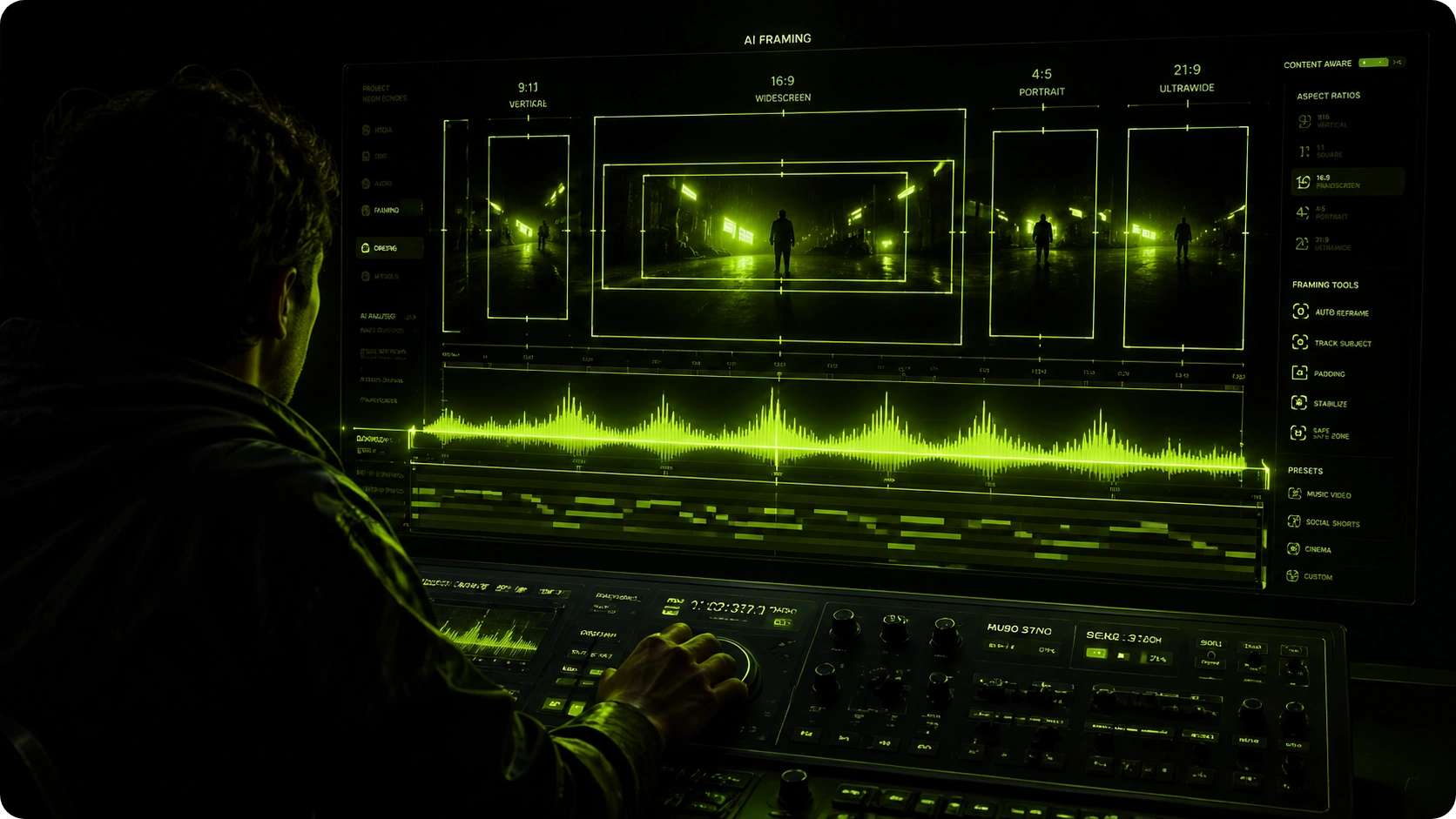
Custom Aspect Ratios
Format your output for any social media platform instantly. This story to video AI adapts framing for vertical shorts or widescreen cinematic releases effortlessly, ensuring your content always looks its best regardless of where it is published.
Frequently Asked Questions
What audio formats does the story music video platform support?
You can upload standard audio formats like MP3 and WAV directly from your device or provide valid external links. The system efficiently processes the audio to extract precise beat and tempo data for accurate synchronization.
Can I control the actors when using the AI story video creator?
Yes you have complete authority over character selection and appearance. You can define specific actor profiles and art styles to ensure strict visual consistency and maintain a unified aesthetic across all generated scenes in your project.
How does the audio to video synchronization process actually function?
The underlying engine analyzes the waveform and frequencies of your uploaded track. It automatically aligns visual transitions continuous shots and dynamic effects with the detected musical beats to deliver a highly cohesive viewing experience.
Is it possible to edit the storyboard before final rendering?
Absolutely the platform provides a highly detailed storyboard preview interface. You can carefully adjust individual scenes modify character actions and refine subtitles before you commit to the final rendering and download the completed output.
How long does it typically take to generate video with AI?
Processing times generally depend on your track length and the selected output resolution. However most standard projects are fully rendered optimized and ready for you to download within just a few minutes of final approval.

Build Your Next Story Music Video Today
Leverage our advanced AI story video maker to transform your audio tracks into stunning visuals.