Awaiting your prompt
What is AI Lyrics Studio?
A Smarter Way to Write Song Lyrics with AI
AI Lyrics Studio is a multi-model lyric writing workspace where you describe what you want in plain language and get full song lyrics back — fast. Unlike fixed-form generators, it keeps your creative flow open. You can compare outputs from GPT-5.5, Claude, Gemini, and more, refine line by line, and send confirmed lyrics directly into music generation. It solves the gap between having an idea and having a finished, usable lyric.
How AI Lyrics Studio Works
From First Idea to Full Song in Three Steps
AI Lyrics Studio turns a rough concept into polished, ready-to-use song lyrics — pick your AI model, refine freely, and move straight into music creation.
1
Describe Your Song in Natural Language
Type what you want — mood, theme, structure, or just a feeling. No dropdowns, no fixed templates. The AI Lyrics Studio reads your input as-is and starts generating full lyrics based on exactly what you describe.
2
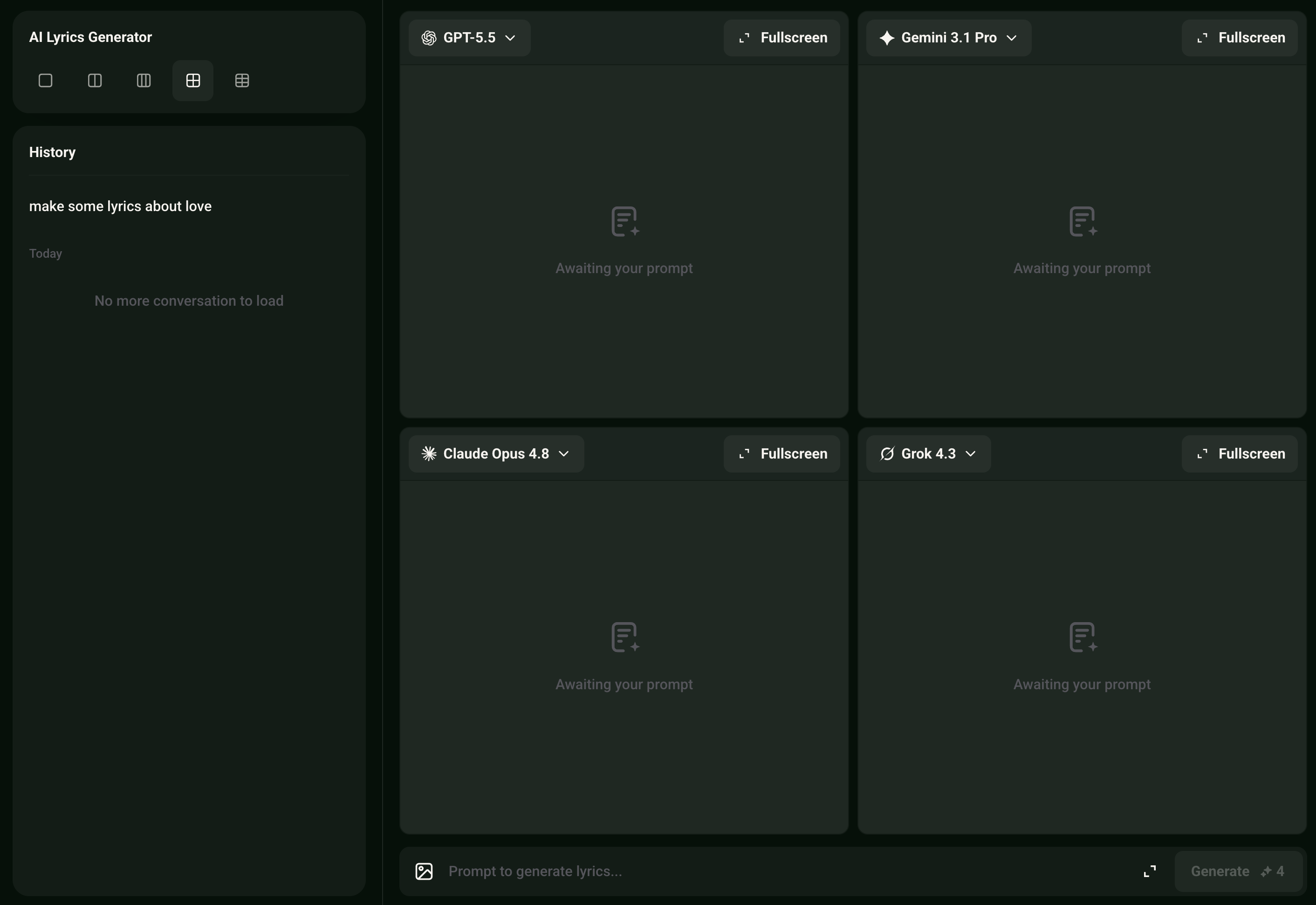
Generate, Compare, and Refine Across Models
Run your prompt through multiple AI models — GPT-5.5, Gemini 3.1 Pro, Claude Opus 4.8, Grok, Deepseek, Kimi, or Qwen — and compare results side by side. Keep refining with follow-up instructions until the lyrics feel right. No need to start over each time.
3
Confirm Lyrics and Create Your Track
Once you have a version you're happy with, hit Create Music. Your confirmed lyrics carry directly into the music generation flow — no copy-pasting, no reformatting. The whole process stays in one place.
AI Lyrics Studio Features
What Makes This AI Lyrics Studio Built Different
Every feature in AI Lyrics Studio is designed for real creative control — from multi-model output to continuous refinement and direct music handoff, all in one workspace.
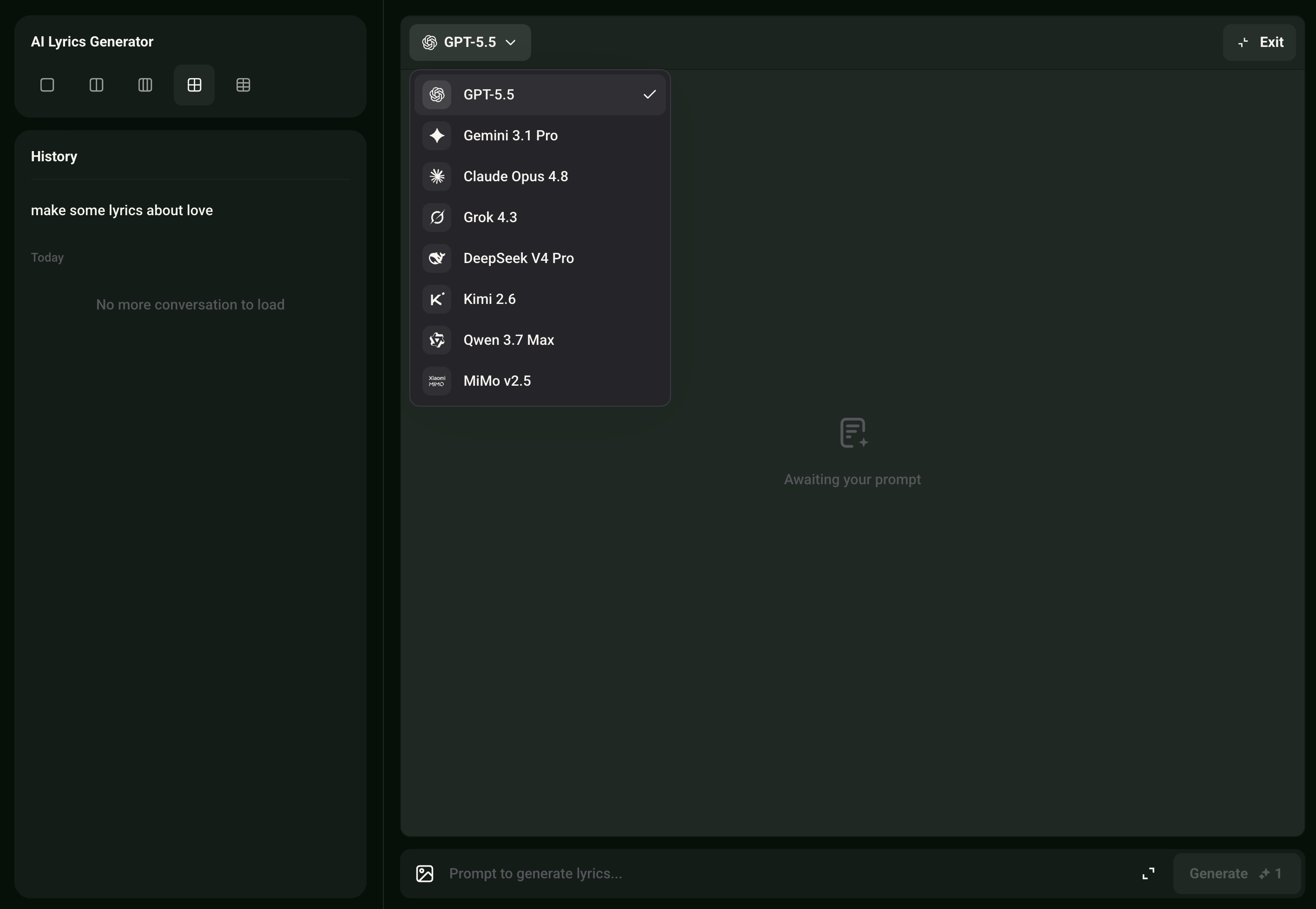
Multi-Model Output, One Prompt
Send the same lyric brief to GPT-5.5, Claude Opus 4.8, Gemini 3.1 Pro, Grok 4.3, Deepseek v4 Pro, Kimi 2.6, or Qwen 3.7 — and see how each model interprets it. Different models produce different tones, structures, and word choices. You pick the version that fits your track, not the one the tool defaults to.
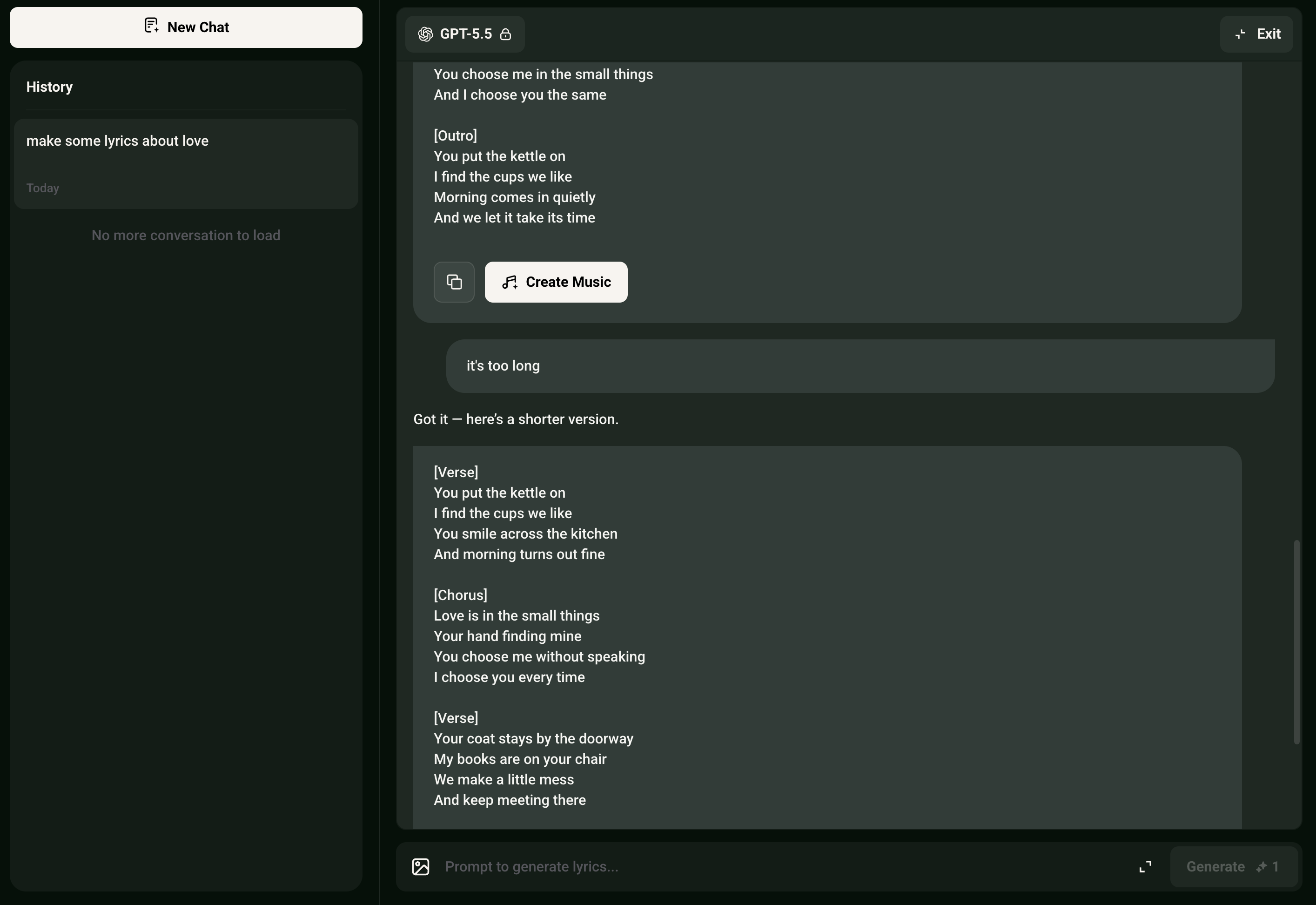
Continuous Refinement Without Restarting
Keep the conversation going after the first draft. Add a line, change the chorus tone, tighten the hook — the AI Lyrics Studio holds context across your entire session so each follow-up builds on what came before. This is how real AI song writing works, not one-shot generation.
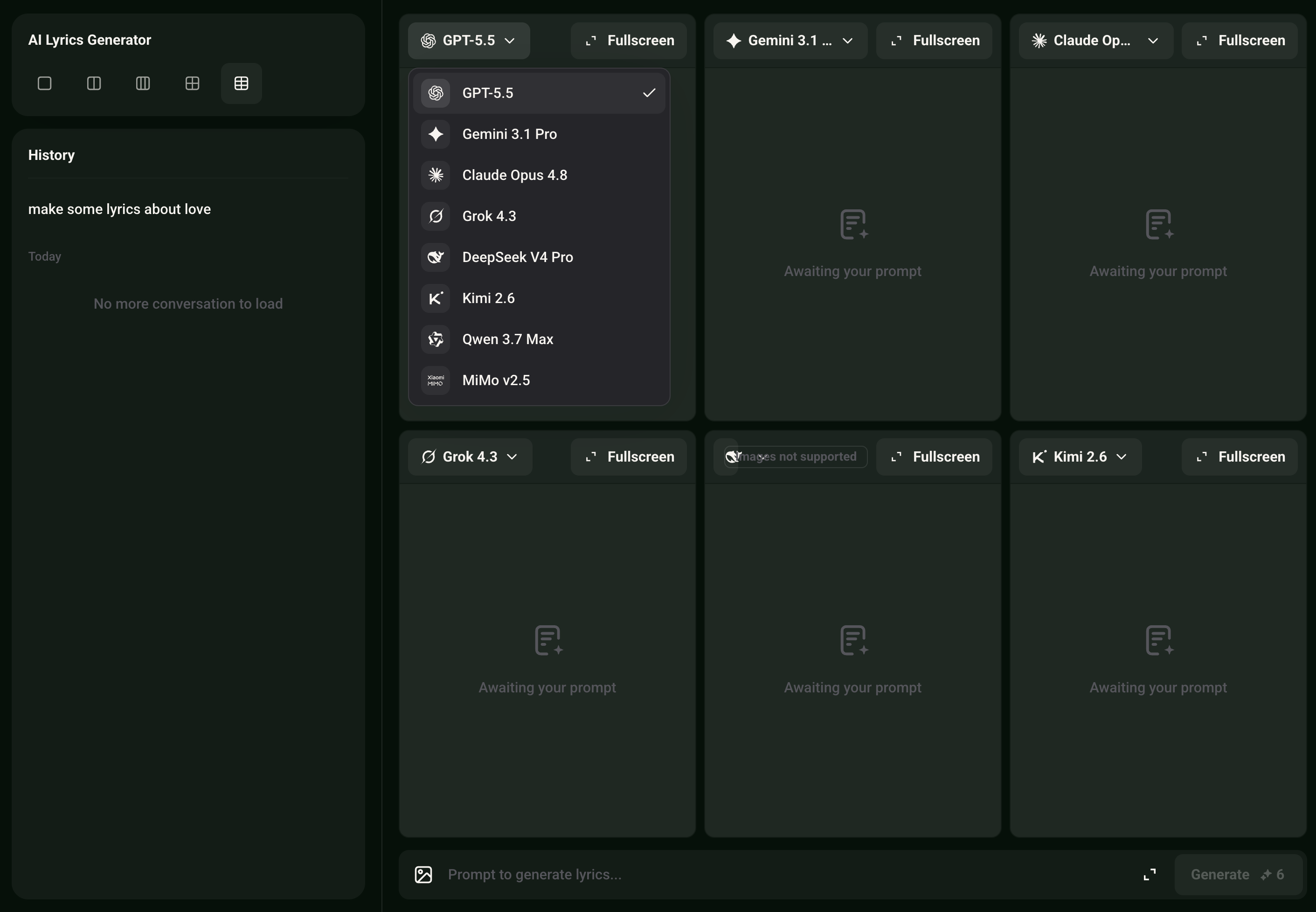
Version History and Side-by-Side Comparison
Every generated version is saved automatically. Pull up two drafts and compare them directly — structure, rhyme scheme, word density. You decide which version to keep, merge, or discard. No guesswork about what changed between iterations.
Frequently Asked Questions
Which AI models are available for generating song lyrics online?
Musicai AI currently supports GPT-5.5, Gemini 3.1 Pro, Claude Opus 4.8, Grok 4.3, Deepseek v4 Pro, Kimi 2.6, and Qwen 3.7. Each model handles tone, structure, and vocabulary differently, so running the same prompt across multiple models gives you a real range of options to choose from.
Can I use the generated lyrics commercially without copyright issues?
Lyrics generated from scratch by the AI inside Musicai AI are royalty-free for your use. Since the content is created entirely by the AI based on your input — with no third-party samples or existing copyrighted material involved — you retain full rights to what gets produced.
How is this different from a standard AI lyrics generator form?
Most AI lyrics generator tools give you a fixed form — genre, mood, keyword — and return one result. This workspace lets you write in plain language, run multiple models, compare outputs, and keep refining in the same session. The creative process stays open rather than being locked to preset options.
Does the best AI song writing tool require any music production experience?
No prior experience is needed. You describe what you want in plain text — a theme, a feeling, a song structure — and the AI handles the rest. The interface is built for writers and creators at any level, not just producers or professional songwriters.
What happens to my lyrics data and session history on Musicai AI?
Your session history and generated versions are saved to your account and accessible only to you. Musicai AI does not use your lyric inputs to train models or share them with third parties. You can delete your history at any time from your account settings.

Write Better Song Lyrics with AI Lyrics Studio
Pick your AI model, write song lyrics your way, and move straight into music creation — all in one place.
Multi-Model Writing • Royalty-Free Lyrics