
The Best AI Vocal Remover
See AI Vocal Removal in Action
Watch how full songs are transformed into isolated vocals or clean instrumentals with our AI Vocal Separator. Ideal for creating karaoke tracks, remix-ready stems, or project-ready audio.

Target Audience
Who Needs Professional Audio Separation Results
Our Vocal Splitter empowers creators to isolate vocals efficiently. Whether you need an ai vocal isolator for remixing or practice, we deliver studio-quality stems.
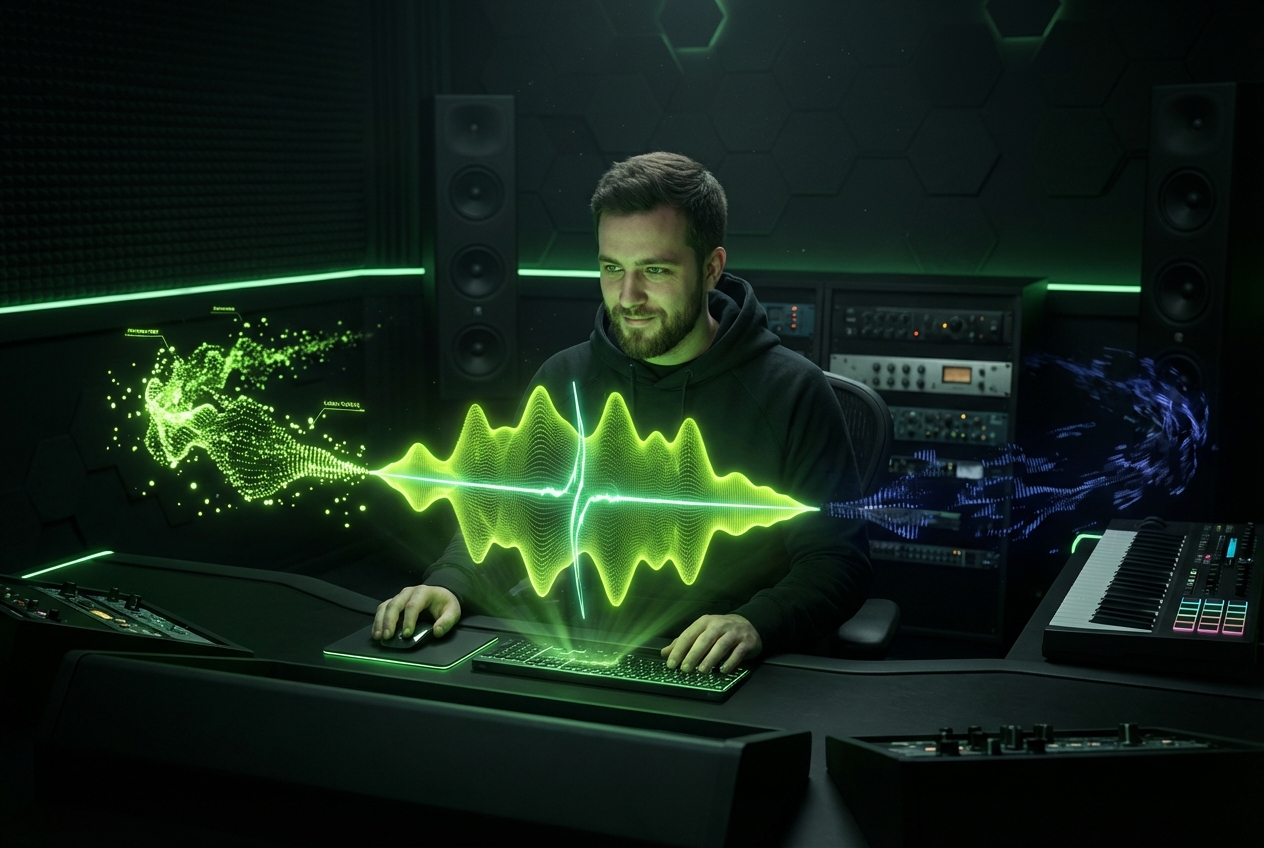
Music Producers & DJs
Extract clean acapellas and instrumentals for remixes or mashups. This tool helps you separate vocals from music to create unique samples for your next track.
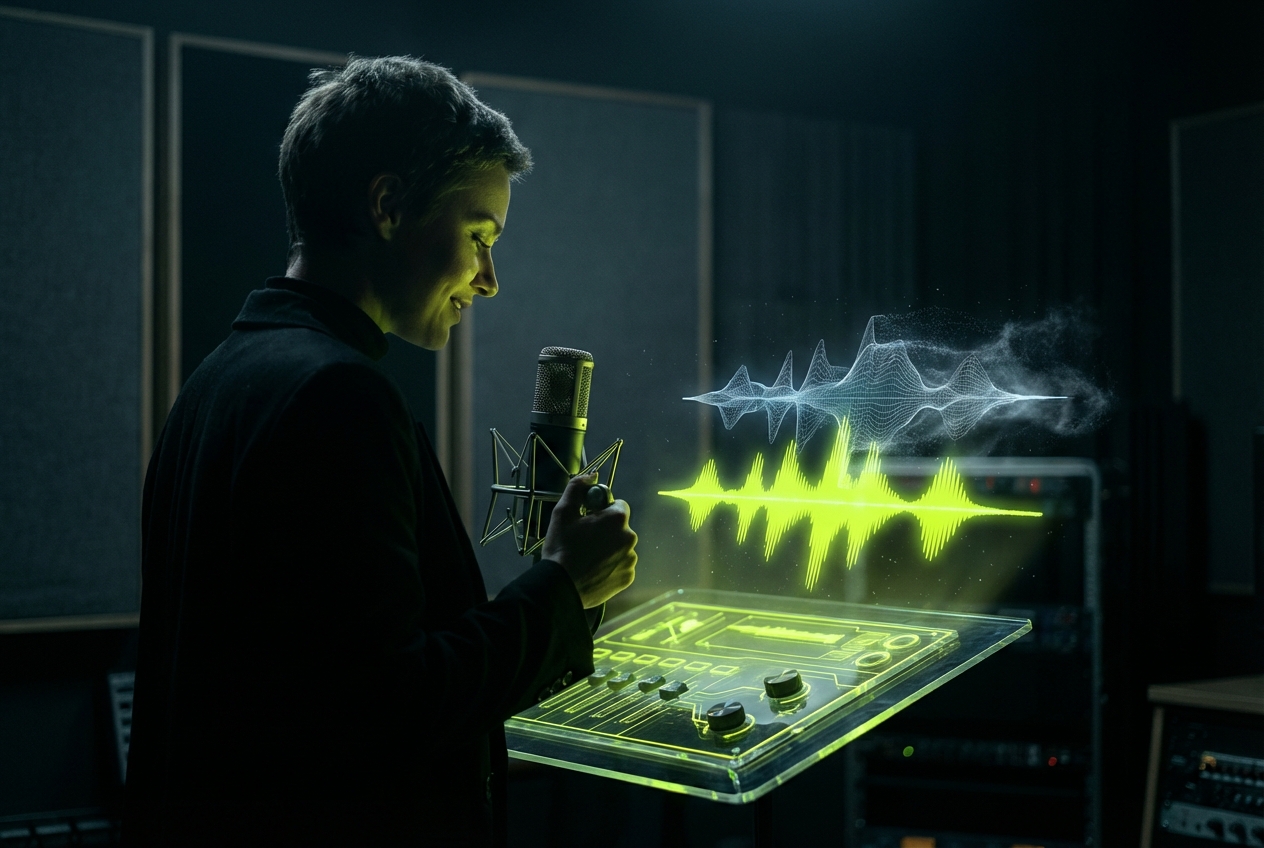
Karaoke Enthusiasts
Remove lyrics from any song to create high-quality backing tracks. Our vocal splitter ai ensures the background music remains intact for your singing practice sessions.
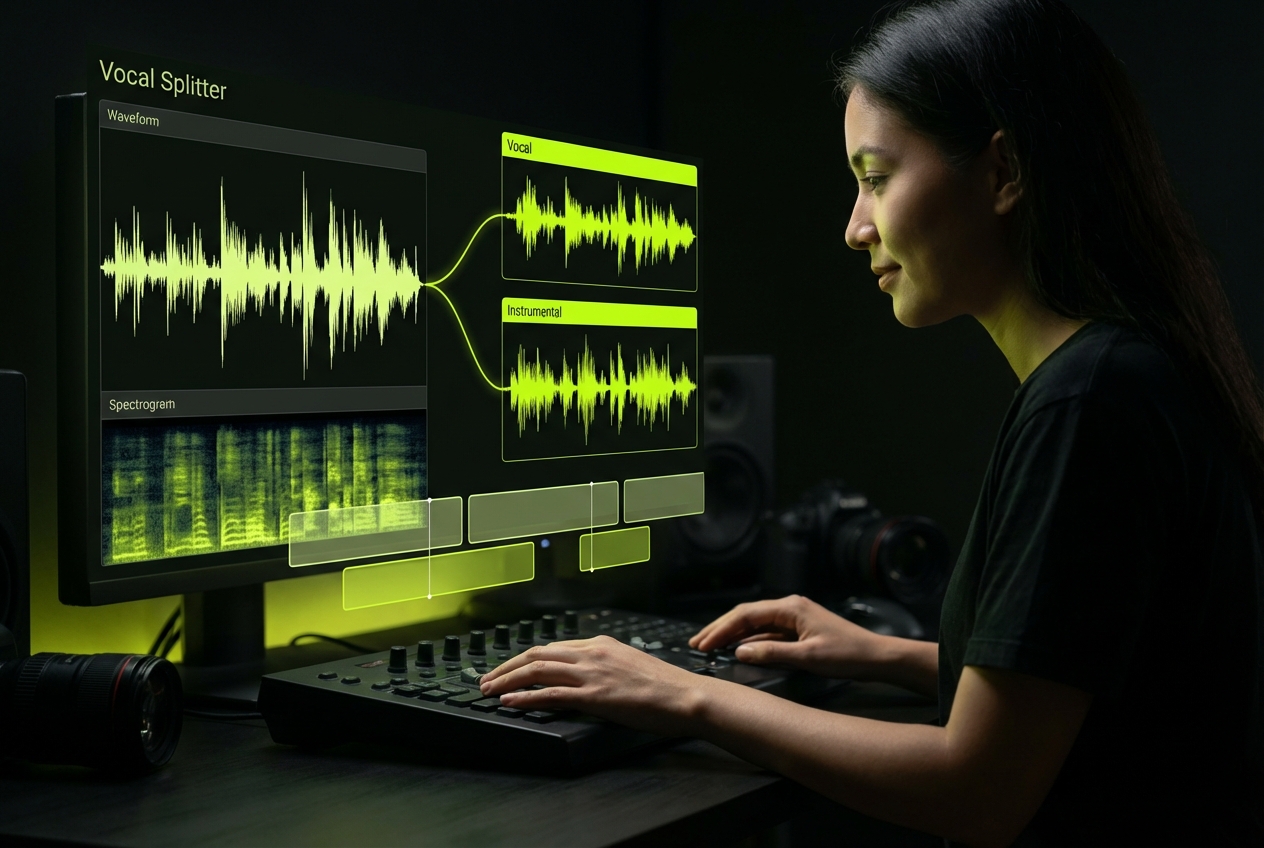
Video Content Creators
Eliminate copyright risks by removing vocals or extracting dialogue. Use our voice and music separator to clean up audio for social media background scores.
Easy Workflow
Extract Vocals In Three Simple Steps
Experience the fastest way to isolate vocals directly in your browser. Our vocal and music separator streamlines the process, delivering separated audio tracks in seconds.
Upload Your Audio File
Drag and drop your MP3 or WAV file into the upload zone. The system accepts various formats to separate vocals from music securely.
AI Processing Analysis
Our algorithms analyze frequencies to isolate vocals automatically. The ai vocal splitter engine distinguishes between human voice and instrumental layers with high precision.
Download Separated Stems
Preview the results and download your tracks. Get the instrumental version or the isolated vocal track individually for your production needs.
Core Capabilities
Why Choose Our Precision Vocal Splitter
We prioritize audio fidelity and processing speed. This vocal splitter ensures every extraction maintains the original dynamic range while removing unwanted frequencies effectively.
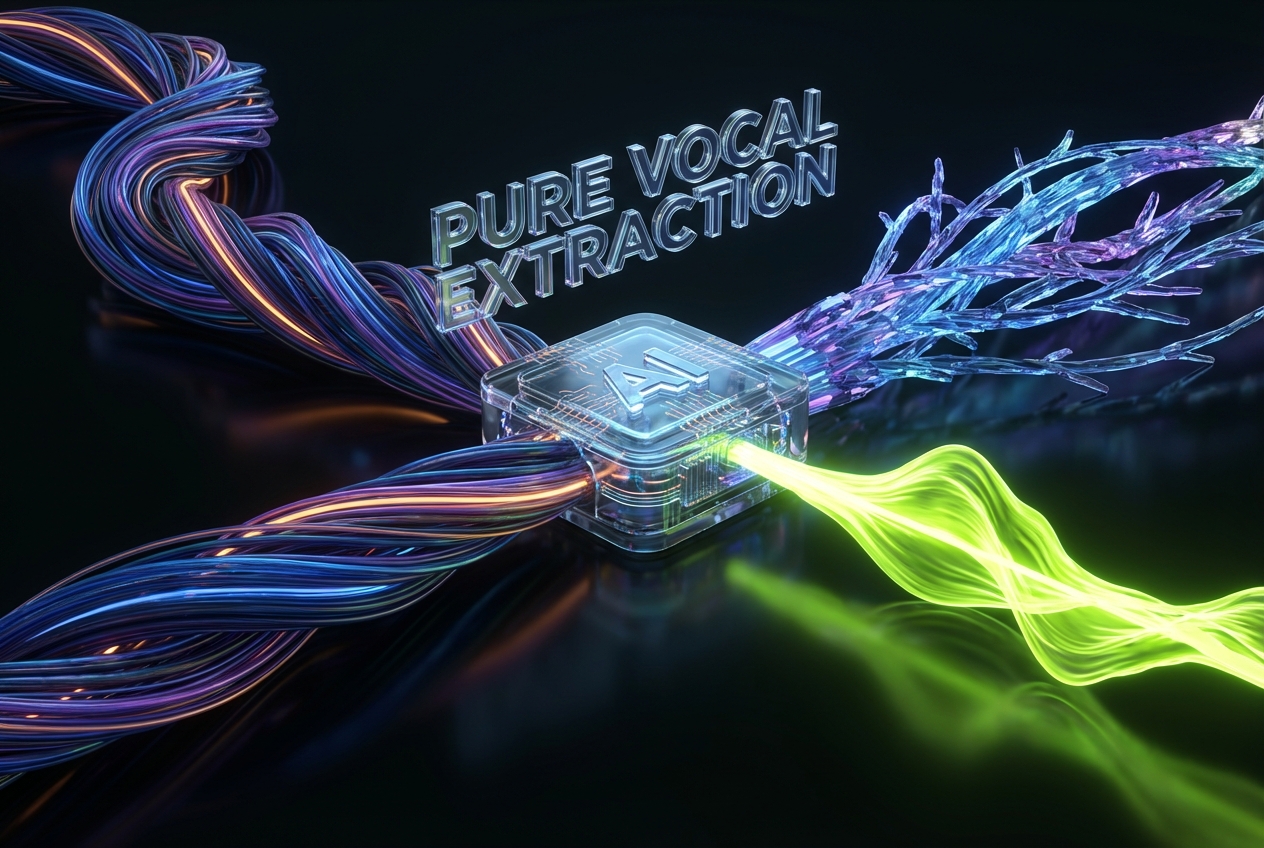
Lossless Audio Extraction
Maintain the highest audio quality during separation. Unlike basic tools, our ai vocal isolator preserves the clarity of both the voice and the backing track.
Lightning Fast Processing
Save valuable studio time with optimized cloud computing. This vocal splitter ai processes complex audio files rapidly, delivering results without long waiting periods.

Secure Data Handling
Your creative assets remain private and protected. We automatically delete files after you separate vocals from music, ensuring total data security and user privacy.
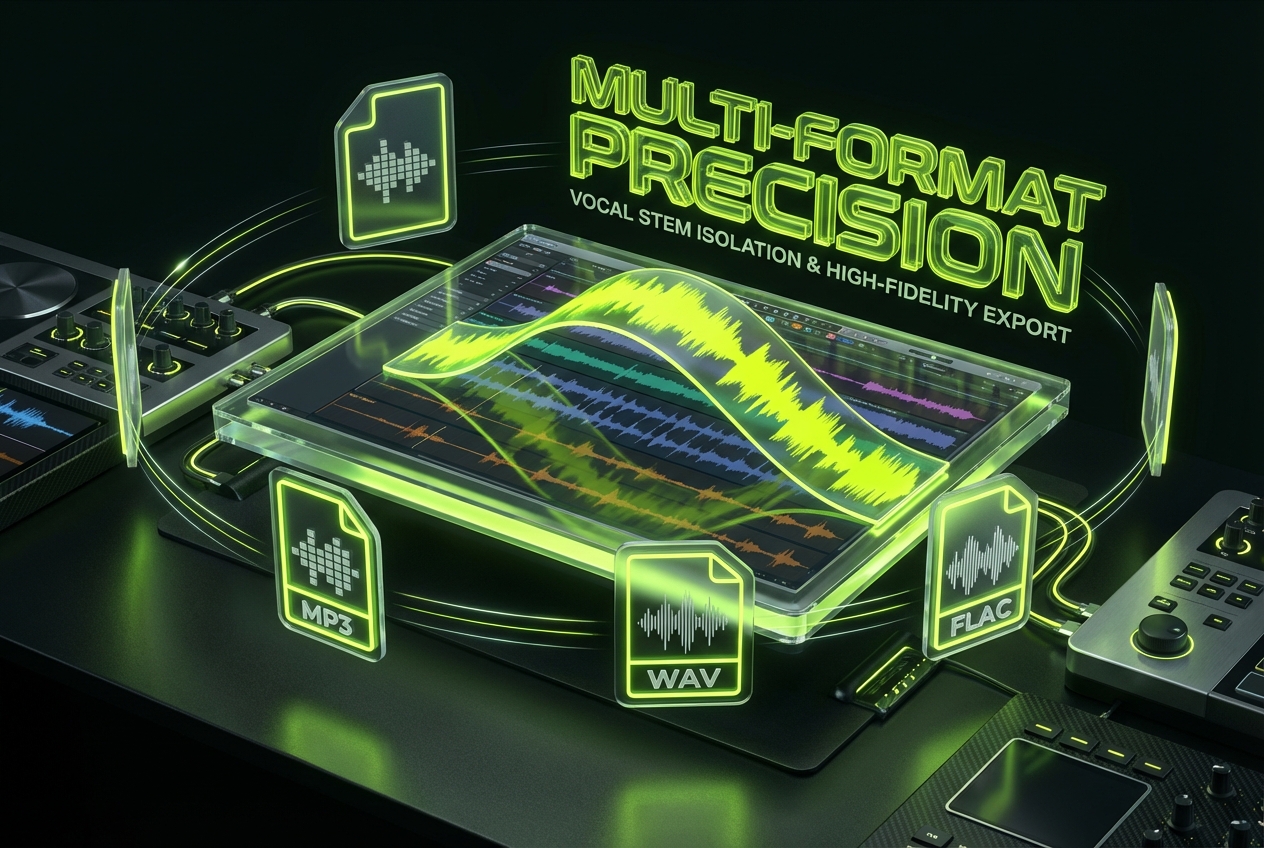
Multi-Format Support
Upload and download in formats that suit your workflow. Our voice and music separator supports MP3, WAV, and FLAC for maximum compatibility with DAWs.
Frequently Asked Questions
What audio formats does the platform support?
We support the most common high-quality audio formats including MP3, WAV, and FLAC. This ensures you can separate vocals from music regardless of your source file type.
Does the process affect the instrumental quality?
Our algorithms are designed to minimize artifacts. When you use the tool to isolate vocals, the remaining instrumental track retains its original depth and clarity.
Can I use the output for commercial projects?
If you own the copyright to the original song, the separated tracks are yours to use. Always ensure you have the necessary rights before using a vocal isolation result commercially.
Is there a limit to the file size I can upload?
Yes, to ensure the best online performance for all users, there is a file size cap. This allows our ai vocal splitter to process requests quickly and efficiently.
Do I need to install software to use this tool?
No installation is required. This is a browser-based solution, allowing you to download your stems directly after processing without cluttering your hard drive.

Start Using The Best Vocal Splitter
Upload your track now to experience precise vocal isolation. Separate vocals from music instantly and download your high-quality stems for any creative project.