Precision Audio Equalizer For Creators
A browser based 10 band graphic tool designed to give you absolute control over your sound frequencies from 31 Hz to 16 kHz.
Load your files and adjust bands by up to 12 dB to fix muddiness or boost clarity before you download the final track.
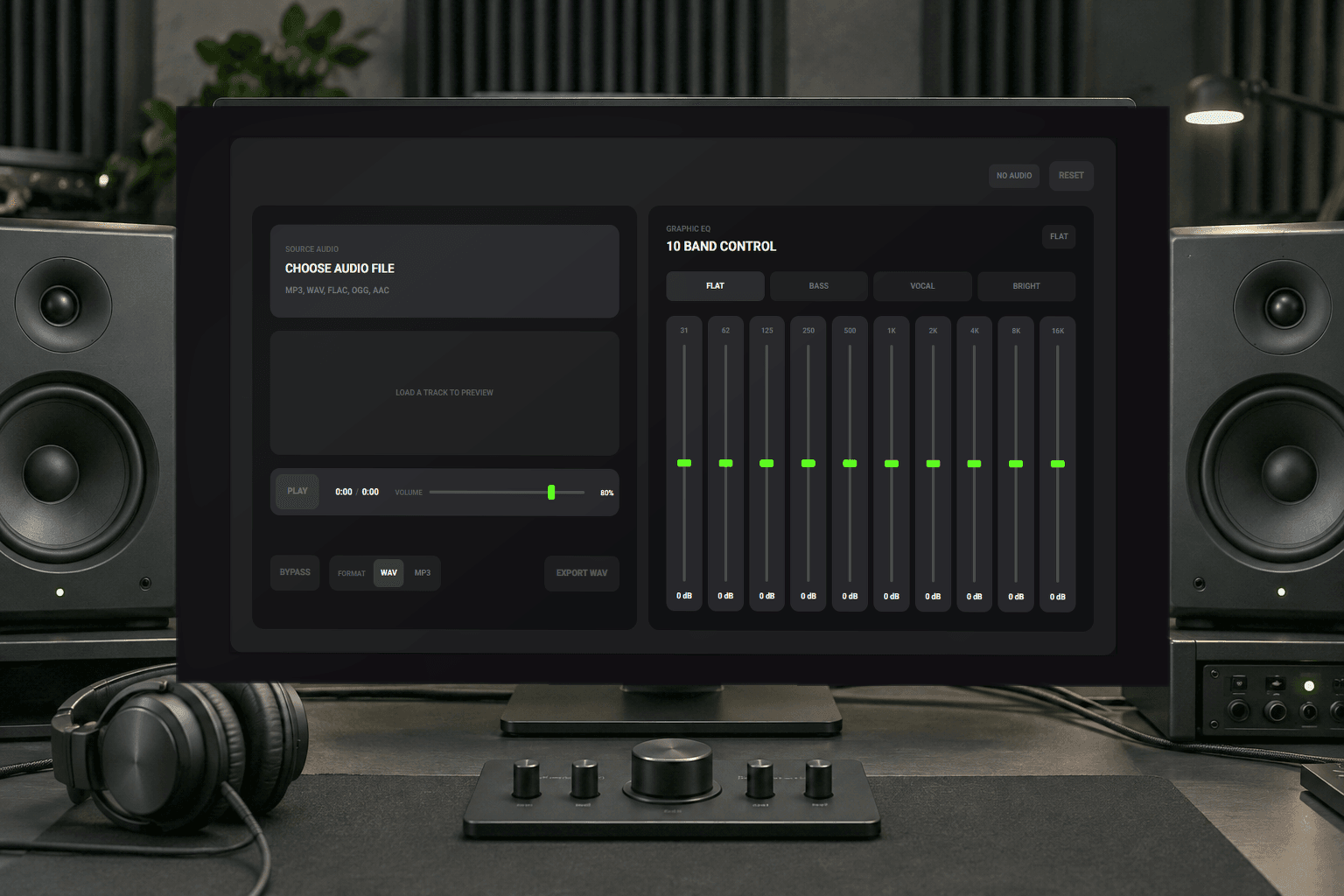
Built For Sound Control
Optimize Tracks With Precision Control
Podcasters and producers need a reliable music audio equalizer to balance vocals and instruments perfectly. Achieve professional clarity online without complex software installations.
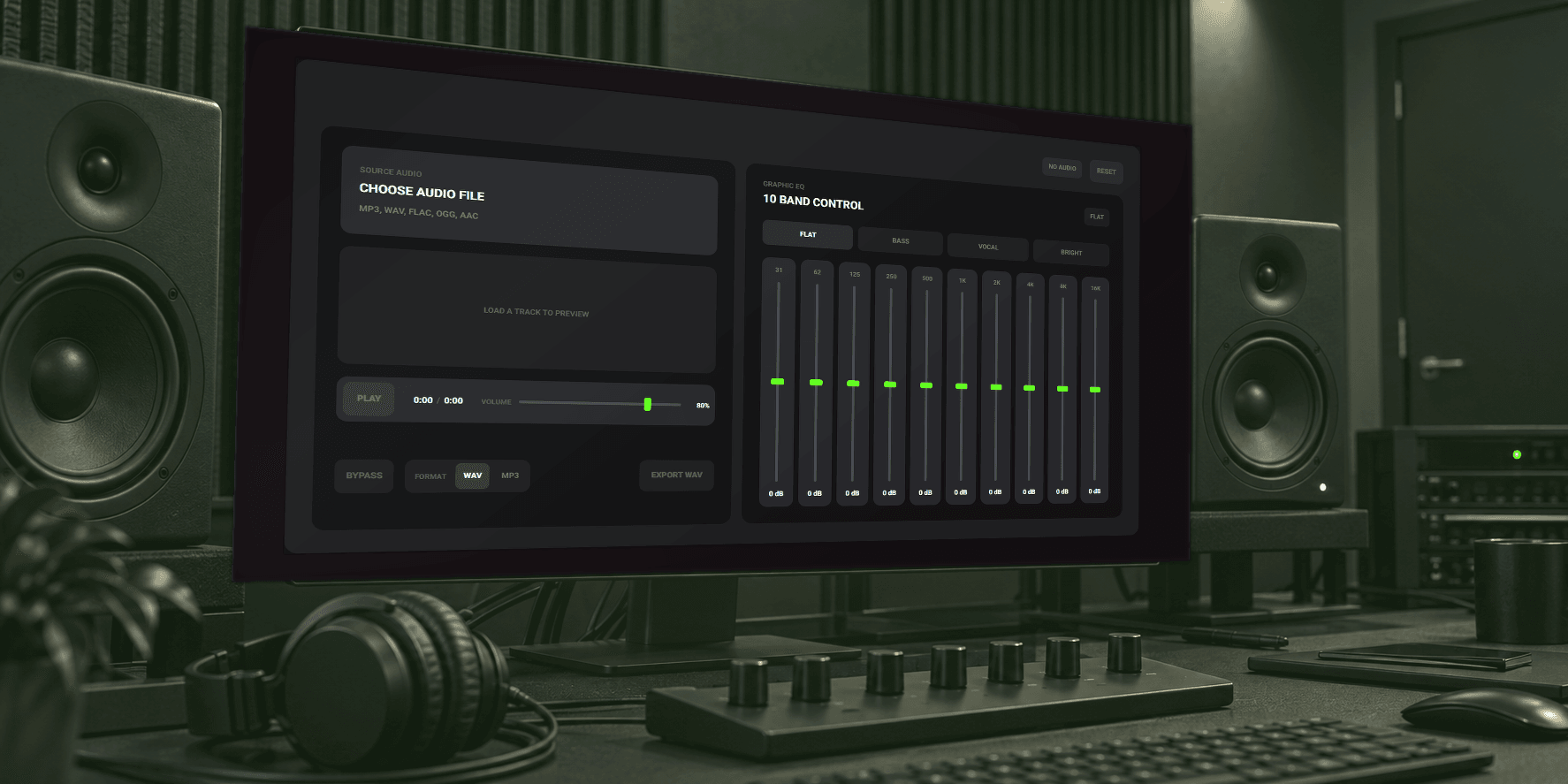
Podcast Editors
Remove low end rumble and enhance vocal presence using targeted frequency adjustments. Your dialogue remains crisp and easy to understand.

Video Creators
Balance background tracks against voiceovers. Cut harsh high frequencies so your audience focuses entirely on your visual narrative and message.

Music Producers
Shape your rough mixes quickly. Apply specific bass or bright curves to test different mastering styles before the final export.
Simple Three Step Process
Master Your Sound In Minutes
Upload your file into our free frequency editor and adjust the ten bands. Preview the changes instantly and download your polished music.
Load Audio File
Drag and drop your existing track directly into the browser workspace. The system analyzes your file instantly for immediate playback.
Adjust Frequency Bands
Move the sliders across ten distinct bands or select predefined curves like vocal and bass to alter the tonal balance.
Preview And Export
Listen to your modifications in real time. Once satisfied with the mix simply export the result as a WAV file.
Core Processing Capabilities
Advanced Audio Equalizer Features
Explore the technical capabilities of our sound shaping platform. Gain total control over your mix with precise band adjustments and instant online playback.

10 Band Graphic Control
Target specific frequency ranges from 31 Hz up to 16 kHz. Adjust each band by exactly 12 dB for surgical sound shaping.

Instant Preset Curves
Apply flat bass vocal or bright presets with a single click. Speed up your workflow by starting with proven tonal foundations.

Real Time Playback
Hear every decibel change immediately as you move the sliders. Make critical mixing decisions faster without waiting for audio rendering.
High Quality Export
Maintain the original fidelity of your uploaded files. Download your processed tracks in standard formats like MP3 or lossless WAV.
Engineered For Results
Reliable Performance And Total Control
Musicai AI delivers a highly responsive audio equalizer directly in your browser. Skip the heavy plugins and get straight to professional sound editing.

Zero Installation Required
Process your files entirely within your web browser. You save hard drive space and eliminate the need for complex software setups.

Exact Decibel Targeting
Stop guessing with vague knobs. Our sliders provide exact numeric feedback so you know exactly how much gain you apply.

Secure Local Processing
Your files remain private during the editing phase. We prioritize your data security while you refine your tracks and mixes.
Frequently Asked Questions
What export formats does the best online music editing tool currently support?
You can download your finalized tracks in both MP3 and lossless WAV formats. This ensures compatibility with major distribution platforms and video editing software.
How secure are my uploaded files when using this browser based sound tool?
We process your files securely without storing them permanently on our servers. Your original recordings and modified exports remain entirely private.
Can I use this tool to fix muffled dialogue in my podcast recordings?
Yes you can easily boost the higher frequency bands to increase vocal clarity. Applying the vocal preset also provides a quick starting point for dialogue.

Launch Your Audio Equalizer Now
Refine your music tracks instantly with our precise frequency controls and download the final mix.