Create Music Visualizer

Magma
circle solid visualizer
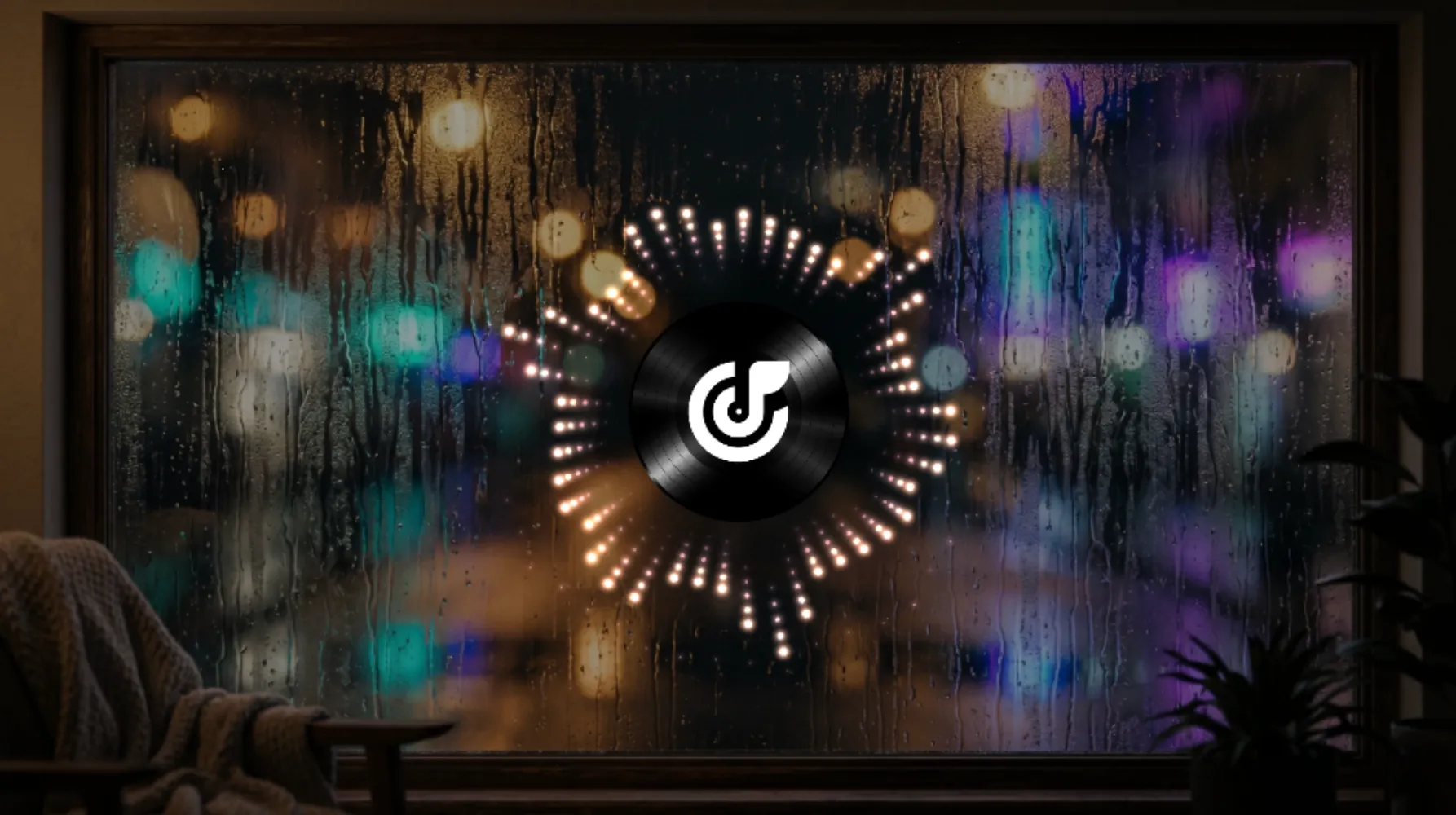
Counting Stars
circle point visualizer

Datascape
flat solid visualizer
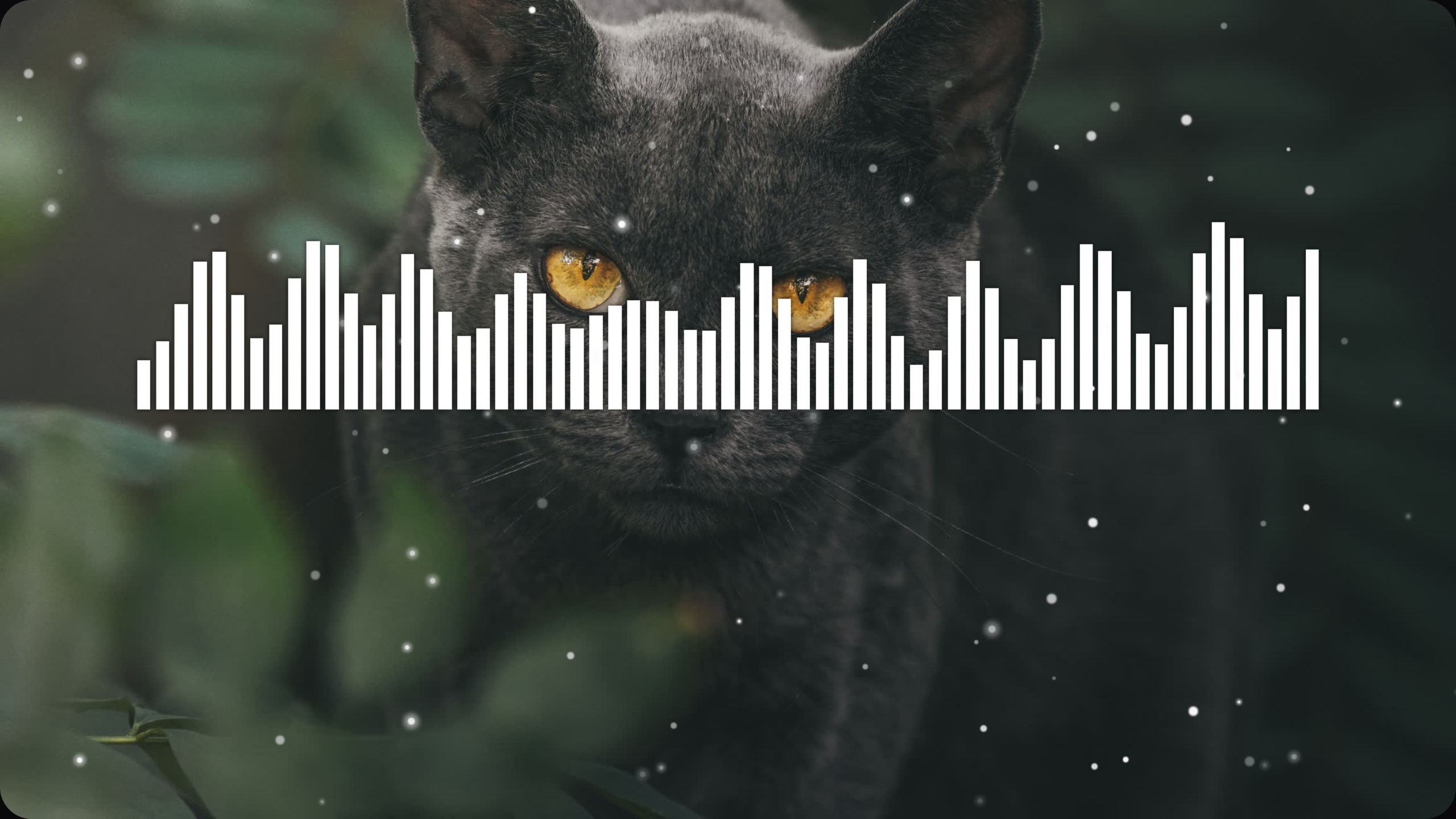
Jungle Cat
flat bar visualizer
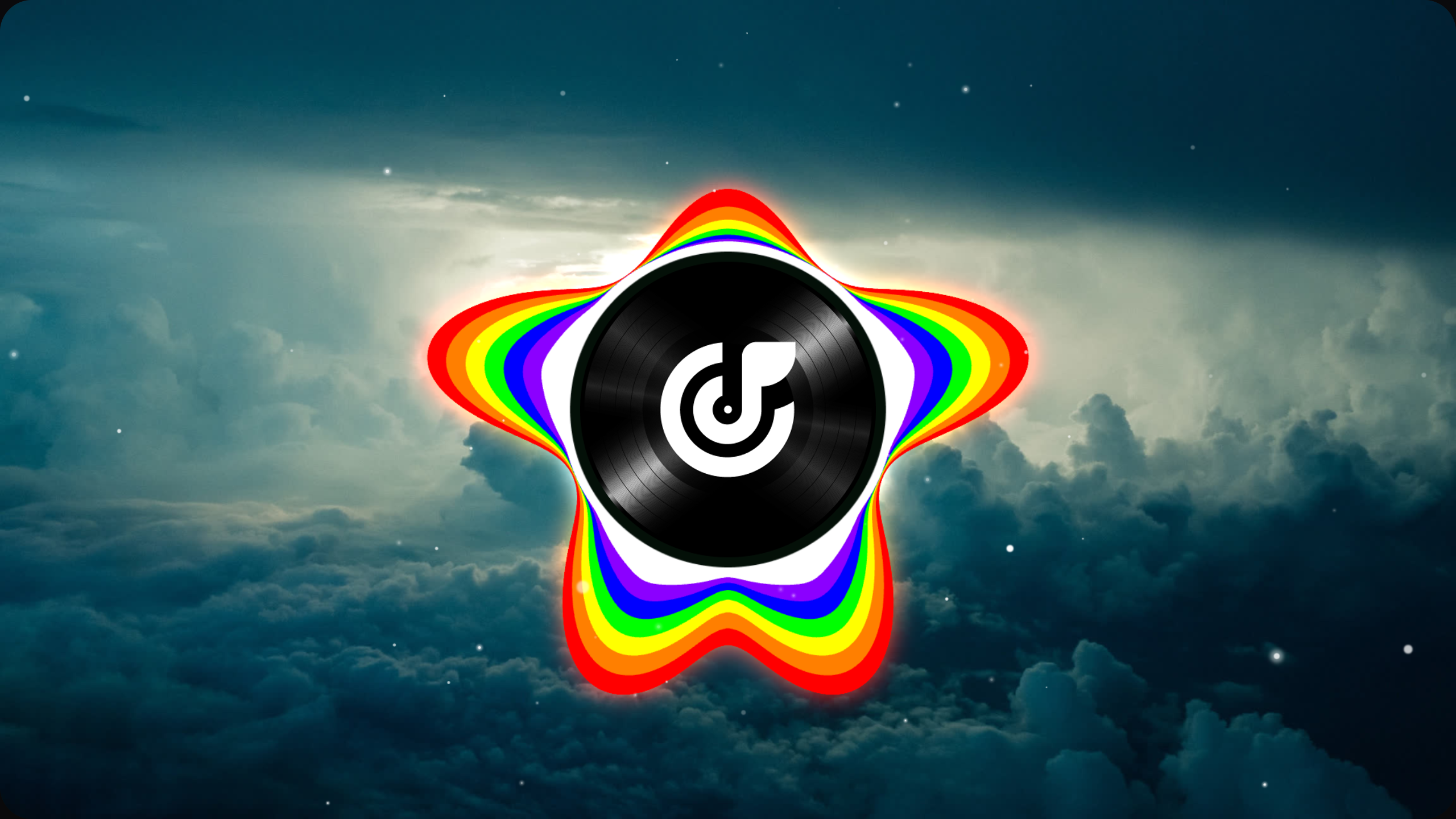
Chromatic
circle solid visualizer

Snowflake
circle solid visualizer

Range of Fire
flat solid visualizer
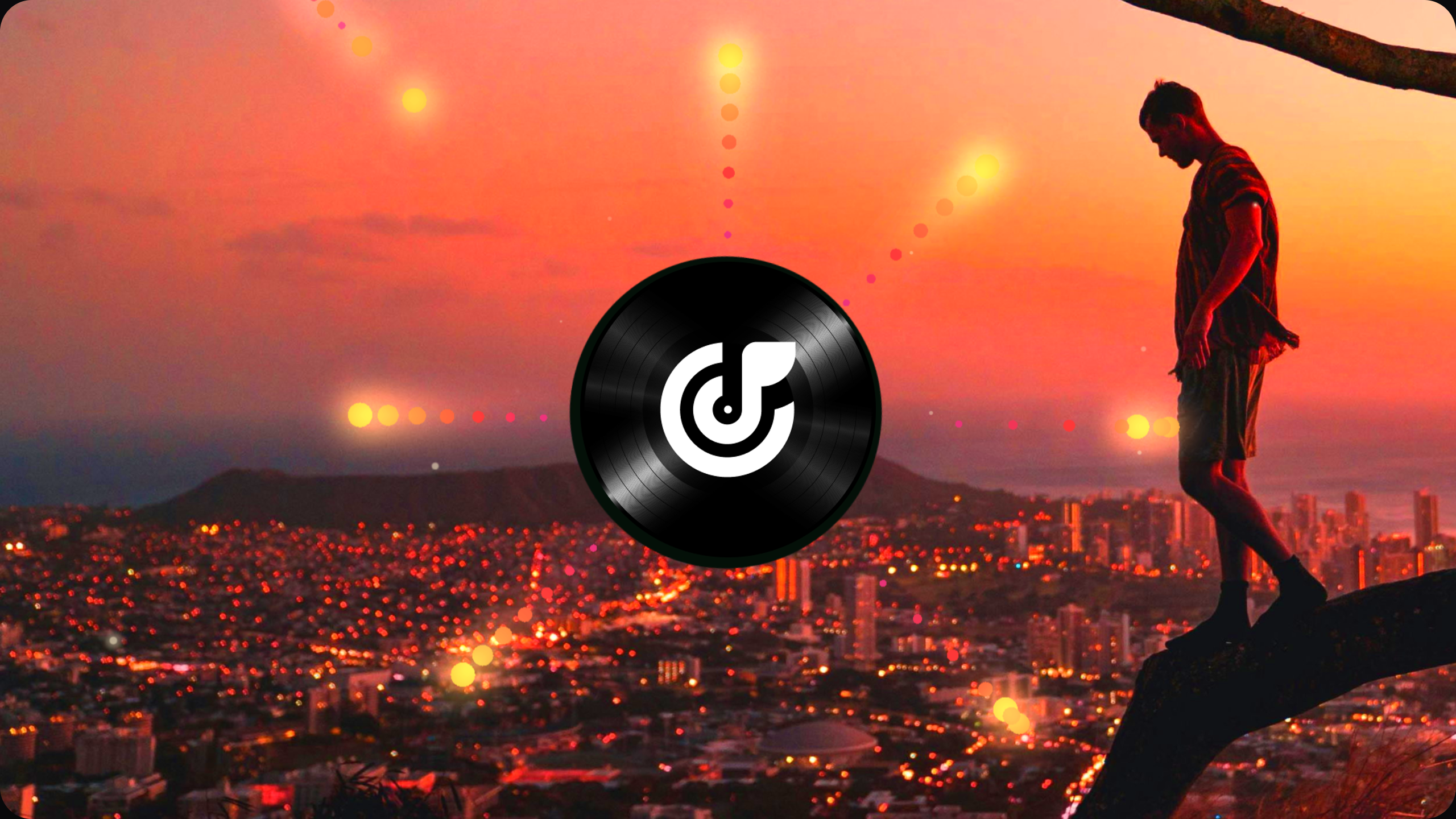
Seven Suns
circle point visualizer

Prismatic Shard
flat bar visualizer
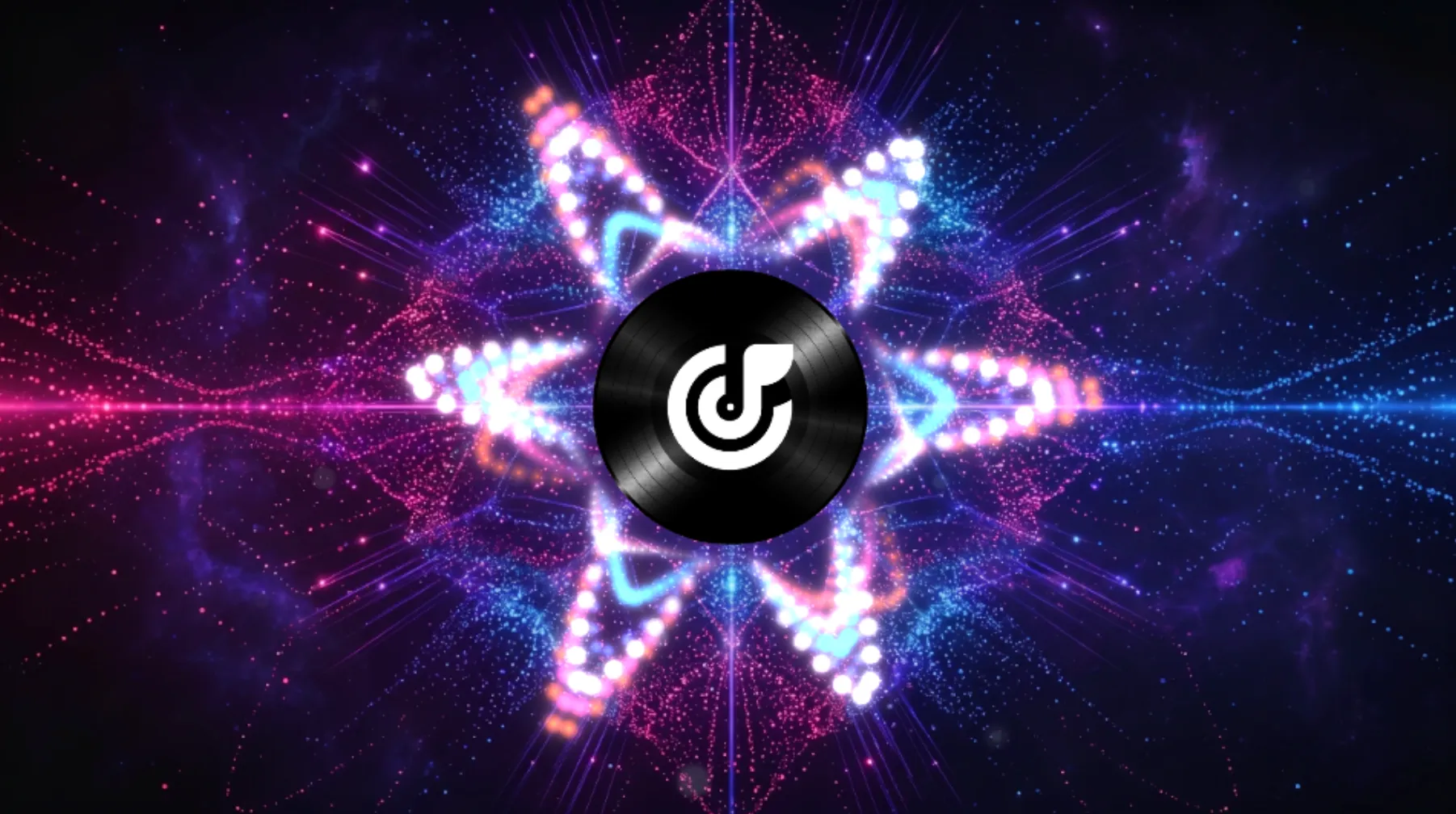
Pinky Pop
circle point visualizer

Lucky Clover
circle solid visualizer
Try AI Music Visualizer
Generate Videos Using AI Music Visualizer
Upload your track, adjust the visual settings, and export a finished video in a few simple steps. Musicai AI helps you build music visuals with more control over timing, color, motion, and text.
Upload Audio File
Choose a local file or a track from your account library to start your project. The system reads your audio first so it can build visual timing around beat changes and track movement.
Customize Visual Effects
Adjust wave colors, motion styles, and lyric fonts to match the look you want. You can preview changes as you work and fine-tune the visual output before export.
Export Final Video
Generate the final video when your design is ready. Download it for YouTube, music posts, podcasts, and other publishing needs.
Built for Better Control
Tools for Audio Sync and Visual Editing
Our AI Music Visualizer helps creators build music videos with more control over sync, styling, and rendering. It is designed for people who want clear results without a heavy editing workflow.
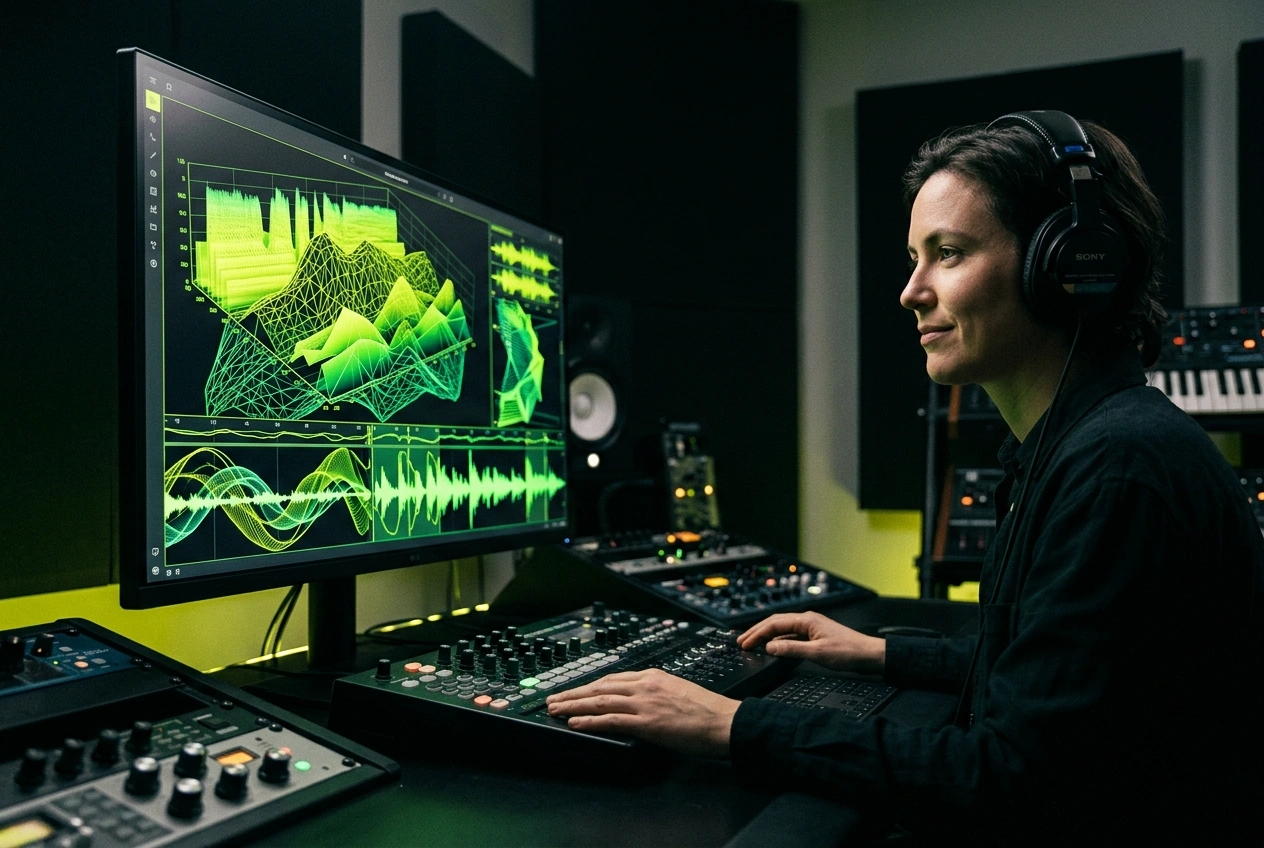
Accurate Audio Analysis
The system maps beats and frequency changes to visual motion so you can build synced results with less manual editing.
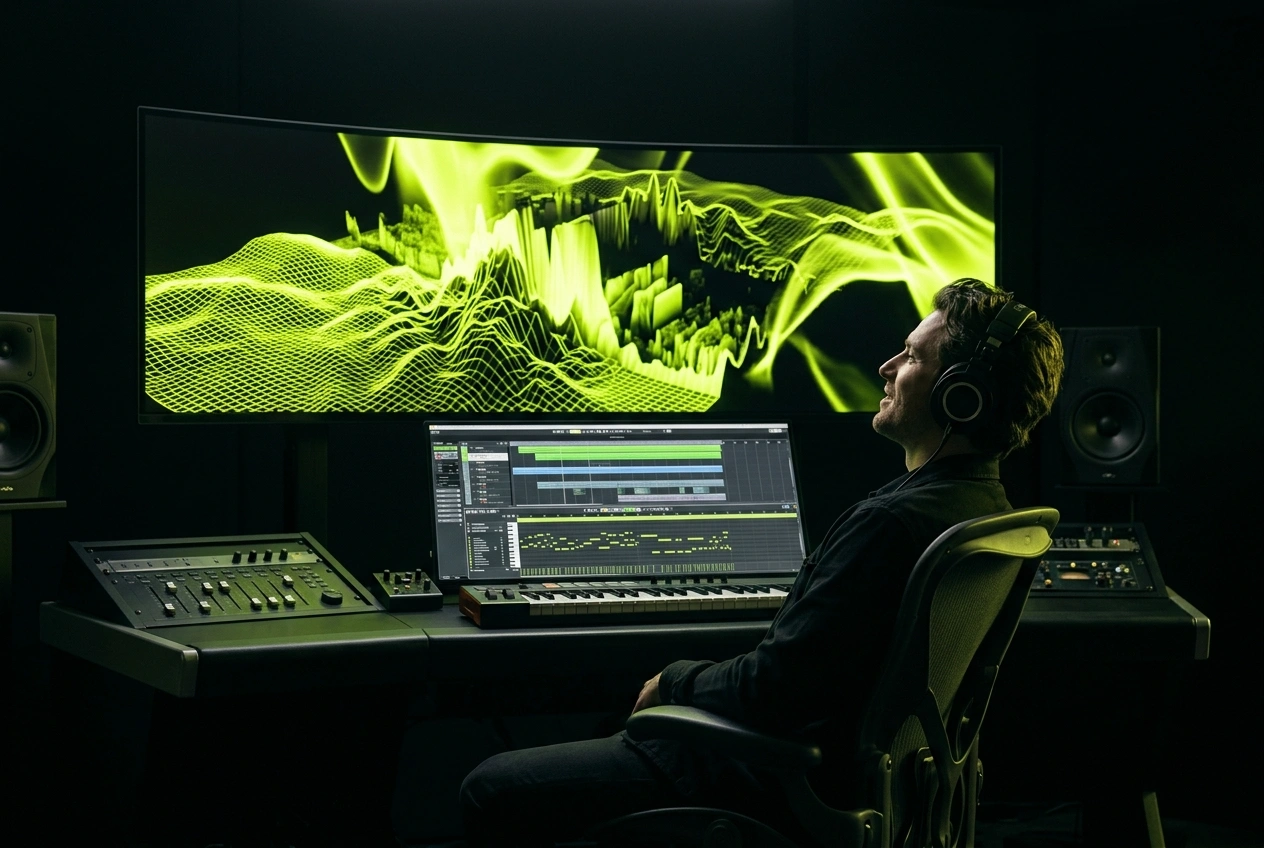
Flexible Visual Settings
Adjust waveform shapes, colors, and text styles to fit your track and video format. You can fine-tune the look without rebuilding the whole project.
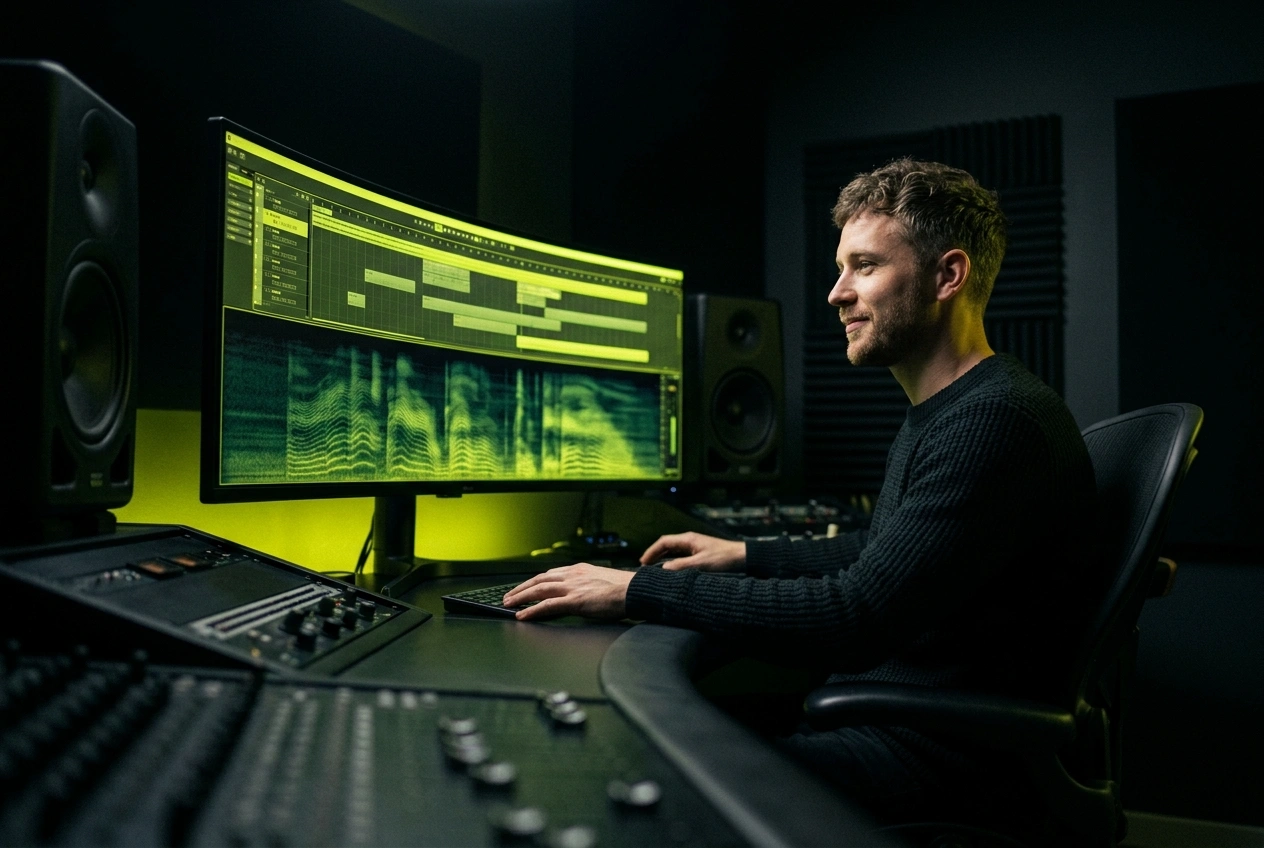
Fast Rendering Workflow
Render videos more quickly through a browser-based workflow built for shorter editing cycles and easier export. This works well for creators who need to publish content faster.
Core Visual Effects
AI Music Visualizer Features
Utilize integrated tools for audio reactivity, synchronized lyrics, waveform styles, and high-quality video export. Musicai AI empowers you to craft professional visual content with more control and less effort.

Intelligent Audio Reactivity
The system analyzes bass, mids, treble, and beat patterns to generate visual motion that syncs perfectly with your track, ensuring your video reacts dynamically to the sound.

Automated Lyric Subtitles
Create lyric videos faster with automated subtitle tools that sync text to your audio flow. Choose from various font styles to perfectly fit your video's aesthetic.

Dynamic Music Waveforms
Select from diverse waveform styles and customize colors or motion intensity to match your track's mood. Ideal for DJ sets, social media music posts, and professional audio content.
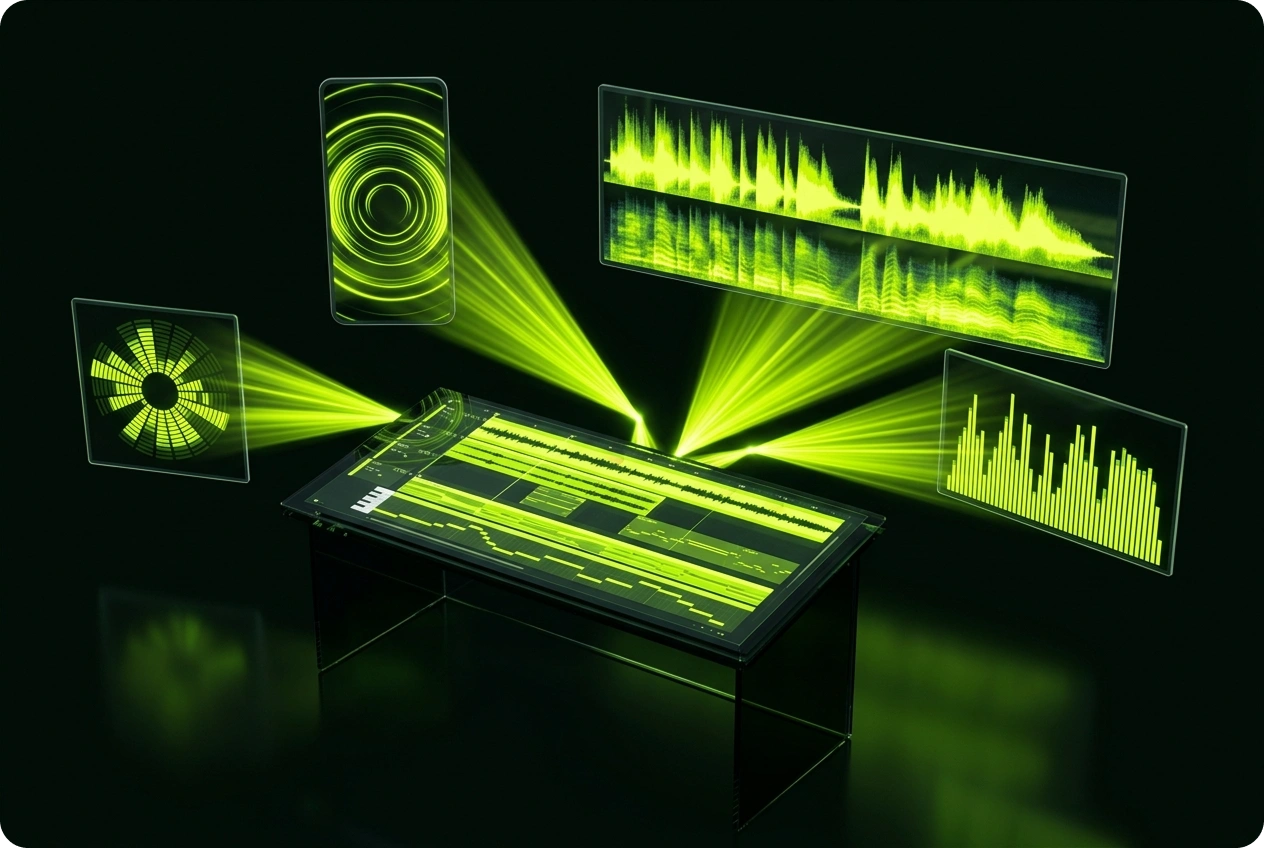
Versatile Export Options
Toggle lyrics and waveforms effortlessly before exporting, then download your final music video in optimized formats tailored for your publishing needs.
Frequently Asked Questions
What makes this the best AI music visualizer for professional video workflows?
The AI Music Visualizer helps creators transform audio into responsive video through custom waveform styling, lyric tools, color controls, and high-quality export options.
How fast does the AI music visualizer render video files?
Rendering speed depends on track length and selected effects, but most standard projects are processed within just a few minutes.
Which audio formats does this music visualization software support?
The platform supports all common audio formats, including MP3 and WAV, allowing you to easily upload tracks and start your visualization workflow.
Can I fully customize fonts in the music visualizer app?
Yes, you can fully adjust typography styles for lyric subtitles to ensure the visual presentation perfectly matches your branding or track mood.
How does the platform handle long DJ sets or extended audio files?
Our workflow is specifically designed to support long-form audio projects, including extended DJ mixes and other lengthy visualizer use cases.

Control Your Music Visuals
Turn audio into video with more control.