
Simple Three Step Process
How Audio Voice Remover Extracts Clean Instrumentals
Upload your track, let AI analyze and separate vocals, then download your isolated instrumental instantly. No technical skills required.
Upload Your Audio File
Select any MP3, WAV, or FLAC file from your device. The audio voice remover accepts tracks up to 30 minutes long with no quality loss during processing.
AI Separation Processes Your Track
Our neural network analyzes vocal patterns and instrumental frequencies simultaneously. The audio voice remover isolates each element with precision, typically completing within seconds.
Download Separated Tracks
Get both the isolated vocals and clean instrumental versions. Use them for remixes, karaoke, covers, or music production without waiting for manual editing.
POWERFUL SEPARATION FEATURES
Advanced Capabilities Built Into Audio Voice Remover
Control every aspect of vocal removal with precision tools. Adjust separation quality, preserve audio fidelity, and export in your preferred format instantly.
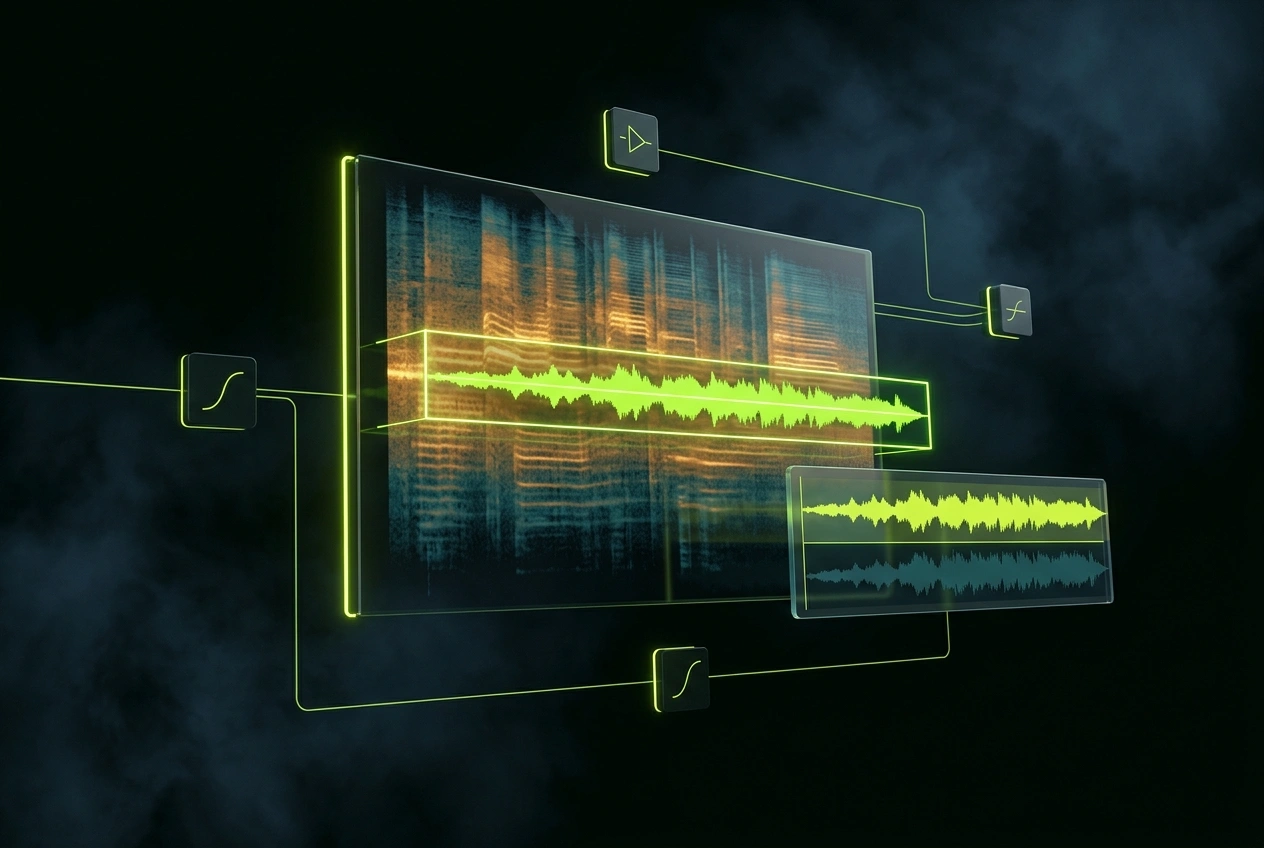
Precision Vocal Isolation
The audio voice remover distinguishes between lead vocals, harmonies, and background elements. Separate only what you need while keeping instrumental layers intact and unaffected.
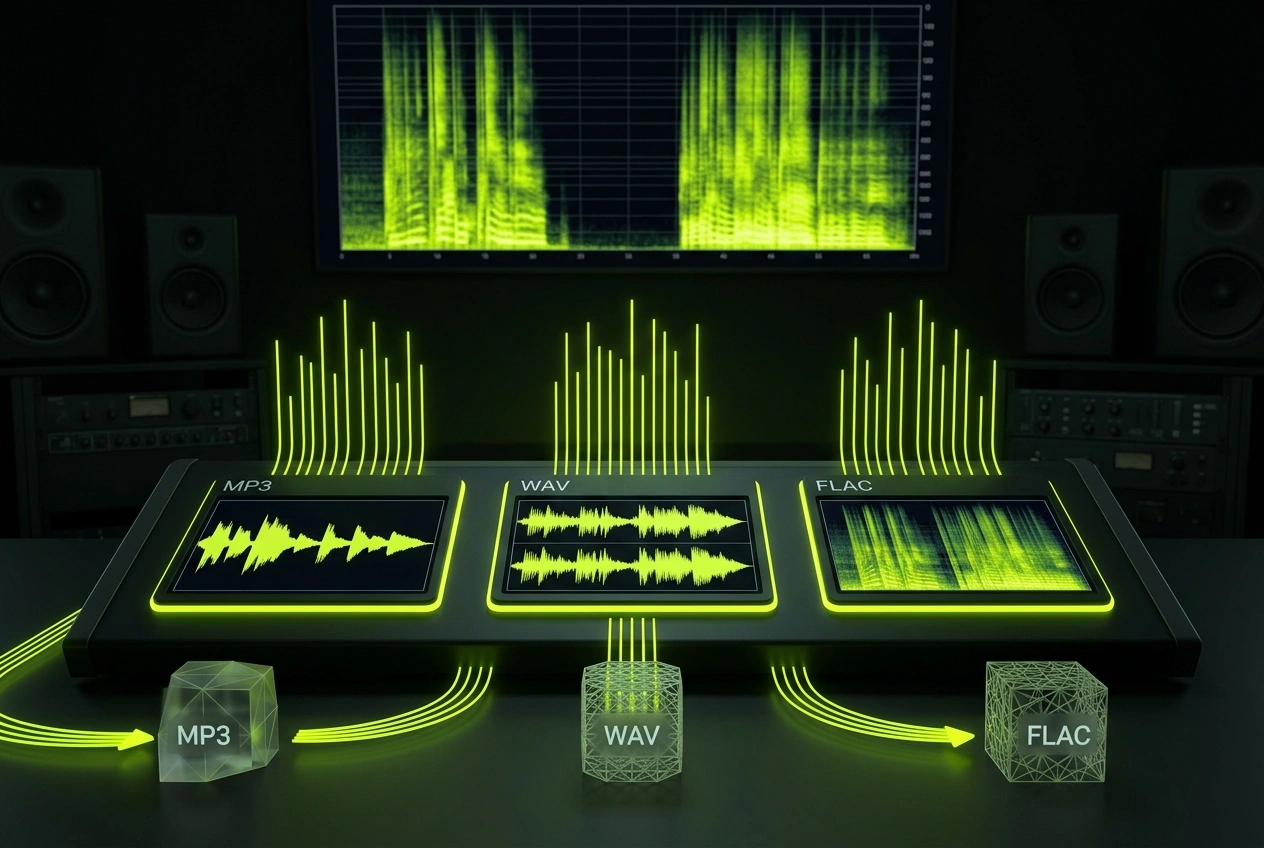
Multiple Export Formats
Download separated audio as MP3, WAV, or FLAC. The audio voice remover maintains original bitrate and sample rate, ensuring your instrumental quality matches source material.
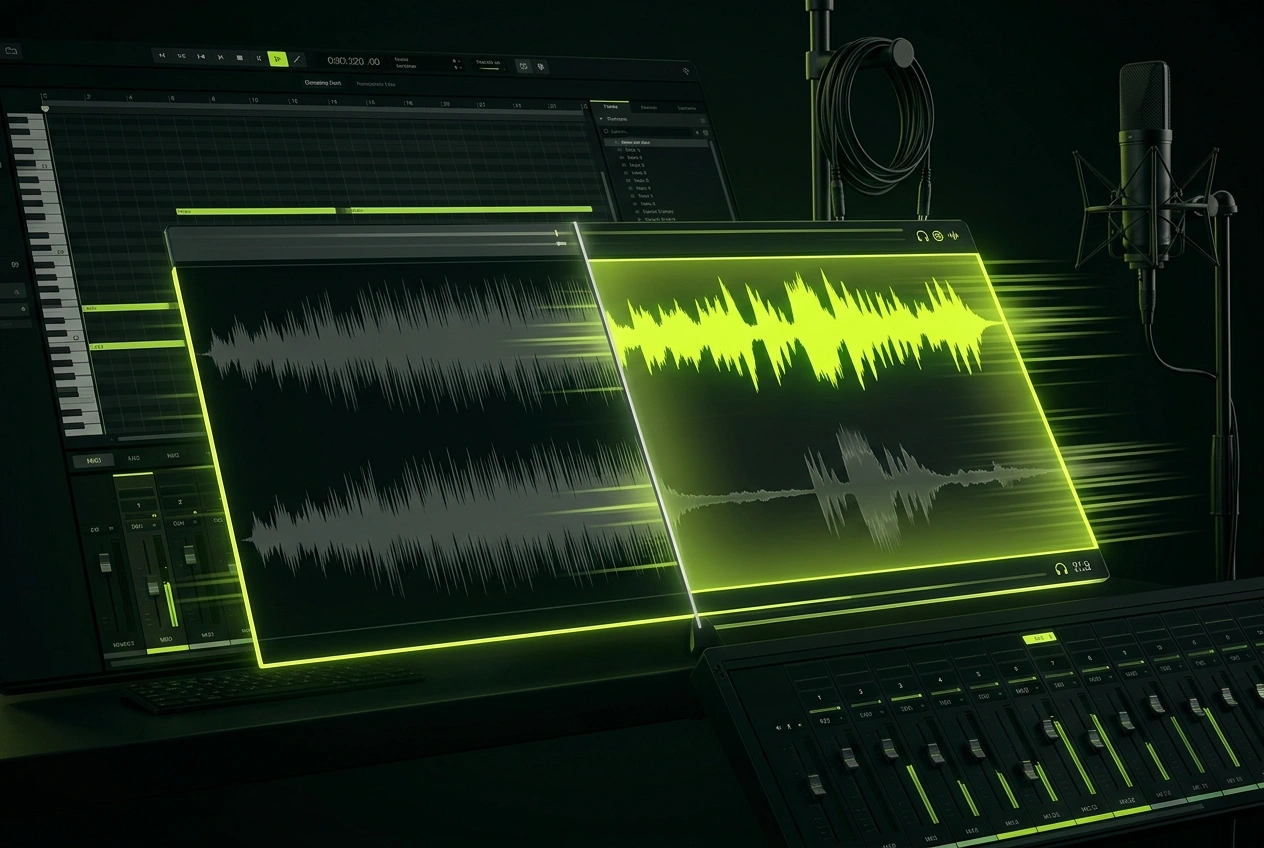
Real Time Processing
No waiting hours for results. The audio voice remover processes most tracks in under 60 seconds, letting you iterate quickly on remixes and covers without delays.
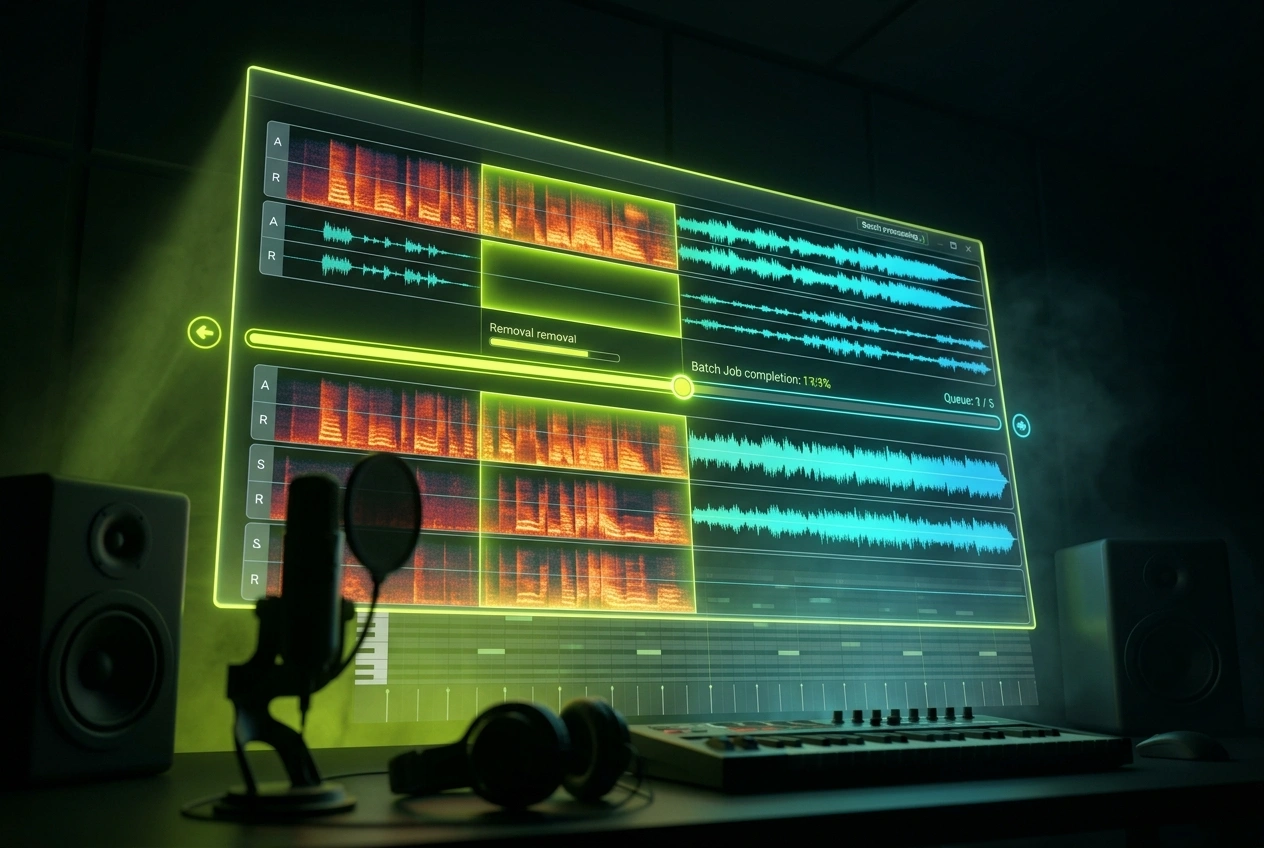
Batch Processing Support
Remove vocals from multiple songs simultaneously. The audio voice remover handles bulk jobs efficiently, perfect for producers managing large music libraries or remix collections.
Frequently Asked Questions
Can I use separated instrumentals for commercial music projects?
Yes, you can use instrumentals extracted from your own recordings commercially. For third-party songs, respect original copyright holders. Always verify licensing terms before releasing remixes or covers publicly.
How accurate is vocal separation from the audio remover?
Separation quality depends on original recording clarity and vocal mixing. Clean studio recordings typically achieve 95%+ isolation, while heavily compressed or layered vocals may retain minor artifacts. Test with your specific tracks first.
What audio formats does the voice remover support?
The tool accepts MP3, WAV, FLAC, OGG, and M4A files. Maximum file size is 500MB per upload. Stereo and mono tracks both process correctly with identical separation quality.
Is my uploaded audio stored or shared anywhere?
All files are processed on secure servers and automatically deleted after 24 hours. We don't share, sell, or use your audio for training purposes. Your privacy and content remain protected.
Can the audio voice remover handle live recordings or podcasts?
Yes, but results vary. Live recordings with audience noise separate differently than studio tracks. Podcasts with speech separate cleanly from background music, making it useful for audio editing and content repurposing.

Start Using Audio Voice Remover Today
Remove vocals from your tracks instantly. No signup required to test the audio voice remover with your first track.