
AI Vocal Separation Workflow
Separate Vocals and Instrumentals in Three Simple Steps
Upload a song, let MusicAI separate the vocal and instrumental layers, then download clean stems for covers, remixes, karaoke, practice, or production edits.
Upload Your Audio
Choose a music file from your device and add it to the vocal remover. MusicAI supports common audio formats, so you can start from the tracks you already use in your workflow.
Let AI Split the Track
The AI analyzes the mix and separates the main vocal layer from the instrumental backing. It is designed to keep the process simple while reducing manual editing work.
Download Vocal and Instrumental Stems
Preview the separated results, then download the vocal stem, instrumental stem, or both. Use the files for remixing, karaoke versions, cover practice, or further editing in your DAW.
SMART VOCAL REMOVAL FEATURES
Clean Vocal and Instrumental Separation for Music Projects
MusicAI gives creators a fast way to remove vocals from songs, extract instrumentals, and prepare usable stems without complicated audio software.

Clean Vocal Separation
Separate the lead vocal from the backing track with AI-powered audio analysis. Results depend on the source recording, but high-quality uploads can produce cleaner vocal and instrumental stems for creative use.
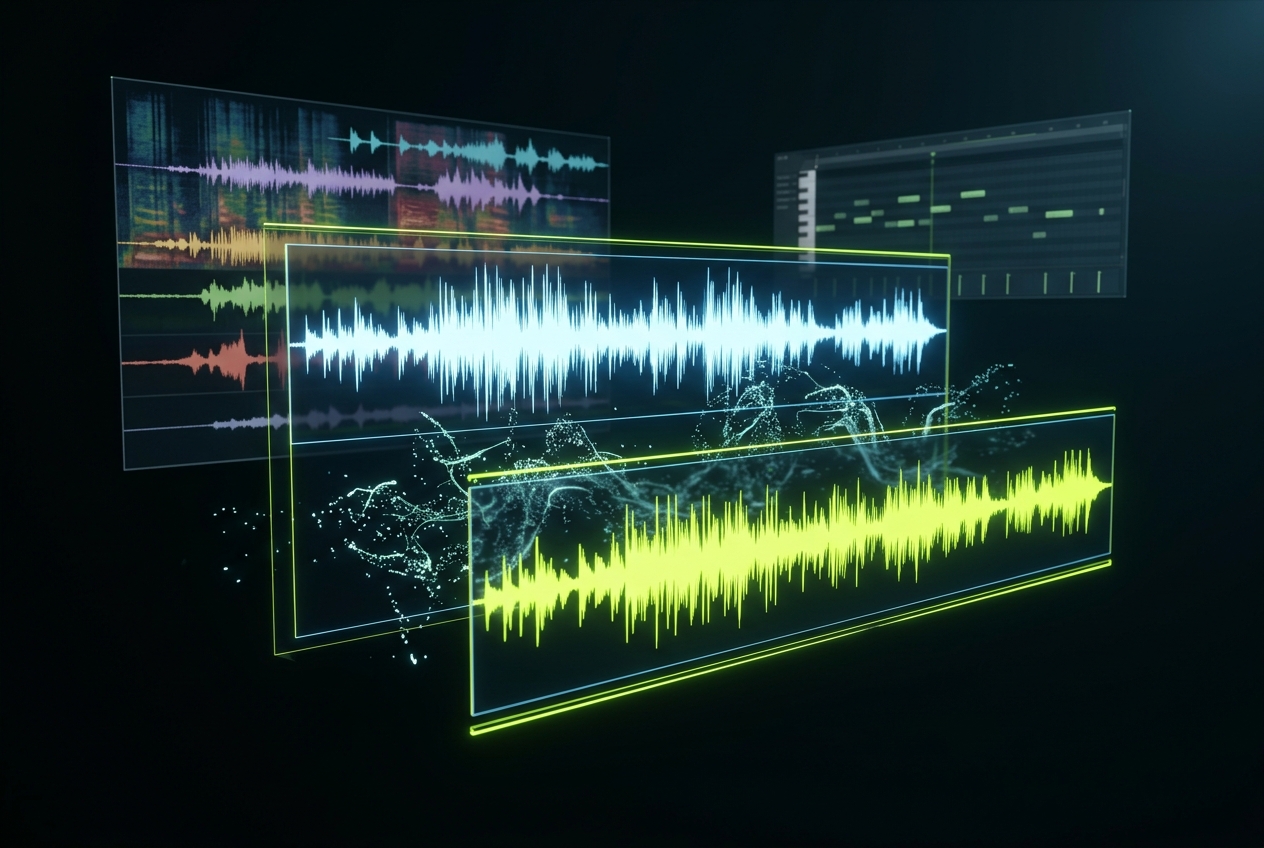
Useful Across Music Styles
Use the music vocal remover on pop, hip hop, rock, EDM, acoustic tracks, and more. The tool is built for common production styles, helping creators prepare stems for covers, remixes, and practice sessions.
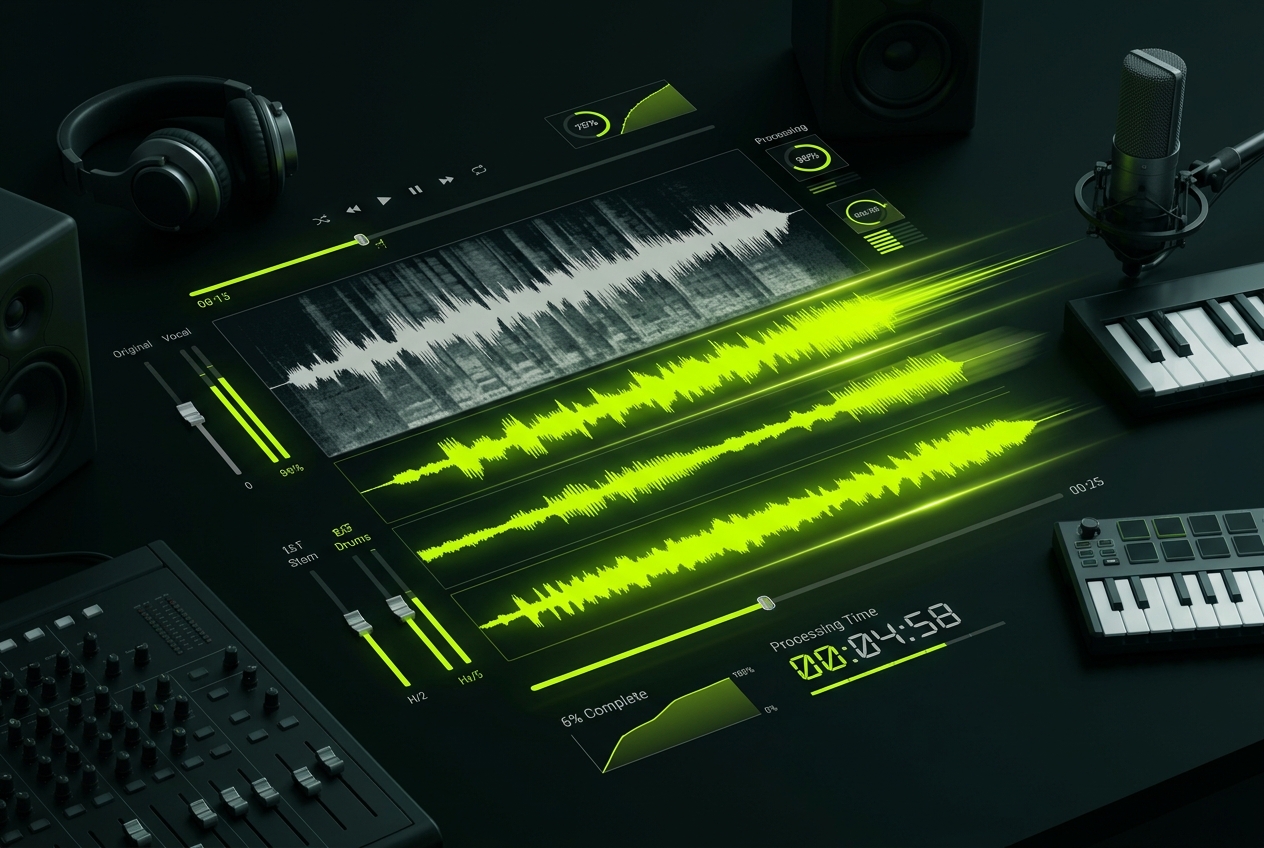
Fast Online Processing
Upload your track and get separated stems without setting up desktop software. MusicAI handles the processing online so you can move from source audio to downloadable files quickly.
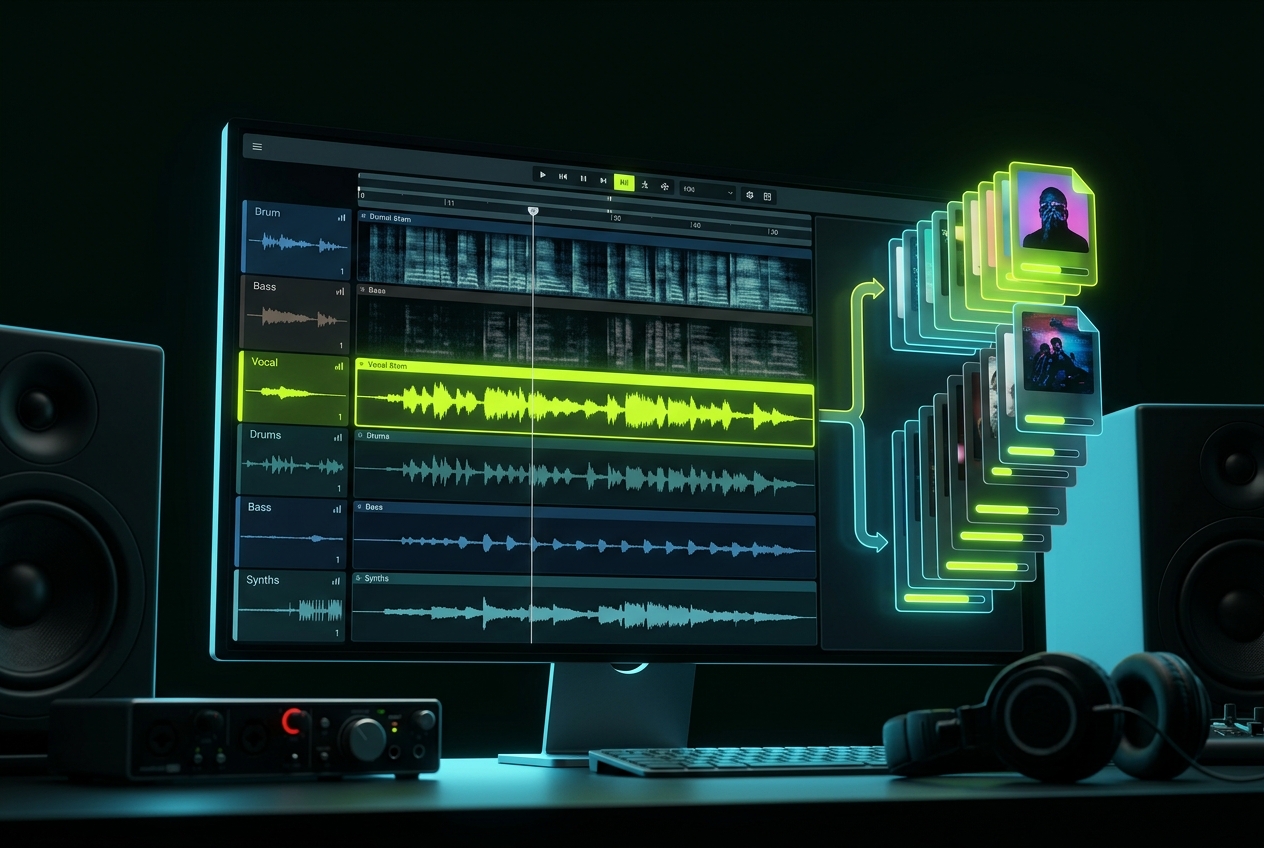
Batch-Friendly Workflow
Prepare multiple songs for practice, remix ideas, or content projects with a smoother workflow. Use the vocal remover to process tracks efficiently and keep your creative work moving.
Frequently Asked Questions
What can I do with MusicAI Music Vocal Remover?
You can separate vocals and instrumentals from a song, then use the stems for karaoke, cover practice, remixes, sampling ideas, editing, or music production. For commercial use, make sure you have the rights to the original audio you upload.
Can I use the separated vocals or instrumentals commercially?
You can use separated stems commercially only when you own the original track or have permission from the rights holder. MusicAI helps you process audio, but it does not grant rights to copyrighted songs you do not own.
Which audio formats are supported?
MusicAI is designed to work with common audio formats such as MP3, WAV, and other standard music files. For better separation quality, upload the clearest and highest-quality version of the track available.
How long does vocal removal take?
Processing time depends on the track length, file size, and current system load. Most standard songs can be separated quickly, so you can preview and download the resulting stems without a complicated editing workflow.
Why do some tracks separate better than others?
Vocal separation quality depends on the original mix. Studio recordings with clear vocals usually work better than noisy, compressed, live, or heavily layered audio. Cleaner source files generally produce cleaner stems.

Start Separating Vocals from Music with AI
Upload a track, split vocals and instrumentals, and download clean stems for covers, remixes, karaoke, and production edits.