
Perfect for Music Creators
Who Benefits Most From YouTube Vocal Remover
Music producers, cover artists, and content creators use our YouTube Vocal Remover to extract vocals from YouTube videos for remixes, covers, and karaoke production.
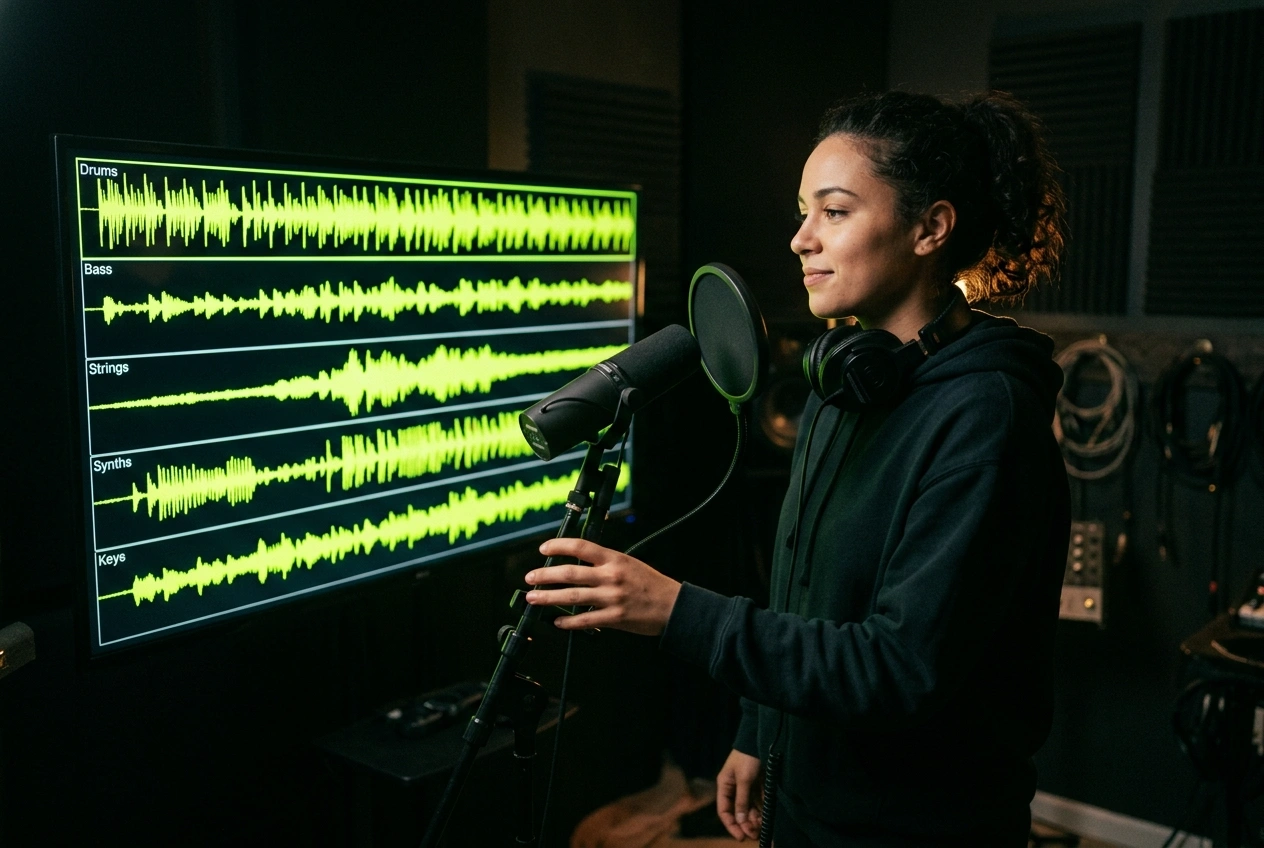
Cover Artists and Singers
Record your own vocals over professional instrumentals extracted from YouTube. Our vocal remover from YouTube lets you create polished covers without expensive studio backing tracks.
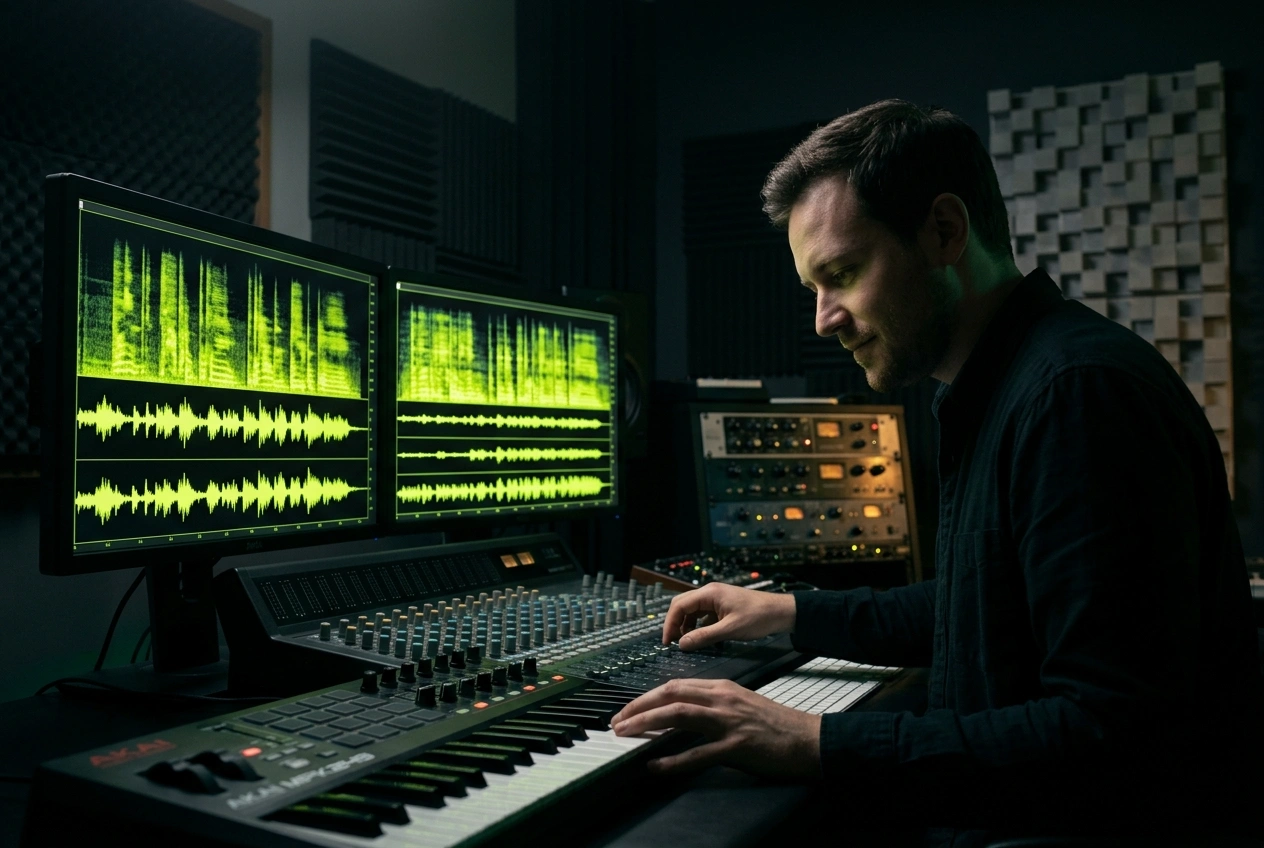
Music Producers and Remixers
Access isolated vocal and instrumental elements from YouTube sources for remixing projects. Remove vocals from YouTube videos to build new arrangements and mashups efficiently.
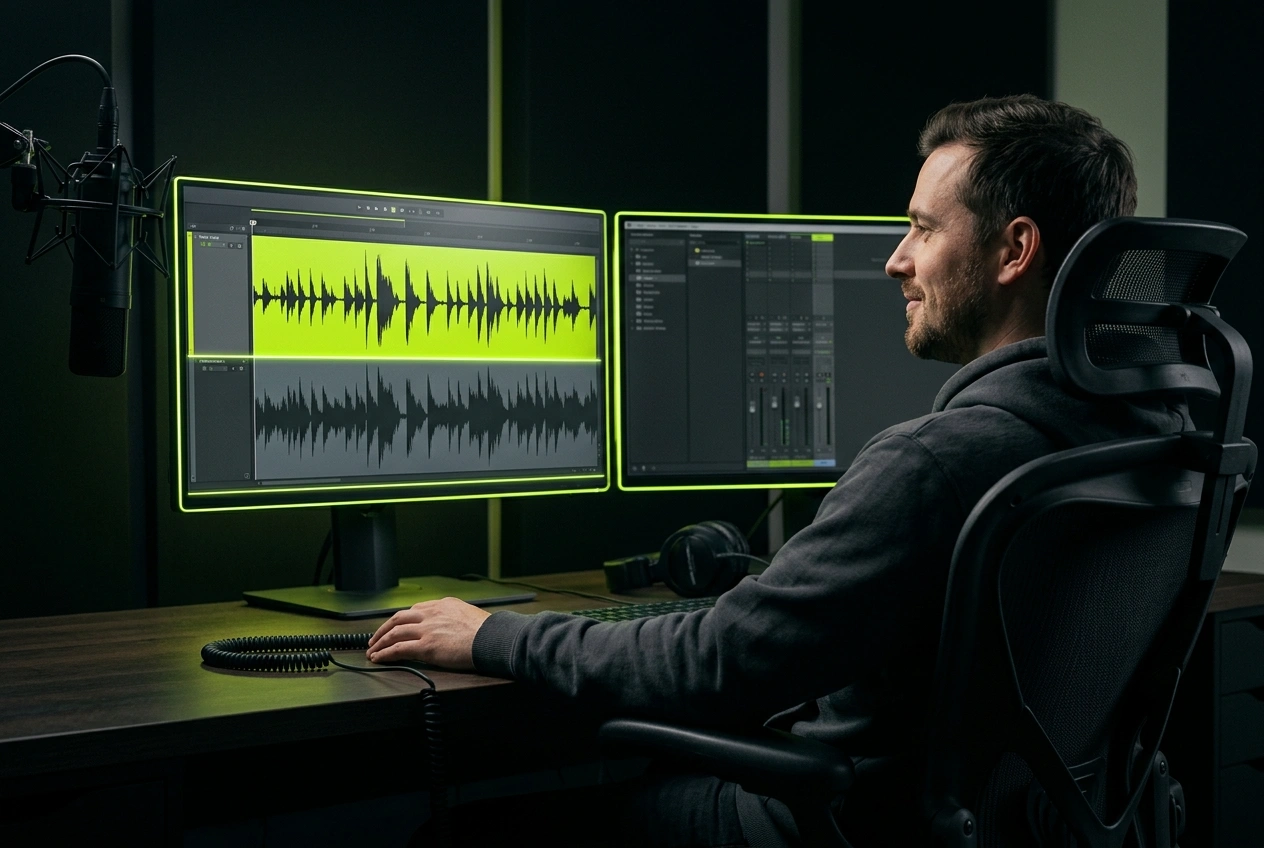
Content Creators and Educators
Extract background music or vocals from YouTube videos for tutorials, presentations, and educational content. Our tool simplifies the process of removing vocals from YouTube for licensing clarity.
Simple Three-Step Process
How YouTube Vocal Remover Isolates Audio in Seconds
Paste your YouTube link, let AI process the audio, and download separated tracks instantly. No technical skills required for professional vocal removal from YouTube.
Paste Your YouTube Link
Enter the YouTube video URL into our vocal remover tool. Our system automatically detects and extracts the audio from your YouTube source within moments.
AI Processes the Audio
Advanced AI analyzes the YouTube audio to separate vocals from instrumental tracks. The algorithm identifies frequency patterns and isolates each element with precision.
Download Your Tracks
Get both vocal and instrumental versions ready to download. Use them for covers, remixes, or karaoke without returning to YouTube repeatedly.
POWERFUL VOCAL SEPARATION
Advanced Features for YouTube Vocal Remover Technology
Our YouTube Vocal Remover delivers studio-grade audio separation with AI precision. Control quality, speed, and output formats for professional music production.
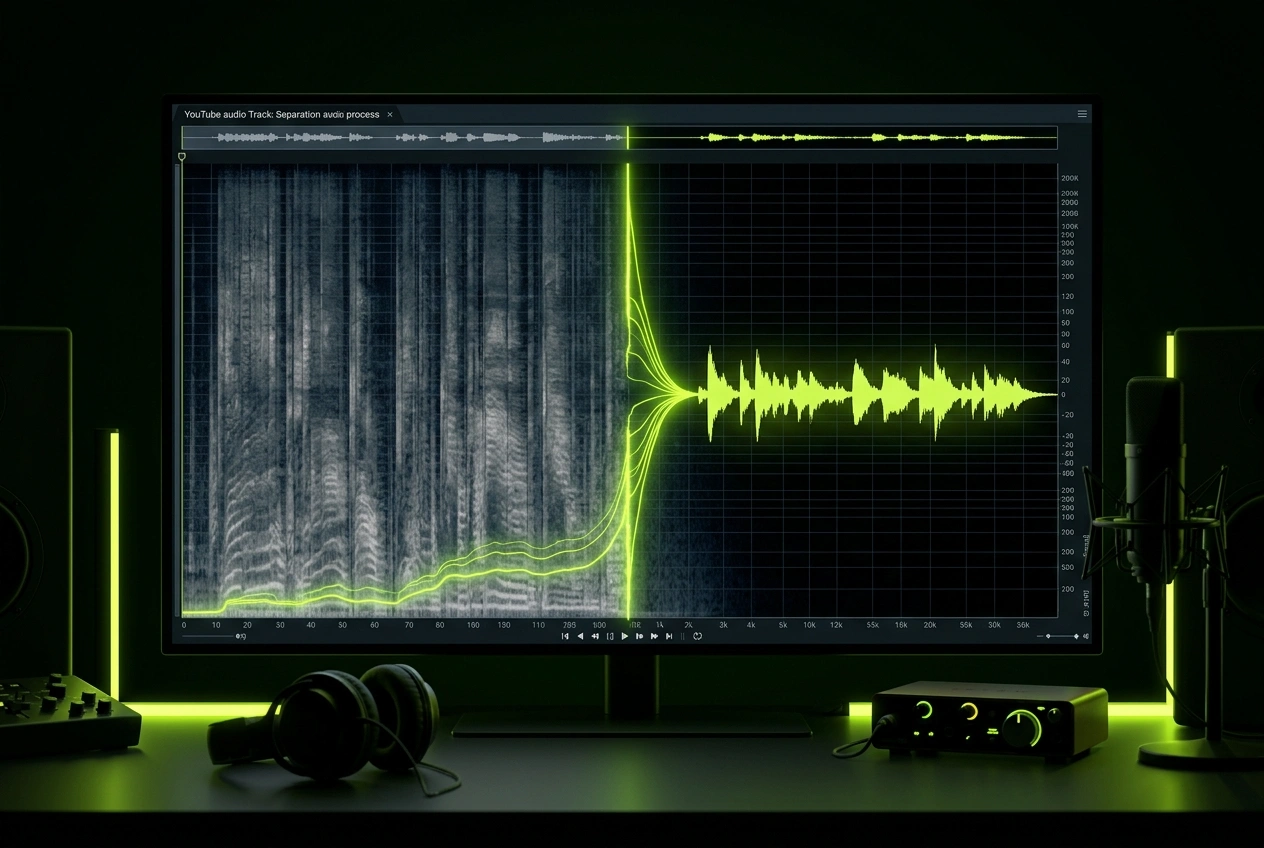
High-Quality Audio Separation
Isolate vocals from YouTube videos with minimal artifacts. Our AI preserves audio clarity while removing background music, delivering clean vocal tracks suitable for professional use.
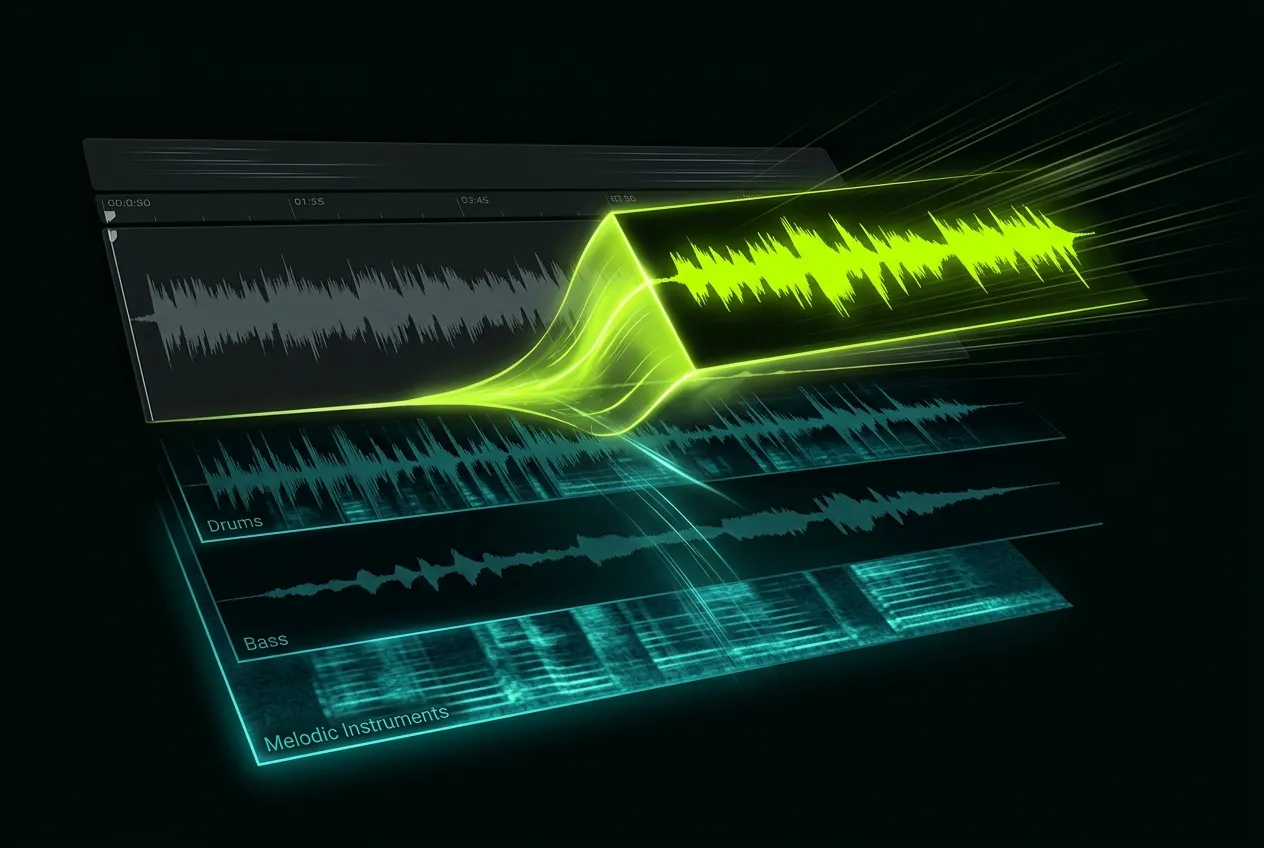
Instant Processing Speed
Process YouTube audio in seconds, not hours. Our vocal remover from YouTube works faster than traditional methods, letting you download separated tracks immediately.
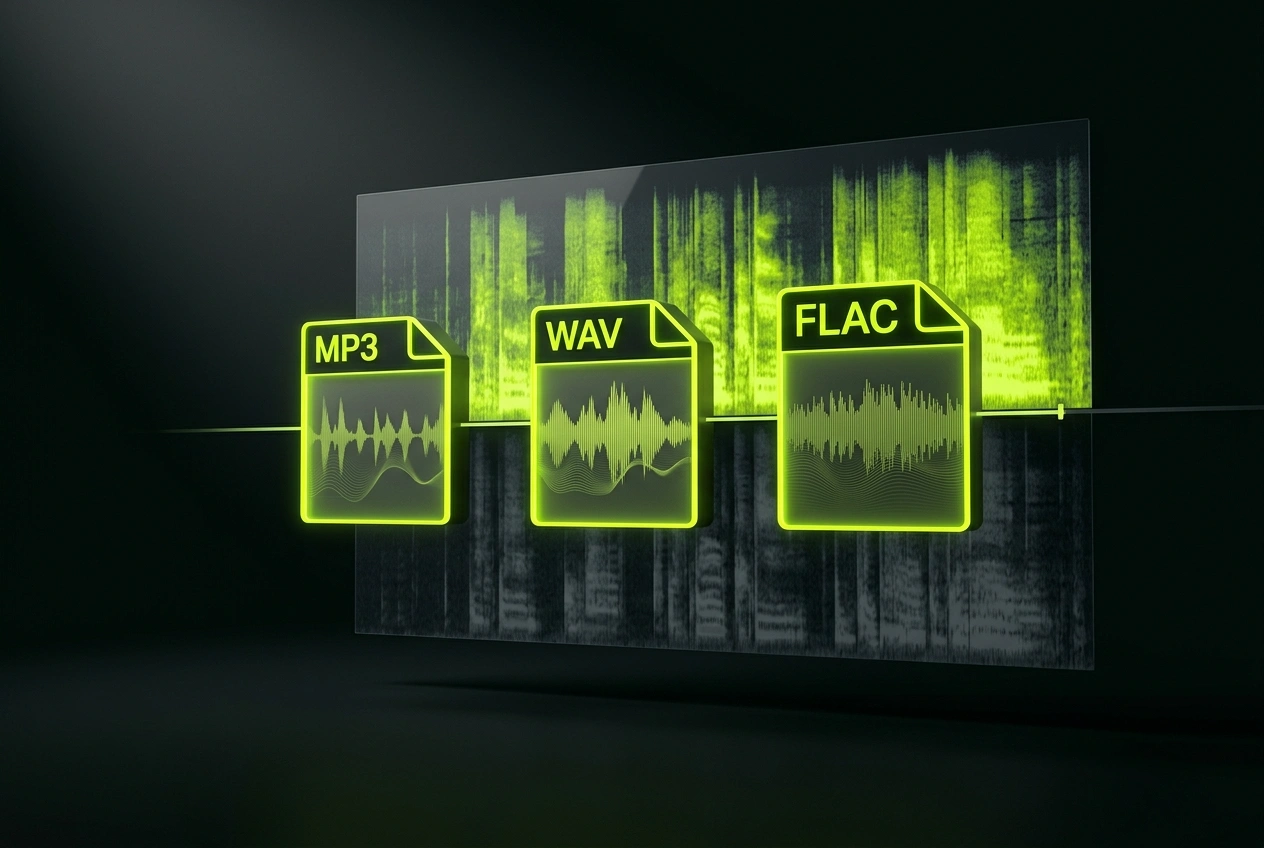
Multiple Export Formats
Download vocals and instrumentals as MP3, WAV, or FLAC. Choose the format that fits your workflow when removing vocals from YouTube content for different projects.
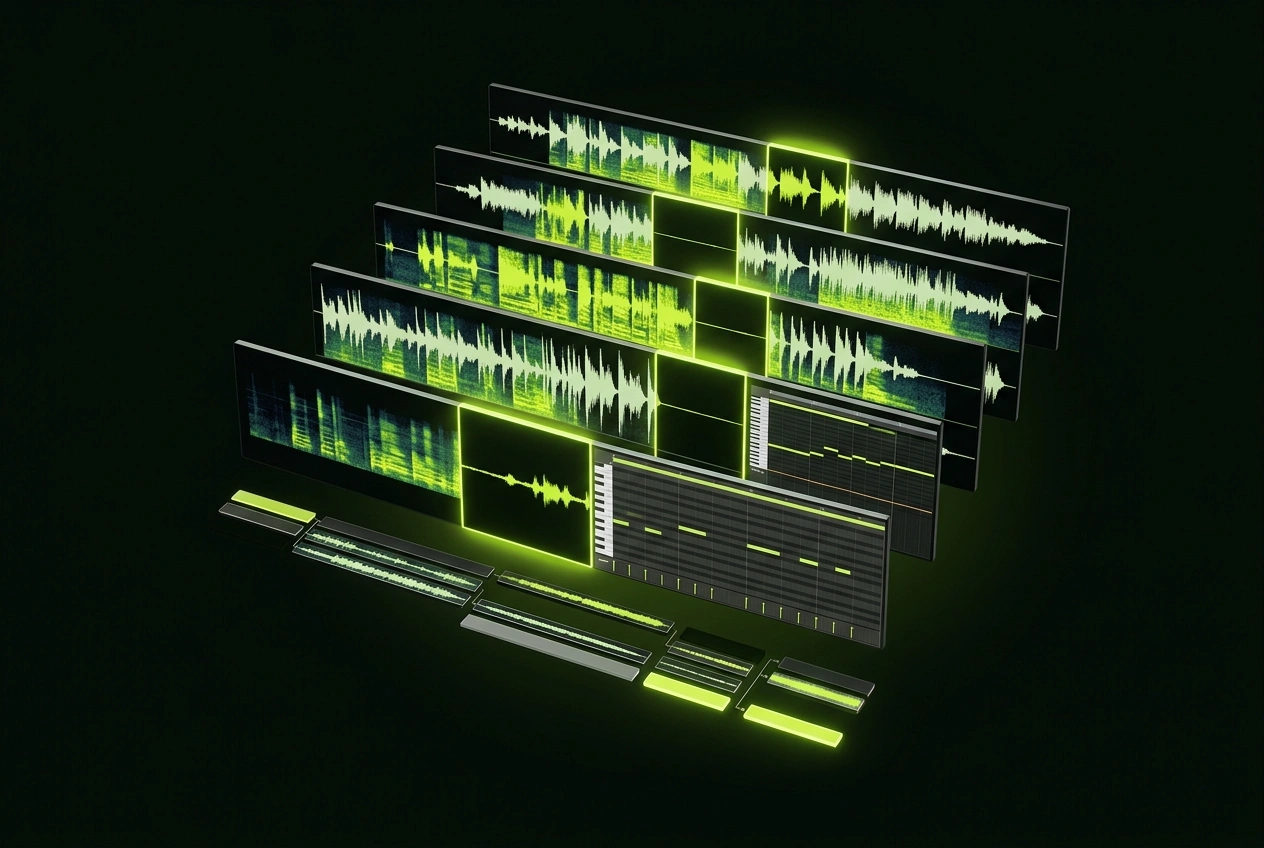
Batch Processing Available
Remove vocals from multiple YouTube videos at once. Process entire playlists or projects simultaneously, saving time on repetitive vocal removal tasks.
Frequently Asked Questions
Can I remove vocals from YouTube links directly?
Yes, simply paste your YouTube URL into our tool. The system extracts audio automatically and processes it through our AI separation engine without downloading the full video. This YouTube vocal remover makes it simple to get isolated tracks.
How does removing vocals from YouTube videos maintain audio quality?
Our AI analyzes frequency patterns to isolate vocals separately from instrumental elements. Advanced algorithms minimize artifacts, preserving the quality of both separated tracks. It is a reliable vocal remover YouTube tool for professional-grade results.
What can I do with separated vocals from YouTube content?
You can create covers, produce remixes, make karaoke versions, or use instrumentals for background music. Separated tracks work perfectly for content creation, music production, and educational purposes. This YouTube remove vocals tool unlocks endless creative possibilities.
Is there a limit to how many YouTube videos I can process?
Processing limits depend on your plan. Our platform supports batch processing, allowing you to remove vocals from multiple YouTube videos efficiently within your subscription tier. It's a powerful vocal remover YouTube link solution for high-volume workflows.
How accurate is the vocal remover for YouTube audio separation?
Our AI achieves 95%+ separation accuracy on most music genres. While results may vary based on audio quality and complexity, the vocal remover consistently delivers professional-grade isolation from YouTube sources.

Start Using YouTube Vocal Remover Today
Remove vocals from YouTube videos instantly with AI precision. Get studio-quality separated tracks for your music projects right now.