Frequently Asked Questions
Which audio files can I turn into a music video?
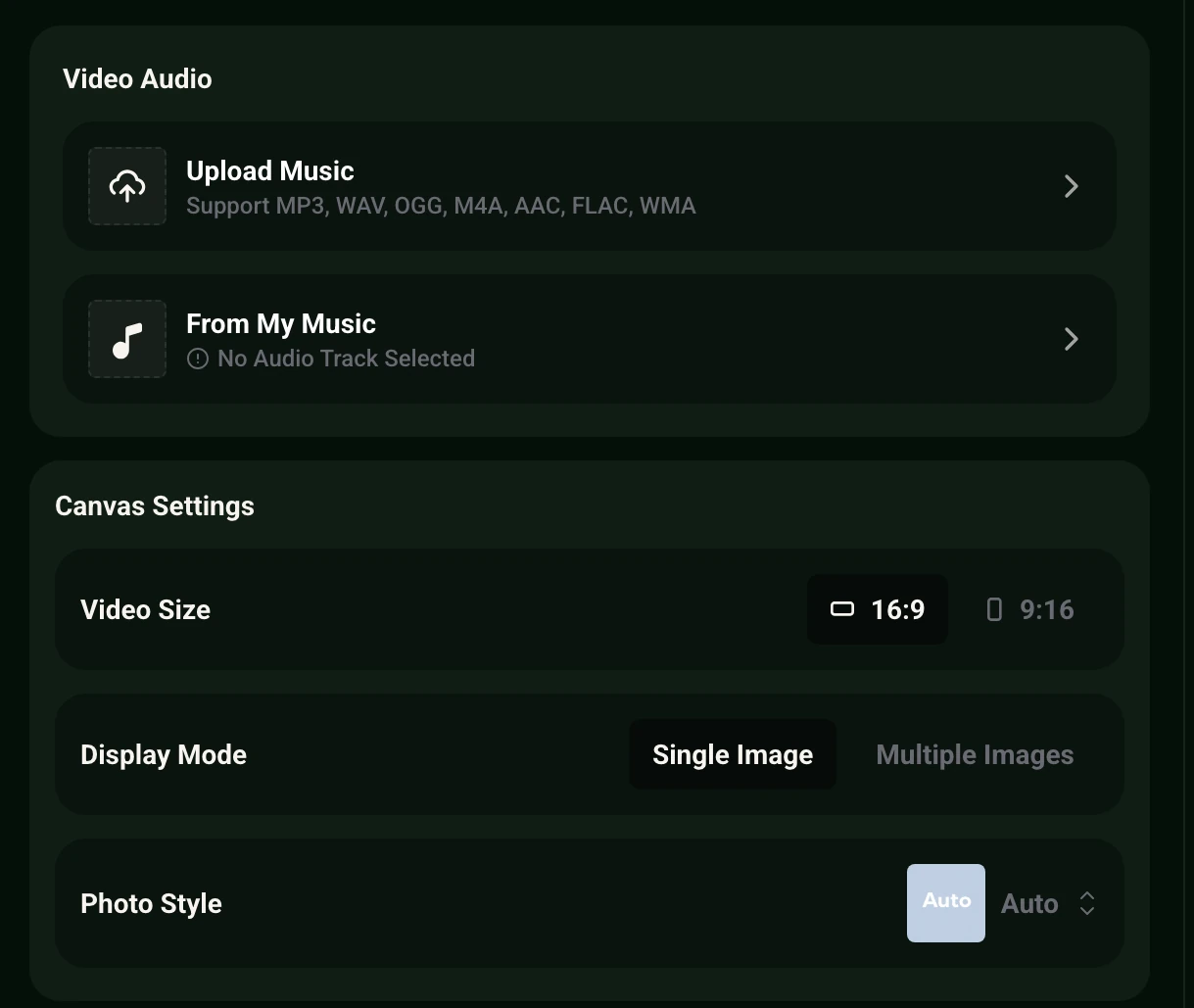
The Music Visualizer accepts MP3, WAV, OGG, M4A, AAC, FLAC and WMA uploads, or you can pick a track you already made in your MusicAI library.
Should I pick the Music Visualizer or the Photo Video Maker?
Pick the Music Visualizer when you want motion that follows the sound, with a wave, captions and a photo style. Pick the Photo Video Maker when your pictures should tell the story and the song plays underneath.
Can the video fit both YouTube and vertical feeds?
Yes. Choose 16:9 for a wide player such as YouTube, or 9:16 for vertical feeds such as Reels, Shorts and TikTok. Render each size separately if you need both.
Does it make story videos or a singer on screen?
The working tools are the Music Visualizer and the Photo Video Maker, which build visuals around your track and your images. Story video and singing video are listed as Coming Soon.
Can I add lyrics or a title on top of the video?
Yes. Turn on Captions in the Music Visualizer, choose a caption style and place the text at the top, middle or bottom of the frame.