The Best AI Vocal Remover
See AI Vocal Removal in Action
Watch how full songs are transformed into isolated vocals or clean instrumentals with our AI Vocal Separator. Ideal for creating karaoke tracks, remix-ready stems, or project-ready audio.

Precision Audio Isolation
Accelerate Production With Clean Audio Extraction
Our Beat Remover simplifies the remixing process for creators. Isolate specific elements from any track to enhance your workflow without complex software installations.
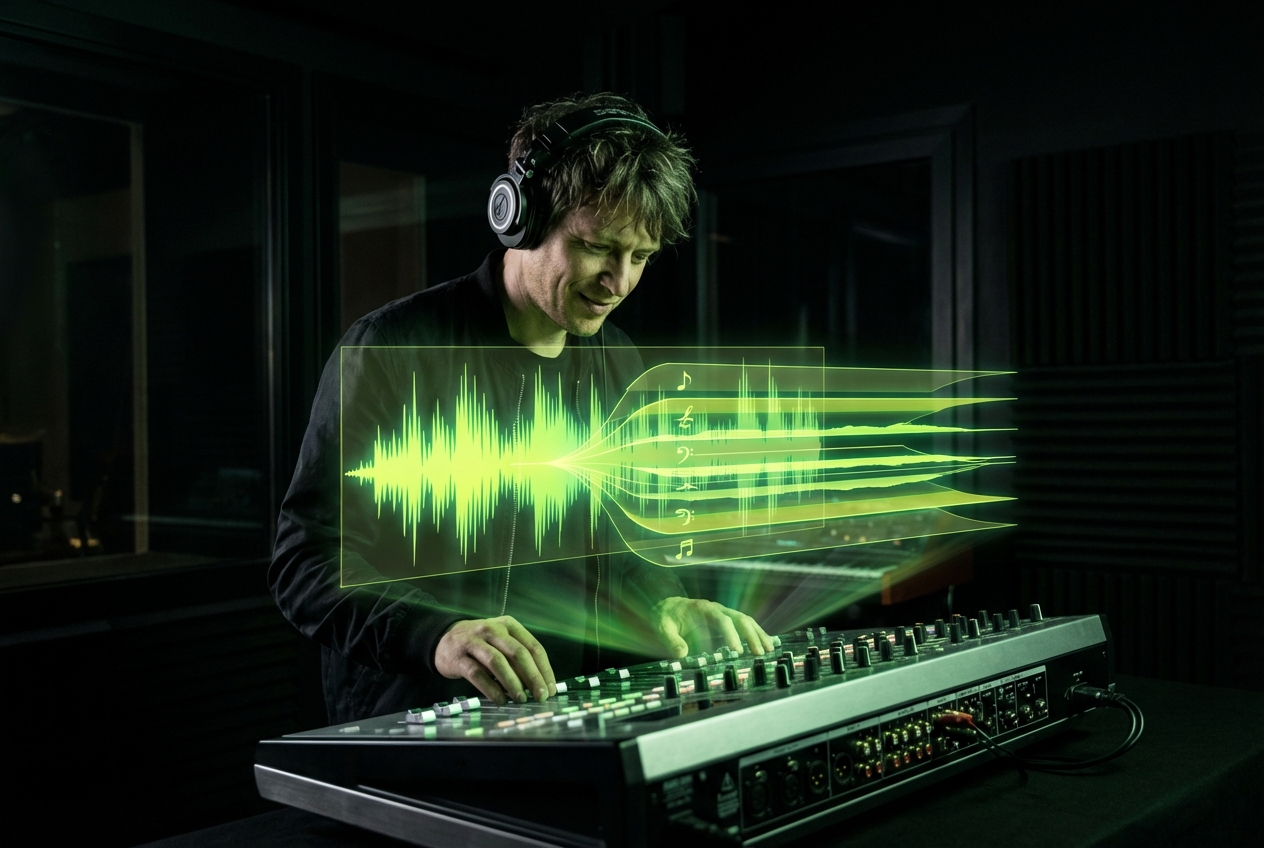
DJs and Remixers
Obtain clean acapellas and drum stems for live sets. High-quality separation allows for seamless mashups without frequency clashes.
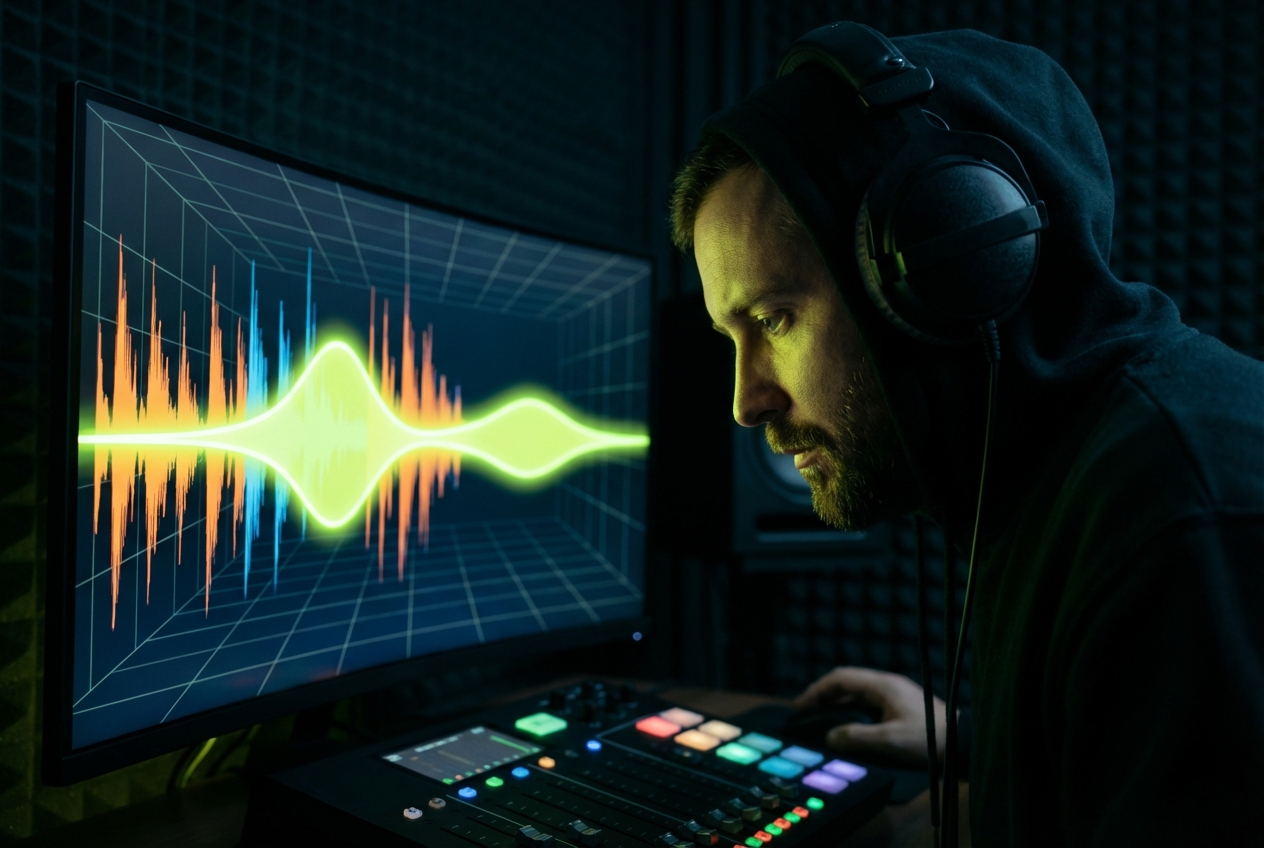
Music Producers
Sample specific instruments or vocals from existing tracks. This tool helps you remove beat elements to analyze composition techniques.
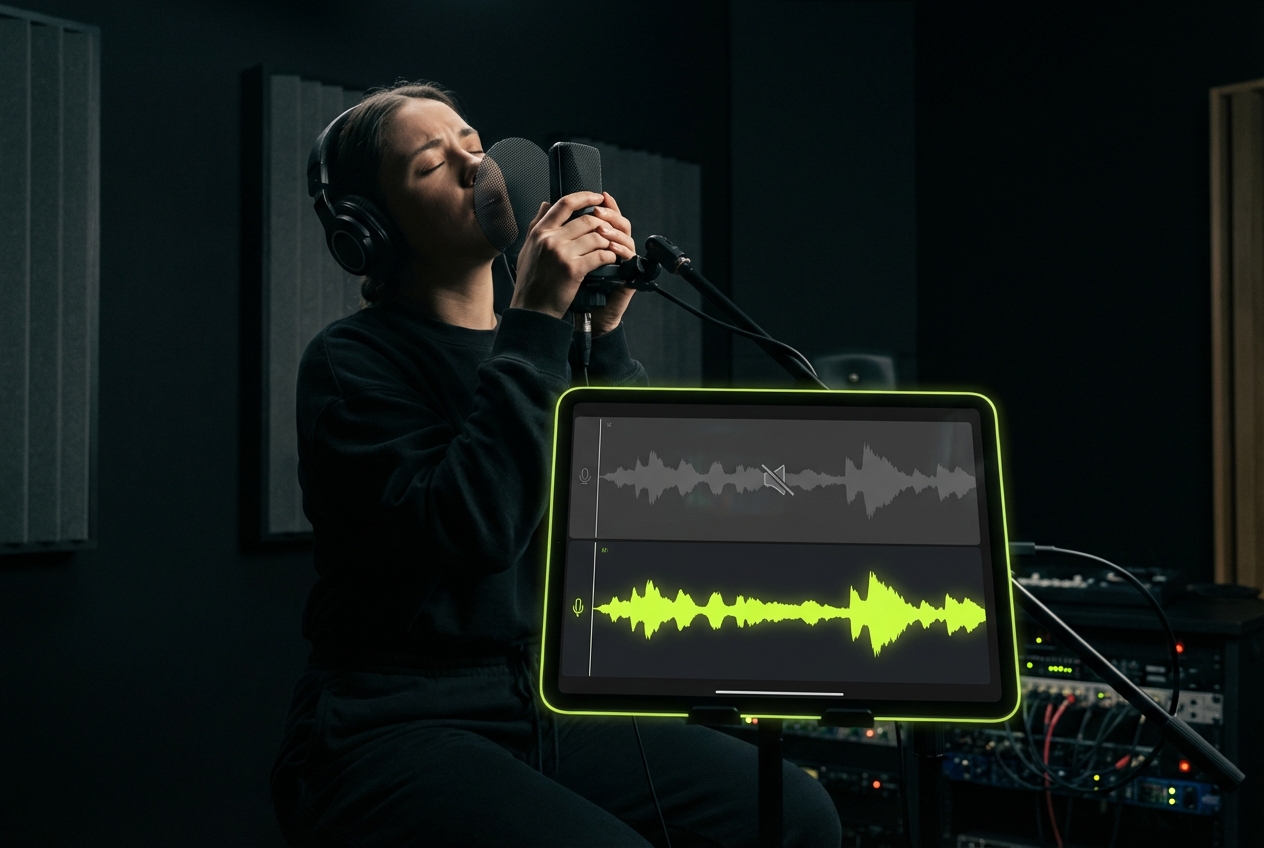
Karaoke Enthusiasts
Create custom backing tracks by removing vocals or drums. Practice your performance with instrumental versions of your favorite songs.
Advanced Separation Tech
Professional Grade Beat Remover Technology
We utilize advanced algorithms to remove beat elements while preserving vocal clarity. This AI Beat Remover ensures minimal artifacts and maximum fidelity for your projects.
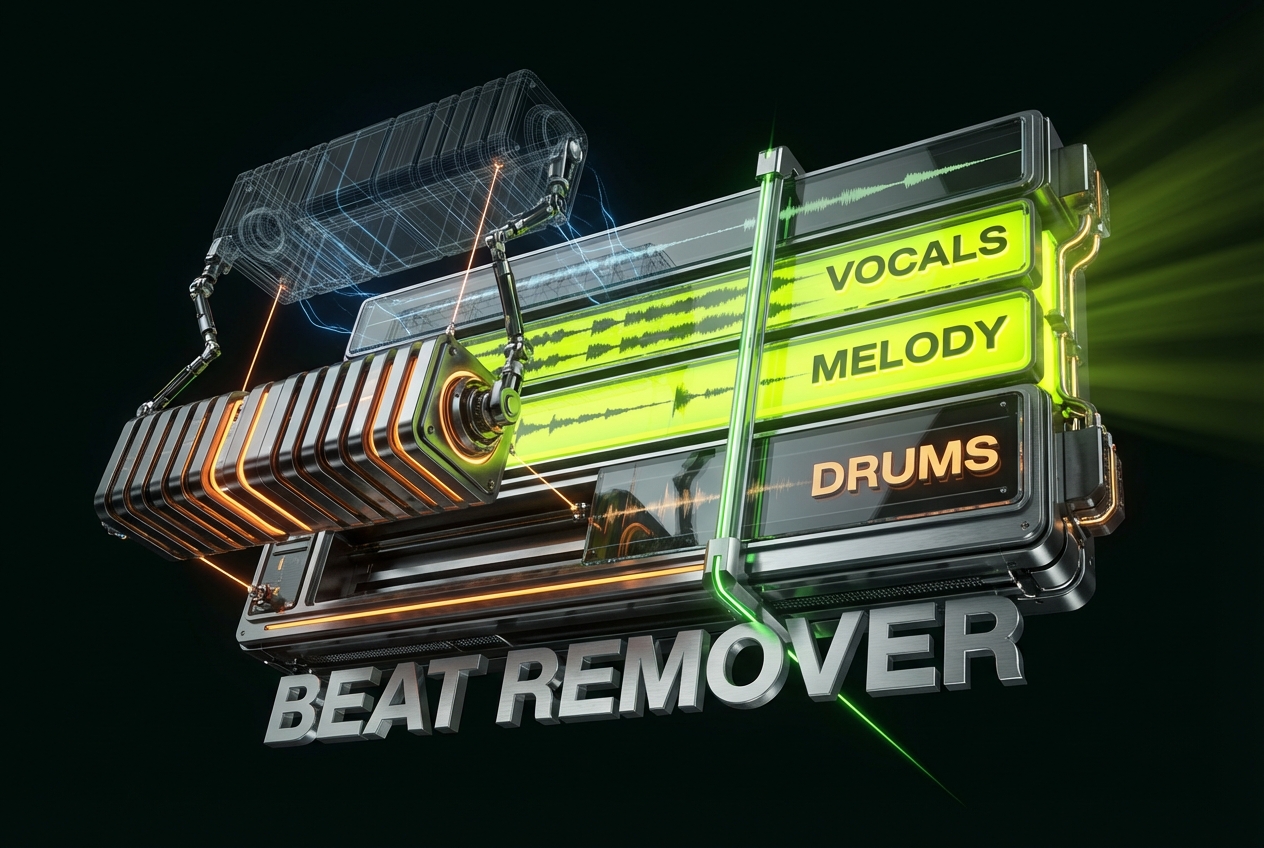
Precise Stem Isolation
Our engine identifies and separates drums, bass, and vocals. You can remove beat layers to isolate the exact sound required for your mix.
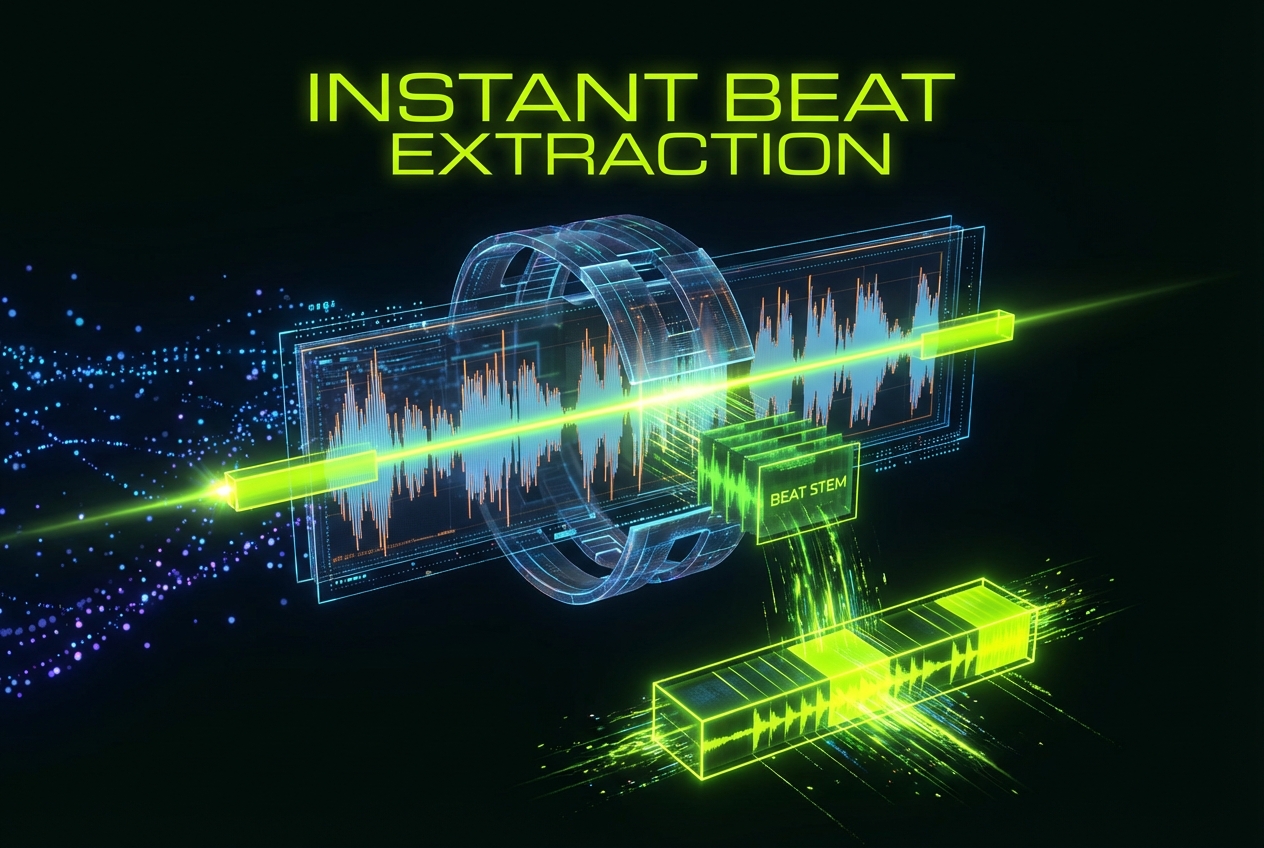
High-Speed Processing
Upload your file and receive separated tracks in seconds. The AI Beat Remover architecture handles complex audio data efficiently to save you time.
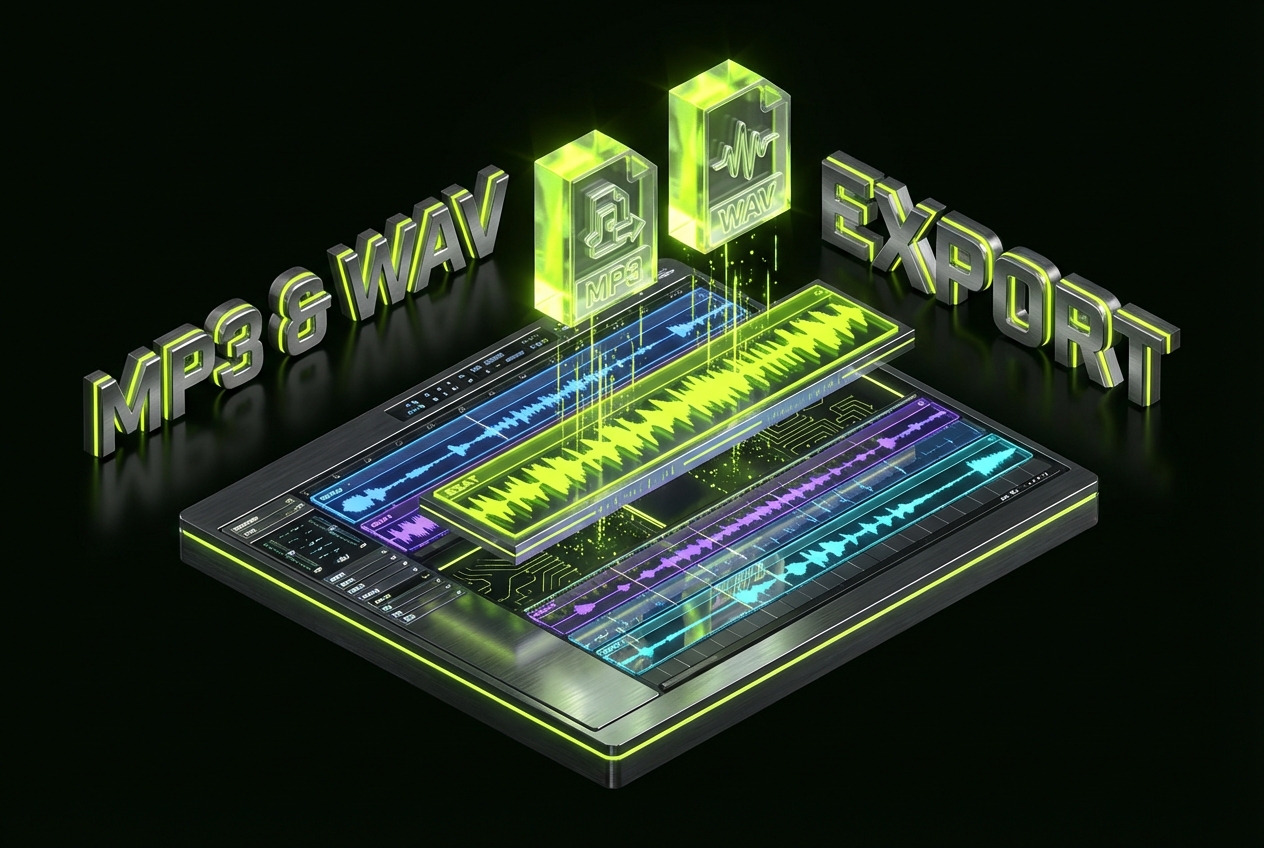
Multiple Format Support
Export your separated stems in MP3 or WAV formats. We ensure the output remains compatible with all major digital audio workstations.
Secure File Handling
Your privacy is paramount during the separation process. Files uploaded to remove beat components are automatically deleted from our servers after processing.
Start Separating Audio
Isolate Tracks In Three Simple Steps
Follow this straightforward process to remove beat components from your audio. Our system processes files quickly, allowing you to focus on creativity and production.
Upload Your Audio File
Drag and drop your song into the interface. The system accepts common audio formats and prepares them for immediate stem separation analysis.
Select Separation Options
Choose to isolate vocals, drums, or instruments. The Beat Remover algorithm identifies the selected frequencies and separates them from the mix.
Download Separated Stems
Preview the results to ensure quality. Download the isolated tracks individually or as a zip package to use in your projects.
Frequently Asked Questions
How accurate is the AI Beat Remover for complex songs?
The algorithm is trained on diverse musical genres to handle complex arrangements. It effectively distinguishes between percussive elements and melodic layers to provide clean separation with minimal bleed.
Can I use the output for commercial projects?
If you upload copyrighted music, you must secure permission from the rights holder. For content generated entirely by our AI from scratch, you own the copyright and it is royalty-free.
What audio formats does the platform accept?
We support standard formats including MP3, WAV, and FLAC. This flexibility ensures you can remove beat elements from high-quality source files without conversion issues.
Is there a limit to the file size I can upload?
Yes, there is a file size limit to ensure fast processing speeds for all users. Please check the upload window for the specific megabyte restrictions currently in place.
Do I need to install software to remove beat elements?
No installation is required. Our tool operates entirely in your web browser, allowing you to process audio and download results on any device with internet access.

Start Your Beat Remover Project
Join creators using our AI Beat Remover to produce clean acapellas and instrumentals directly in the browser. Experience superior audio control today.