
The Best AI Vocal Remover
See AI Vocal Removal in Action
Watch how full songs are transformed into isolated vocals or clean instrumentals with our AI Vocal Separator. Ideal for creating karaoke tracks, remix-ready stems, or project-ready audio.

Target Audience
Accelerate Your Audio Production Workflow
Our Instrumental Remover simplifies audio separation for various professionals. Extract clean backing tracks quickly without complex engineering skills using this advanced Instrumental Extractor tool.

Karaoke Enthusiasts
Create high-quality backing tracks from your favorite songs instantly. Eliminate vocals while preserving the original instrumentation for a seamless singing practice experience.

Music Producers
Isolate specific stems for remixing or sampling purposes efficiently. This tool provides a clean foundation for new compositions without manual phase cancellation.

Content Creators
Generate background music for videos by removing distracting lyrics. Avoid copyright claims on vocals by using only the instrumental layer for content.
Core Capabilities
Powerful Instrumental Remover Capabilities
Experience precise audio separation with our AI Instrumental Remover technology. We ensure every Remover Instrumental process maintains the original audio quality for professional results.

High-Fidelity Separation
The algorithm analyzes frequency spectrums to distinguish vocals from instruments. It extracts clean audio without introducing digital artifacts or muddy frequencies into the output.

Rapid Processing Speed
Cloud-based rendering ensures your files are processed in seconds. You receive the separated Instrumental Extractor output immediately without taxing your local computer resources.
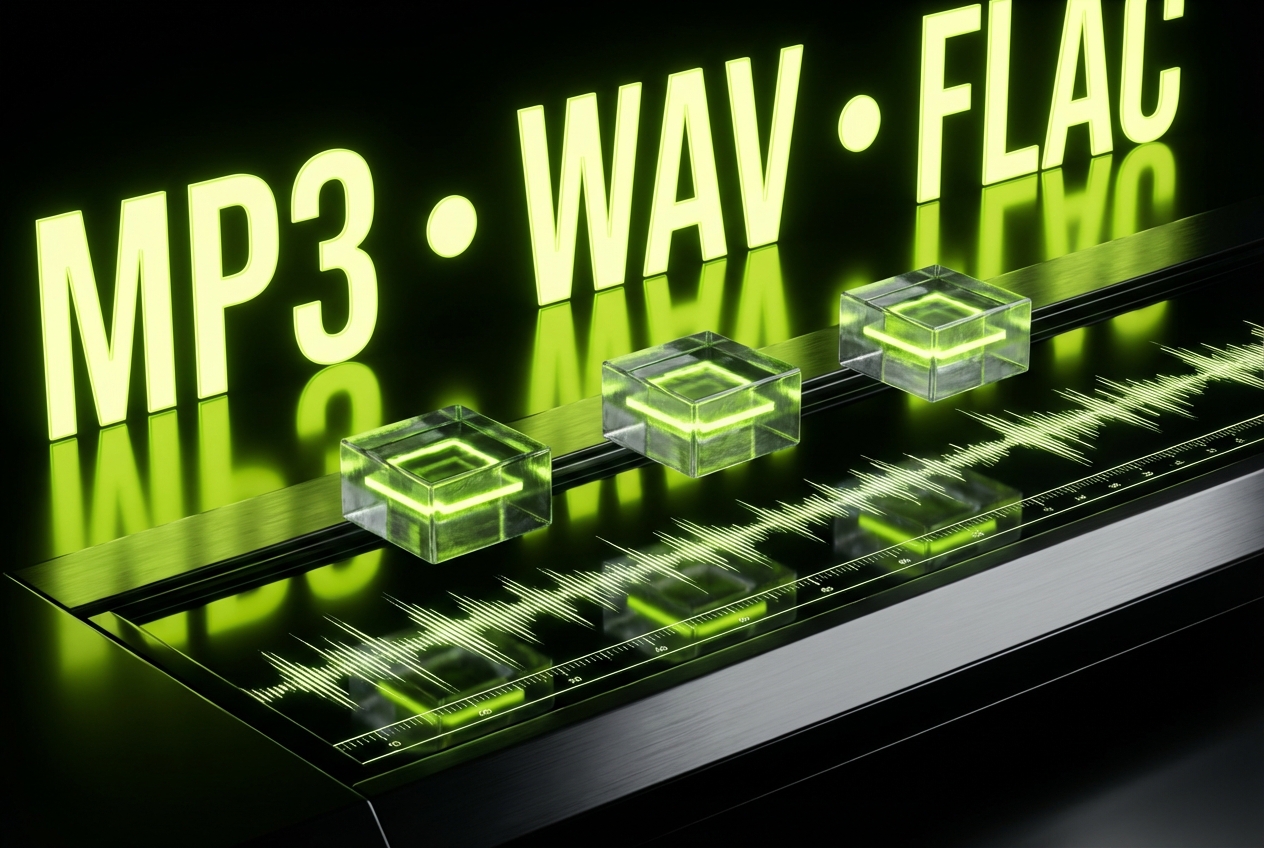
Multiple Format Support
Upload MP3, WAV, or FLAC files for versatile compatibility. The system handles various bitrates and exports the final instrumental track in your preferred format.

Batch File Processing
Upload multiple songs simultaneously to save valuable studio time. The Remover Instrumental engine queues and processes entire albums or playlists in one session.
Easy Steps
Extract Instrumentals In Three Steps
Follow this simple guide to use our Instrumental Remover effectively. Upload your files and let the AI Instrumental Remover handle the complex separation process.
Upload Audio File
Drag and drop your music file directly into the browser interface. The system accepts most standard audio formats for immediate analysis.
Process Separation
Click the separation button to initiate the AI analysis. The engine isolates the vocal frequencies and removes them from the track.
Download Instrumental
Preview the result to ensure quality meets your standards. Save the clean backing track to your device in high-quality audio format.
Frequently Asked Questions
How does the AI Instrumental Remover maintain audio quality?
Our system uses advanced spectral analysis to identify and subtract vocal frequencies precisely. This ensures the remaining instrumentation retains its original bitrate and clarity without distortion.
What file formats does the Instrumental Extractor support?
We support all major audio formats including MP3, WAV, FLAC, and M4A. The output can be downloaded in the same high-quality format as the source file.
Can I use the Remover Instrumental tool for commercial projects?
The tool processes audio you upload, but copyright laws depend on the original source material. You must ensure you have the rights to the original song before commercial use.
Is there a file size limit for the online extractor?
Yes, to ensure fast processing speeds for all users, individual files are limited to 50MB. This covers most standard high-quality songs and audio clips.
Are my uploaded files stored on your servers permanently?
No, user privacy is a priority. All uploaded files and processed instrumental tracks are automatically deleted from our servers shortly after you download them.

Start Using The Instrumental Remover Today
Isolate backing tracks instantly with our online Instrumental Extractor. Achieve professional audio separation results now.